Description
SPECIFICATIONS
2.8mm Fixed Lens: Max. Aperture F2.0
3MP: 2304*1296
AI Functions: Human Detection
Alarm Action: FTP Photo,telefon Alarm,Local Alarm
App name: Imou Life
Audio Output: Two Way Audio
Brand Name: IMOU
Built-in Mic & Speaker: Two-way Audio
Camera Weight: 180g (0.40 lb)
Certification: CE,FCC
Charging Temperature: -0℃~+45℃ (32℉~112℉)
Color: WHITE
Color Night Vision: Yes
Configurable Region: Yes, Support
Connectivity: WIFI(2.4GHz)
DC 5V 2A Power: Imou Solar Panel Supply
Dimensions (L x W x D)(mm): 88*63*41 mm (3.46*2.48*1.61 inch)
Field of View: 98°(H), 54°(V), 121°(D)
Frame Rate: Up to 15fps
High Definition: 3.0 Megapixels
High-concerned chemical: None
Human Detection: Yes, Support
IP Rating: Other
IR Distance(m): 15m(49ft) Distance
Installation: Normal
Lens (mm): 3.6mm
Lens Quantity: Single Lens
Megapixels: 3 MP
Model Number: Cell Go Full Color
Motion Detection: Yes, Support
Operating Temperature: -20℃~+50℃ (-4℉~122℉)
Origin: Mainland China
Power Consumption: < 3.5W
Power Mode: Battery Powered
Power Supply: Normal
Rechargeable Battery: Built in,5000mAh
Rechargeable Battery Capability: Other
Scene: Outdoor
Sensor: CMOS
Sensor Brand: Omnivision
Shell Material: Plastic
Smart home platform: Other,alexa
Special Features: Waterproof / Weatherproof
Style: Box Camera
Supported Mobile Systems: Android,iOS
Supported Operating Systems: Windows 98,Windows XP,Windows 7,Windows 8,Windows 10
TF Card: None
Video Compression: H.264&H.265
Video Compression Format: H.264,H.265
Work mode: 6 working mode
Zoom: 8x
Zoom type: Digital zoom
is_customized: No
Cell Go Full Color Kit
Always in the Know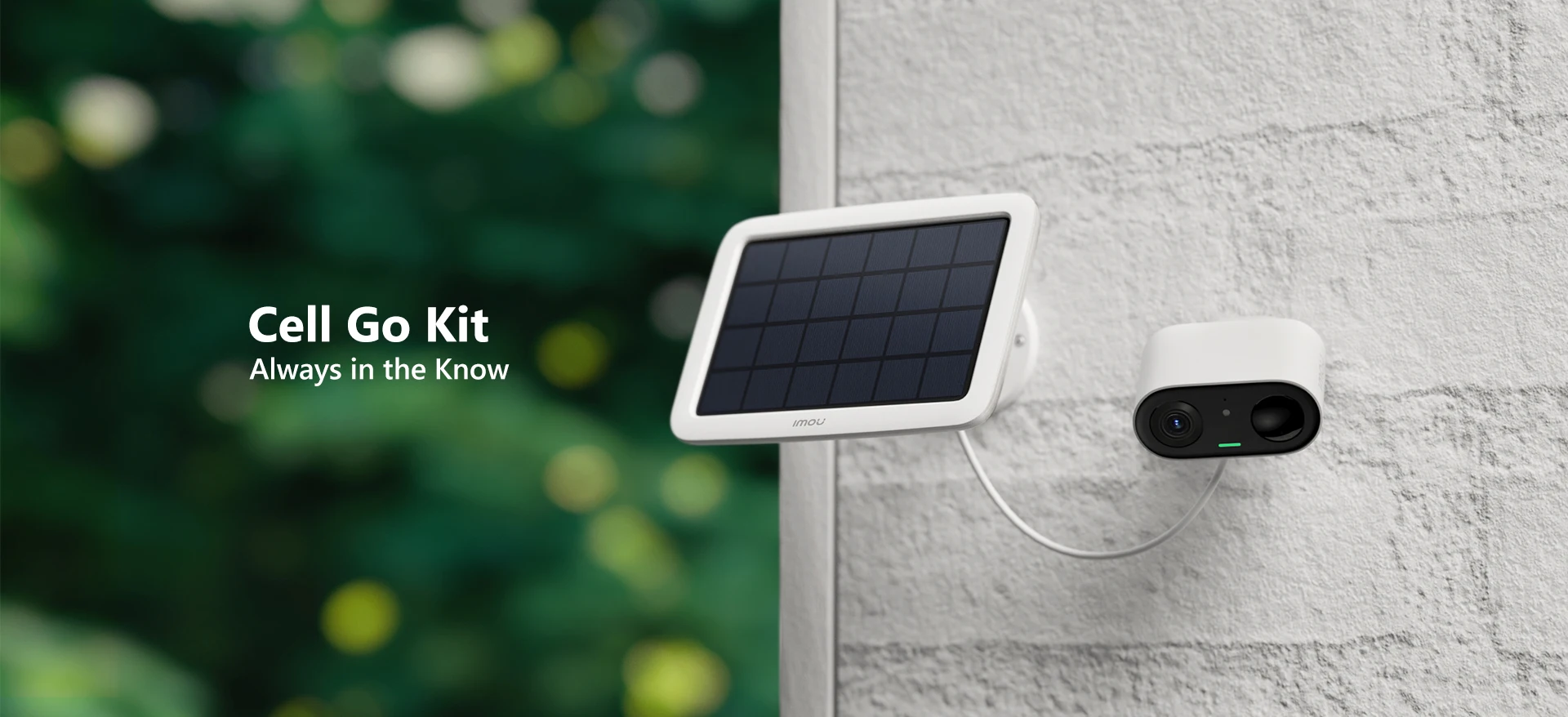 3MP QHD Video | 100% Wire-Free | Rechargeable Battery
Siren & Spotlight | PIR+Human Detection | Low-Battery Notifications
Two-way Talk | Privacy Mode | Type-C
IP65 | Flexible and Secure Storage | Works with Solar Panel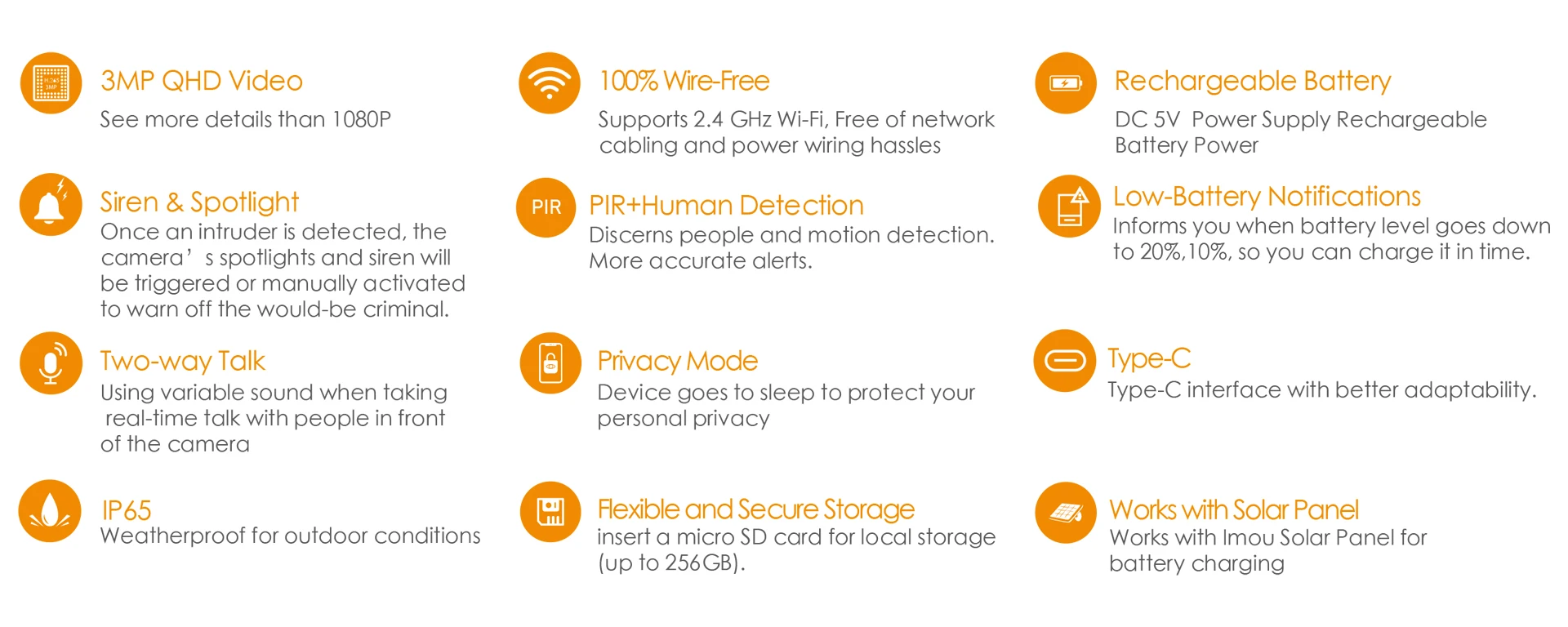 Non-stop Protection
The solar panel keeps the included 5000mAh Battery Pack charged for non-stop power.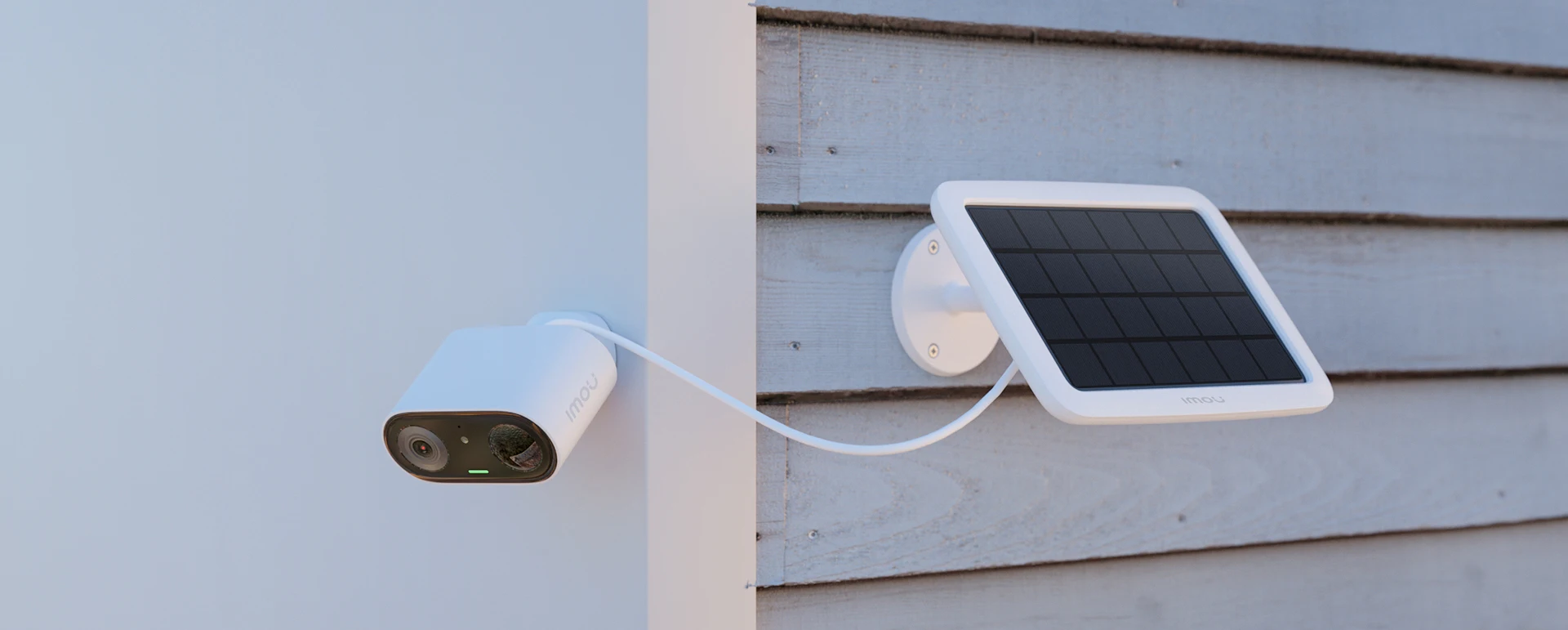 See the world in 2K, even at night
With 3 megapixels camera, Cell Go makes it easy to capture the crisp details you need.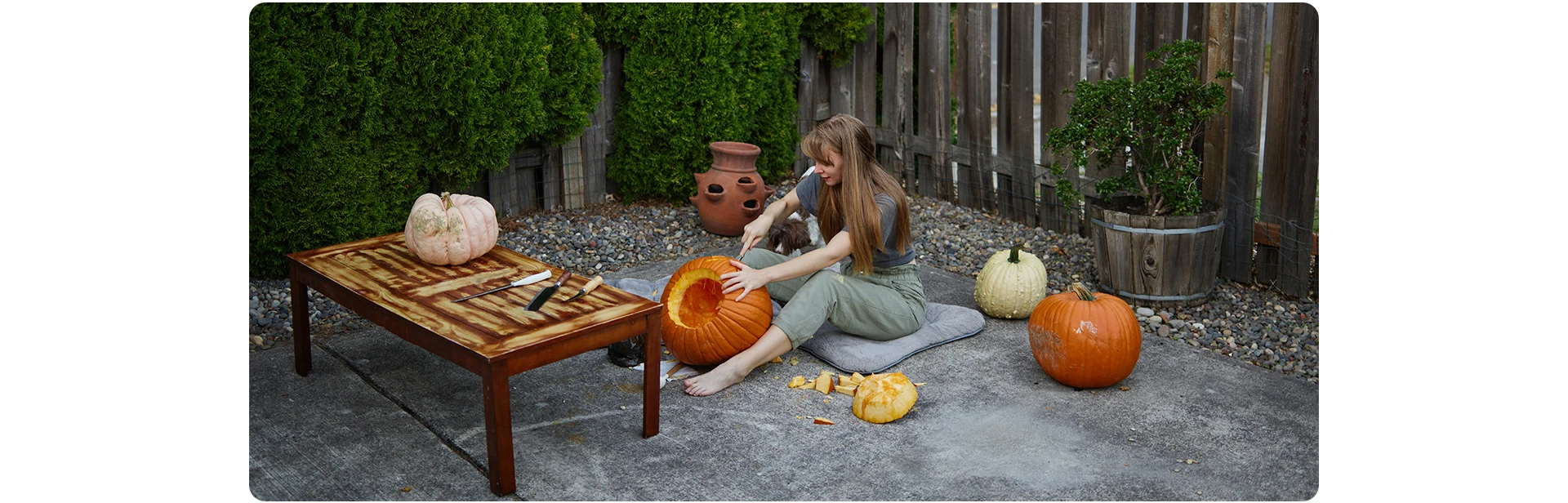
Install it in minutes
Snap Cell Go into your yard, kitchen, or living room…after a “click”, it’s done.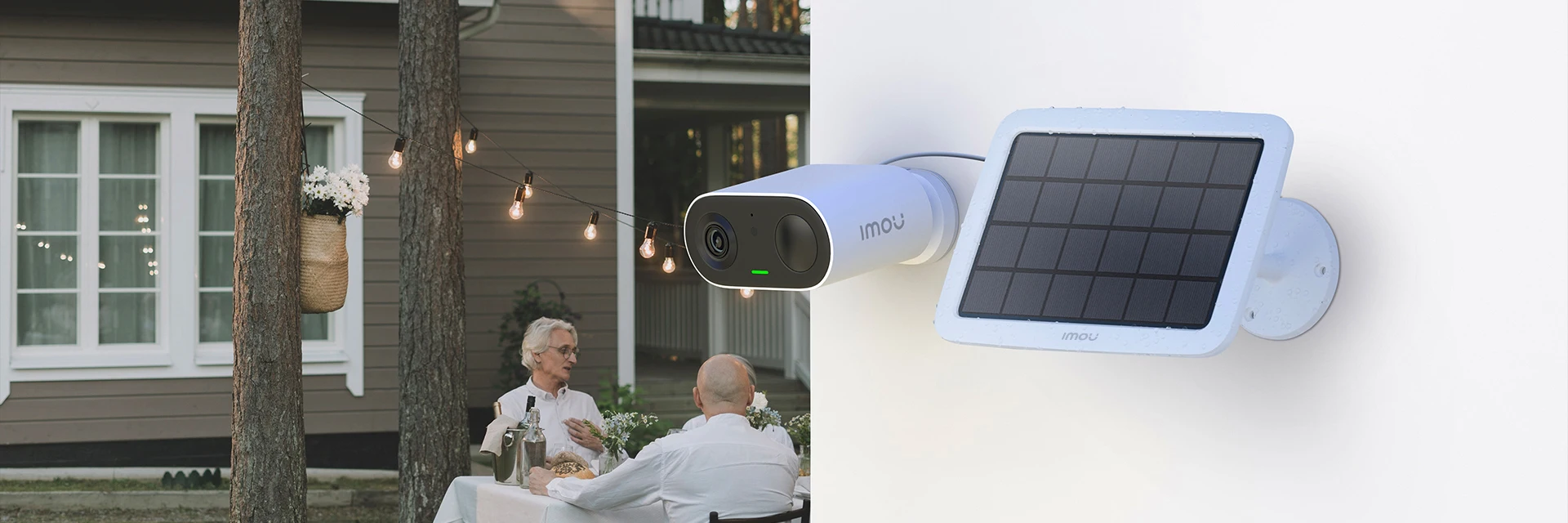 AI Human Detection with 99% accuracy
Send you events that really matter, with an advanced image processing technology, the accuracy of human detection can reach 99%.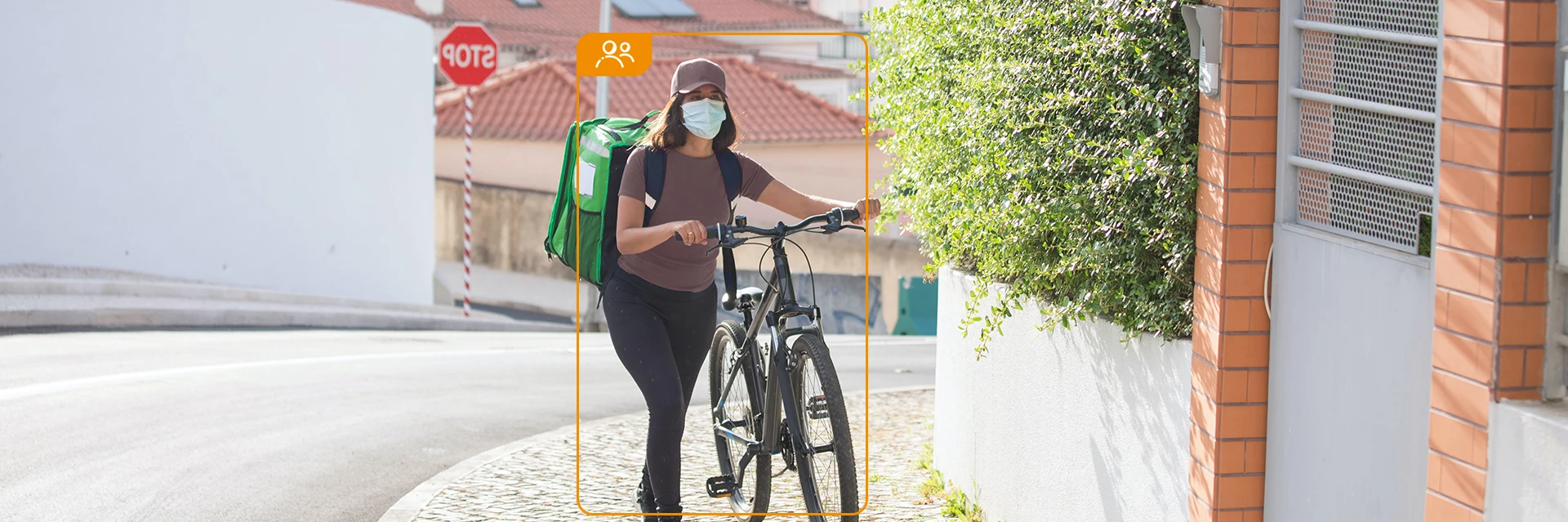 Two-way talk with built-in voice changer
Hide your identity from strangers, Cell Go has a built-in voice changer which will help you protect your privacy.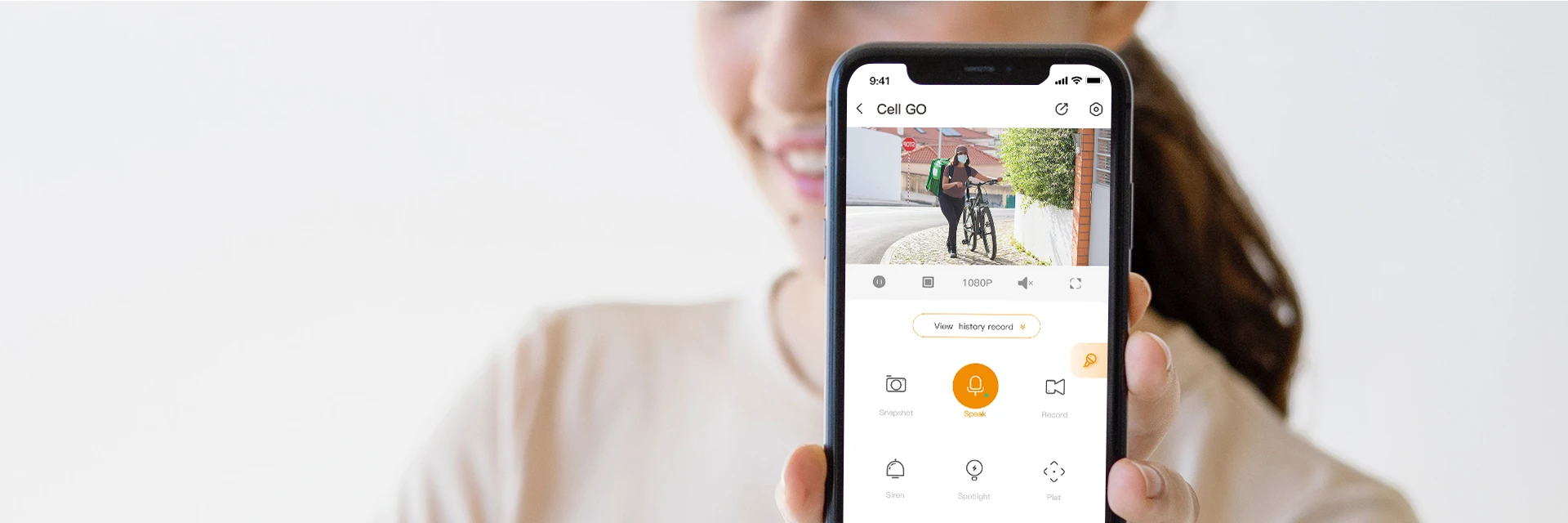 Warn off unwelcome visitors
90dB siren will be triggered when the human target is detected, keeping unwanted visitors away from you home.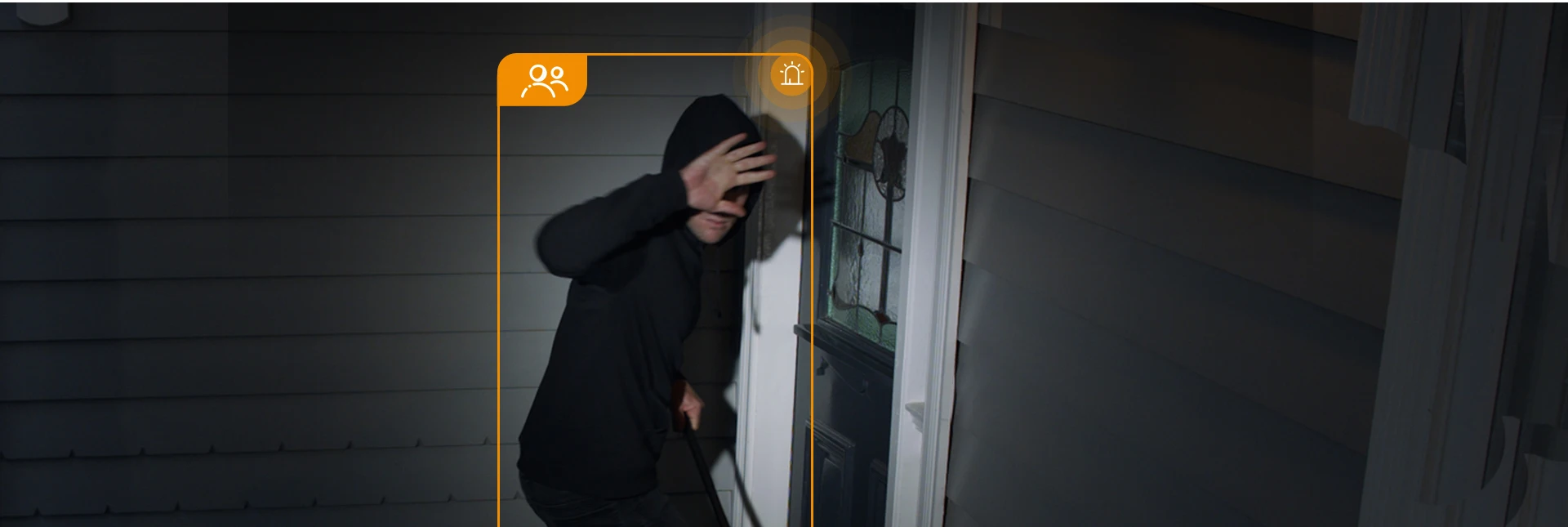 Record your life with Cell Go
Cell Go‘s unique vlog feature allows you to become the director of your life. Available in No-WiFi area
Cell Go can be used as a hotspot to connect directly to your phone, so you can transmit footage in basements without signal or when using vlog mode.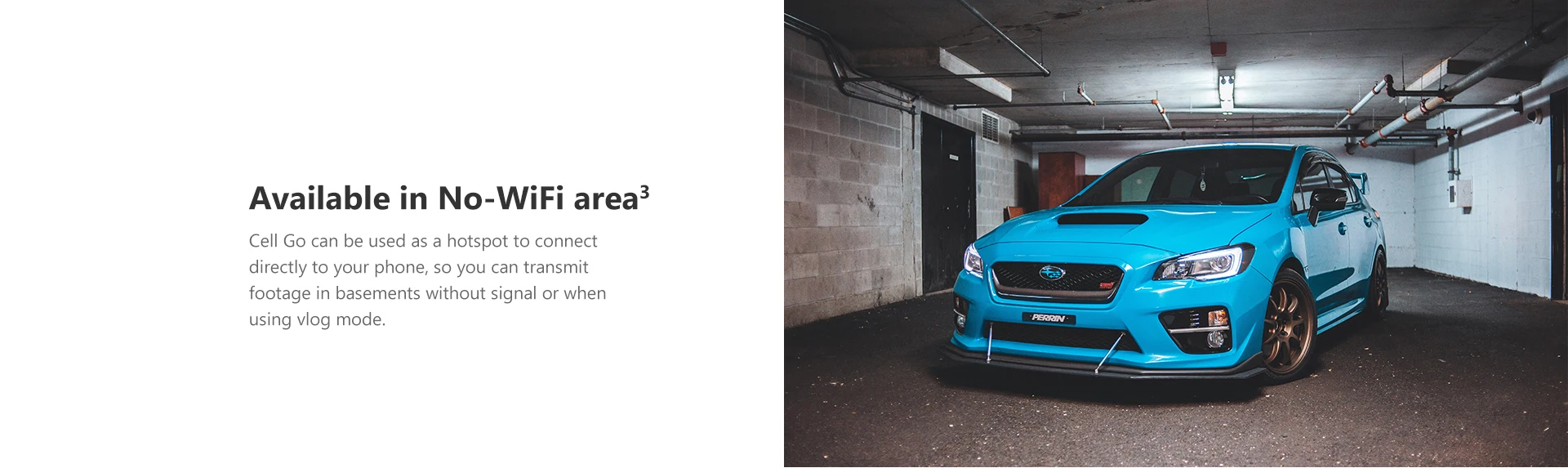 It’s weatherproof
With IP65 certified weather resistance, Cell Go can easily handle windy, rainy, and sandy weather.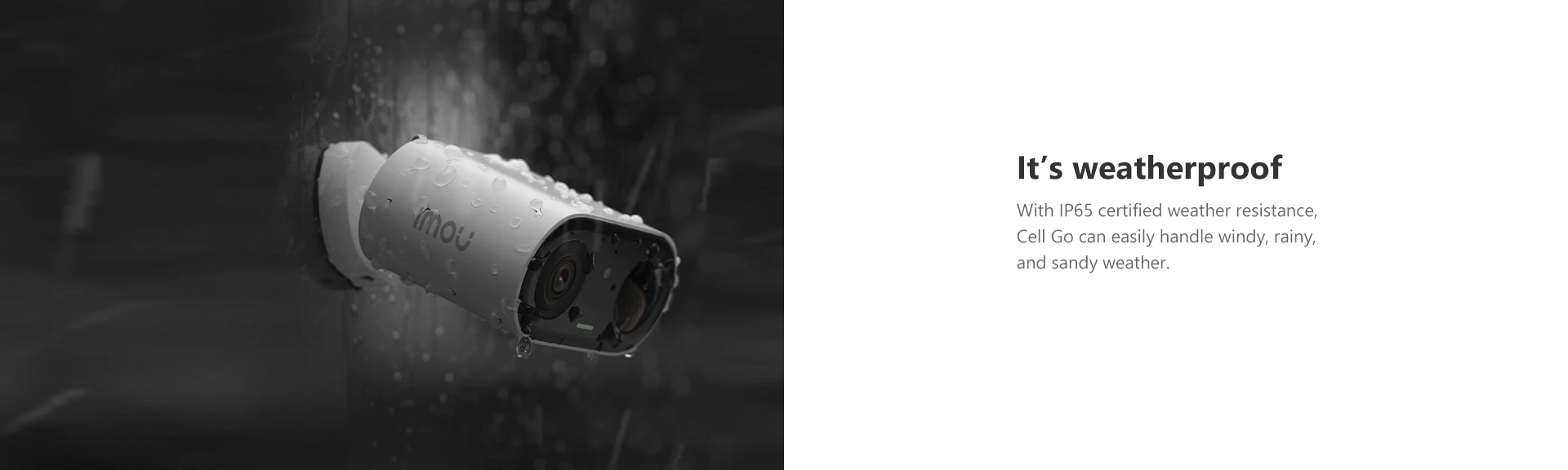 6 working mode
Cell Go can set 6 different working modes on app to cope with different scenarios.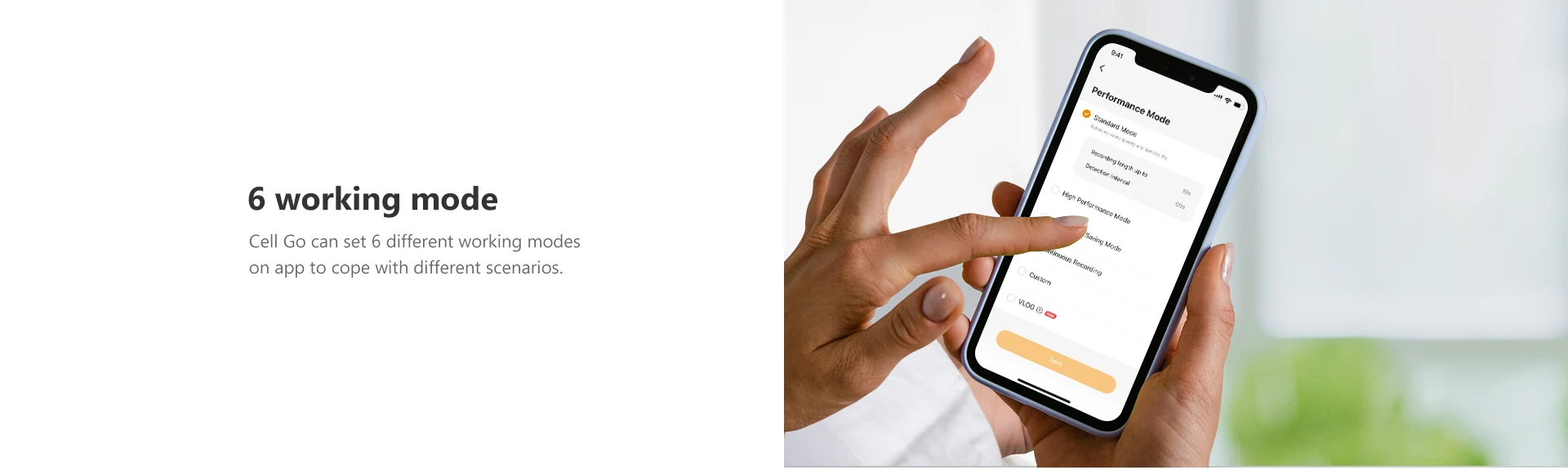 Product Details
 What’s in the box?
- 1x Camera
- 1x Mounting Bracket
- 1x Install stickers
- 1x Type-C Cable
- 1x Quick Start Guide
- 1x Screw Mounting Base
- 1x Screw and Wall Anchor pack
-1x Solar Panel
-1x Locking Screw Cap
-3x Wall Anchors
-1x Unversal Joint
-1x Base
-1x Quick Start Guide
-1x Circular Socket Nut
-4x Screws
FAQ
Q: Difference between SD memory card and cloud storage?
A:
1) Using SD card need to use computer to read the history monitoring screen, when the memory card is full, it will automatically delete and start a new round of recording, make sure to save the data in time;
2) Cloud storage is a value-added service, new devices have a 7-day free trial period of cloud storage, you can view the history monitoring screen directly in the app. When the trial period is over, you can choose to subscribe in the app. There is a time limit for using this service, when the time is full of 3 days or 7 days, the records will be automatically deleted and start a new round, make sure to save the data in time.
Q: How to modify device’s photo /name /channel name /password in mobile app?
A: Two methods to modify device infos from your account,firstly login into your account in mobile app:
Method 1: Go to preview page then click icon on the top right corner, go to device settings page,click device image bar to Device Info page,click corresponding option to modify.
Method 2: Click Me->My Device->select corresponding device ->click device image bar to Device info page -> click corresponding option to modify.
Q: The app says"Failed to bind"?
A: When the app says “Failed to bind”, it means your device is already successfully connected to your Wi-Fi, but failed to add the device to your Imou account. Please double check whether your router is connected to Internet, then try again. Normally the reason is the Internet connection is not stable.
Q: Imou account?
For security reason, one camera can be bound to only one Imou account. So if you want to add your camera to a new account, please delete it from the previous account first.
A: Two methods to delete camera from your account,firstly login into your account in mobile app:
(1) Method 1:go to preview page then click gear icon on the top right corner, go to device settings page, slide to the bottom then delete device.
(2) Method 2:Click Me->My Device->select corresponding device ->slide to the bottom ->Delete Device.
Q: I changed my Wi-Fi, I want to put the camera at a new location, how to connect my camera to my new Wi-Fi?
A:
1)Firstly please check whether your camera has an Ethernet port and whether you have an Ethernet cable at hand.
2)If yes, please power on your camera and connect it to your Router with the Ethernet cable, wait till the LED turn stably blue to make sure it has access to Internet. Then login to your Imou account, find your IPC on “Device” page and go to its settings page, then tap “Wi-Fi Config” and you can connect it to your new Wi-Fi.
3)If your camera has no Ethernet port or you don't have a cable at hand, we suggest you reset your camera to factory default, then setup your camera with the new Wi-Fi.
Q: How can I receive the alarm message?
A:
1)Firstly, you need click the enable button in the upper right corner in the picture of the channel of main page.
2)If it says “Failed to subscribe”, we suggest you ensure the following configuration:
Receives notifications from APP. Enable Imou Notifications via “Settings”->” Notifications” on your iPhone and “Me”-> “Settings”-> “Notice” on Imou APP.
3)Enable Event in the device. Take motion detection as an example, the event should be enable and time schedule should be valid.
4)Make sure the device is connected to Internet.
5)After successfully subscribe, you will receive the message.
Q: Working at night, the image is all black?
A: Reason:
1)IR LED didn’t light up
2)ICR didn’t switch to night mode
3)Objects are too far away from the camera
Solution:
①If the IR LED did light up, but you cannot hear “KA” and the image is still all black, maybe there is something wrong with the ICR.
②For consumer cameras, the IR distance is less than 10m(differ between different models), so you cannot see too far away at night.
About IMOU