Description
SPECIFICATIONS
AI Functions: Human Detection
APP: ICSEE
Alarm Type: Local Alarm
App name: Other
Audio Output: Two Way Audio
Brand Name: BERRY IOT
Certification: CE,FCC
Choice: yes
Color: WHITE
Color Night Vision: Yes
Connectivity: IP/Network Wireless
High Definition: 6.0 Megapixels
High-concerned chemical: None
IP Rating: IP66
IR Distance(m): 30M
Installation: Wall Mounted
Internal Storage: None
Lens (mm): 3.6mm
Lens Quantity: Dual Lens
Megapixels: 6mp
Minimum Illumination(Lux): 0.01LUX
Movement Range(Pan): 0°-360°
Movement Range(Tilt): Other
Operating Temperature: -10°-60°
Optical Zoom: NONE
Origin: Mainland China
Power Mode: Solar Powered
Power Source: Solar Powered
Power Supply: Normal
Power Supply(V): 5V
Rechargeable Battery: Built in
Rechargeable Battery Capability: Other
Scene: Outdoor
Sensor: CMOS
Sensor Brand: SmartSens
Shell Material: Plastic
Smart home platform: alexa
Solar Panel Power: 10W
Special Features: Waterproof / Weatherproof
Style: Box Camera
Supported Mobile Systems: Android,iOS
Supported Operating Systems: macOS,Windows 10
Video Compression Format: H.265
Viewing Angle : 180 °
Whether or Not 50Vac or 75Vdc or Higher Power Supply: No
Zoom: 8x
Zoom type: Digital zoom
is_customized: Yes
BERRY IOT 6MP 2K Outdoor Solar WIFI Surveillance Camera HD Dual Lens CCTV Two-way Voice Intercom Wireless Network Camera ICSEE
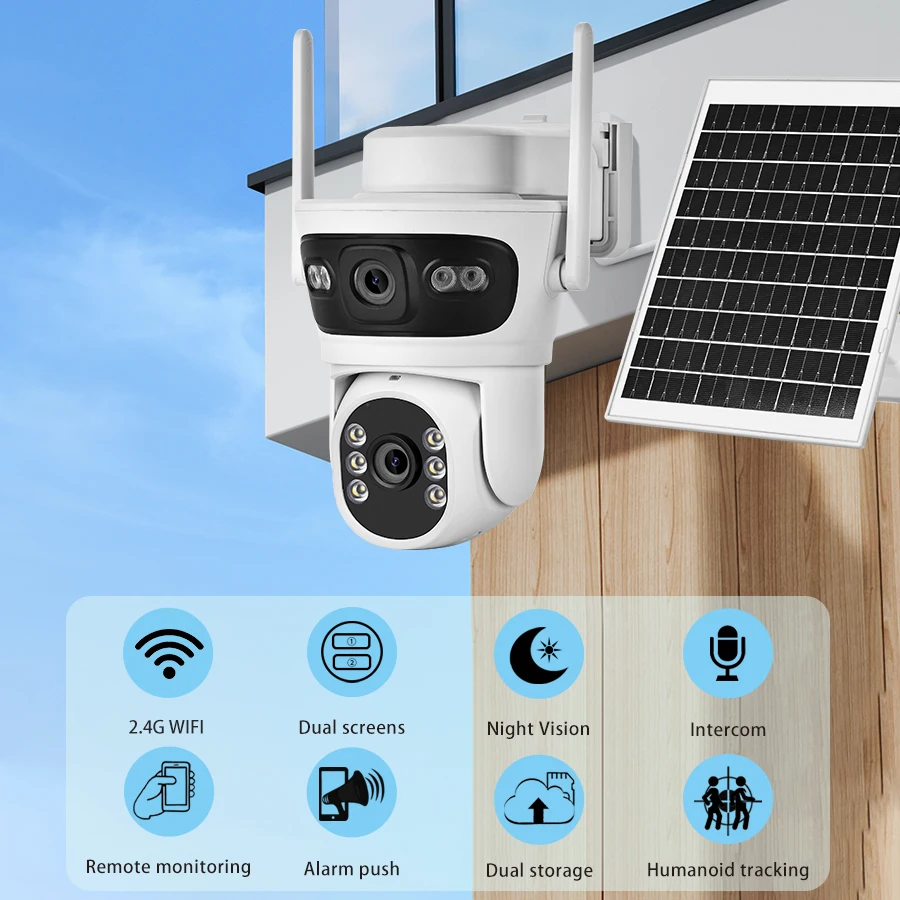
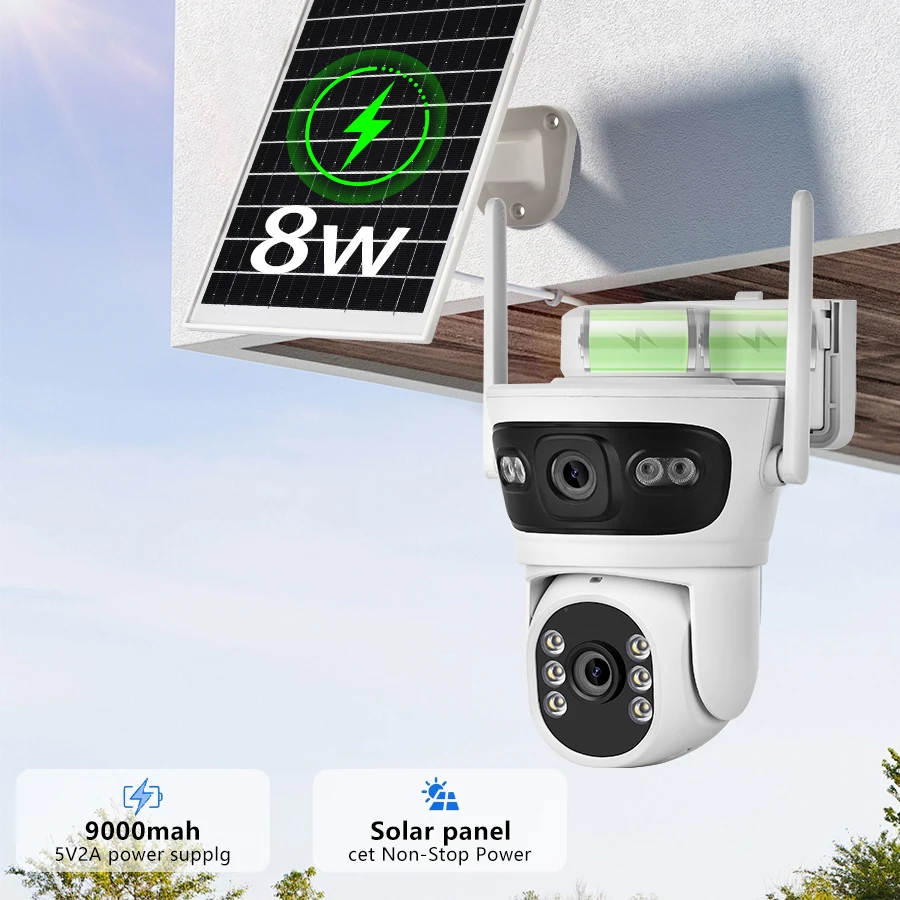
Solar panel power supply
Connect the camera to the solar panel, and the network camera will receive uninterrupted power supply throughout the day
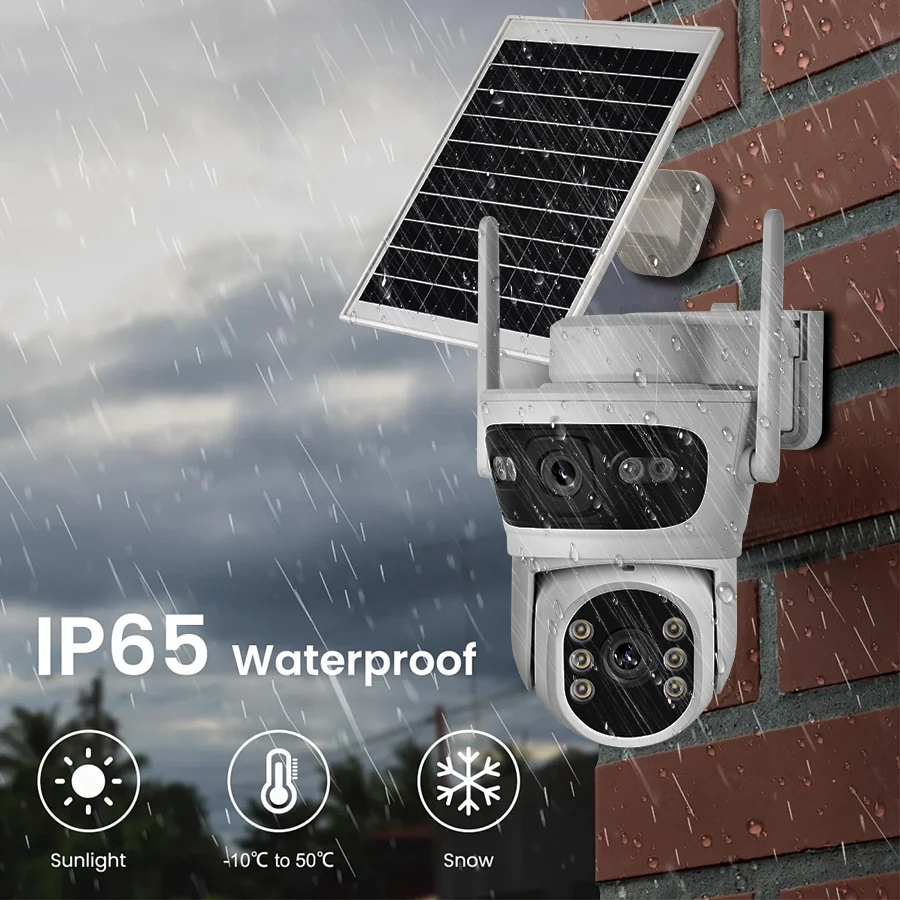
Outdoor waterproof camera
The wireless network cameras have undergone rigorous testing. Even if they are splashed by rain, they can still function properly, ensuring that you can monitor at any time.
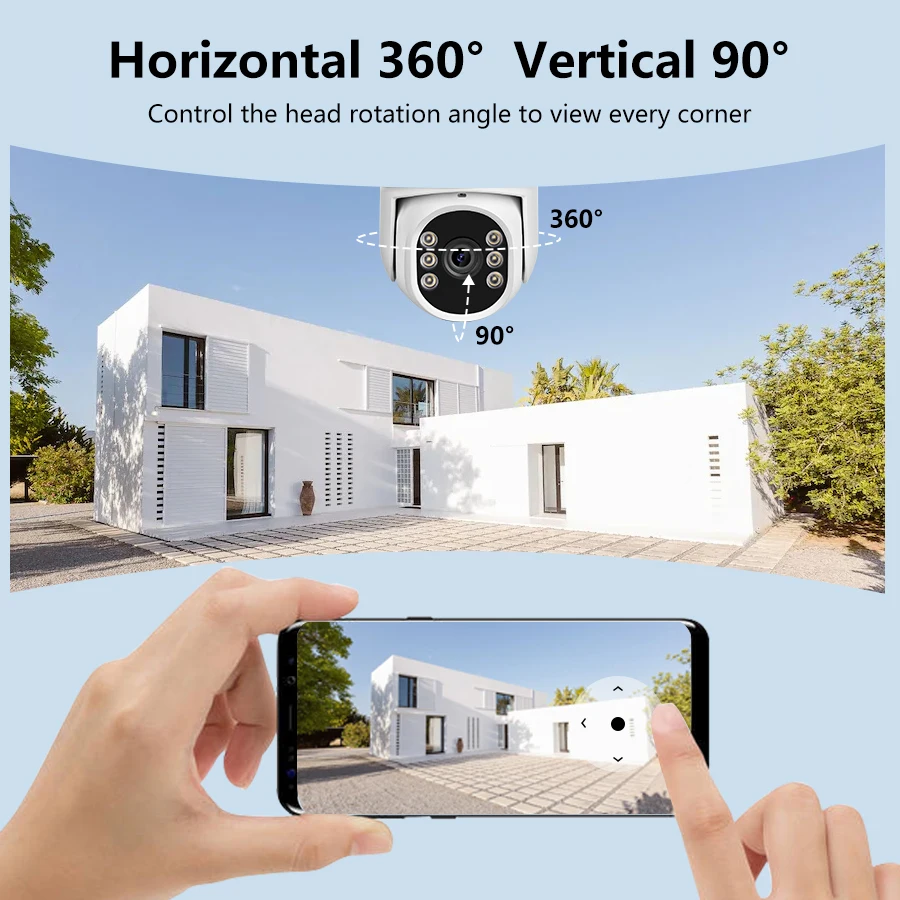
PTZ Network Camera
Change the camera angle remotely at any time via the mobile app. The monitoring range is wider. It can be rotated vertically by 90° and horizontally up to 360°
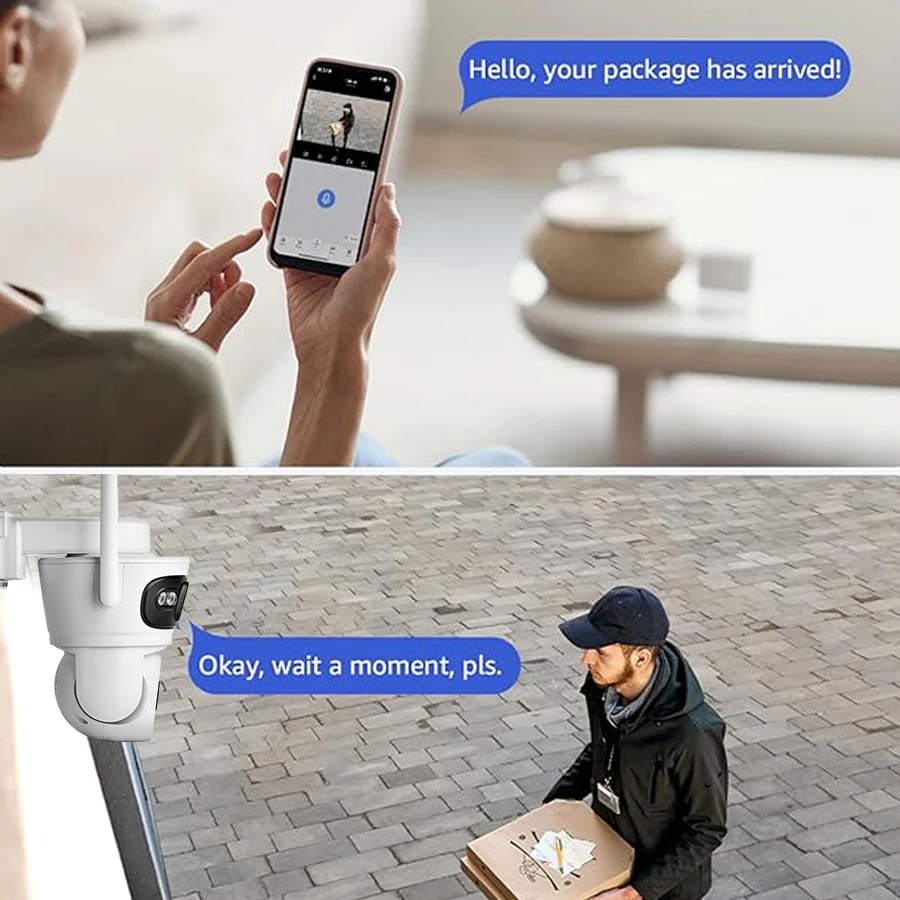
Real-time two-way audio remote interactive communication
The security protected IP camera is equipped with an internal microphone and speaker. No matter where you are, you can have two-way voice communication with the people in the monitored area and keep informed about the latest developments
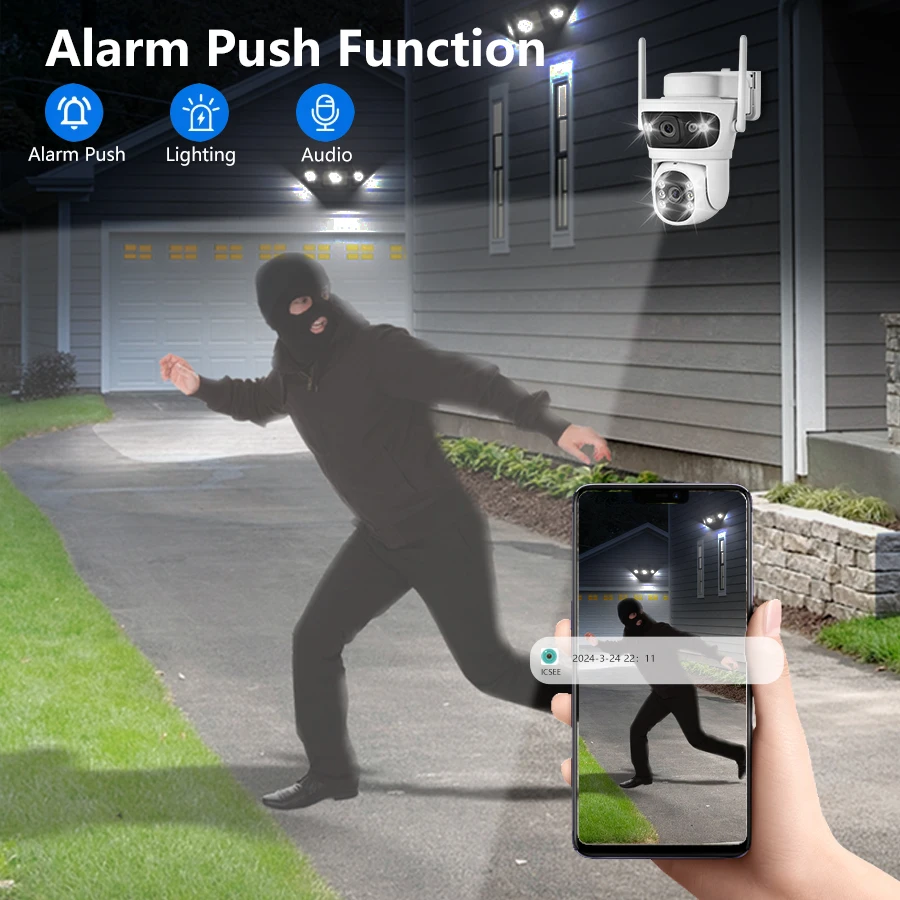
Real-time detection and real-time alarm
The security cameras can intelligently detect movements within the monitored area, ensuring that you are always aware of potential incidents and transmitting the information to your mobile phone in real time
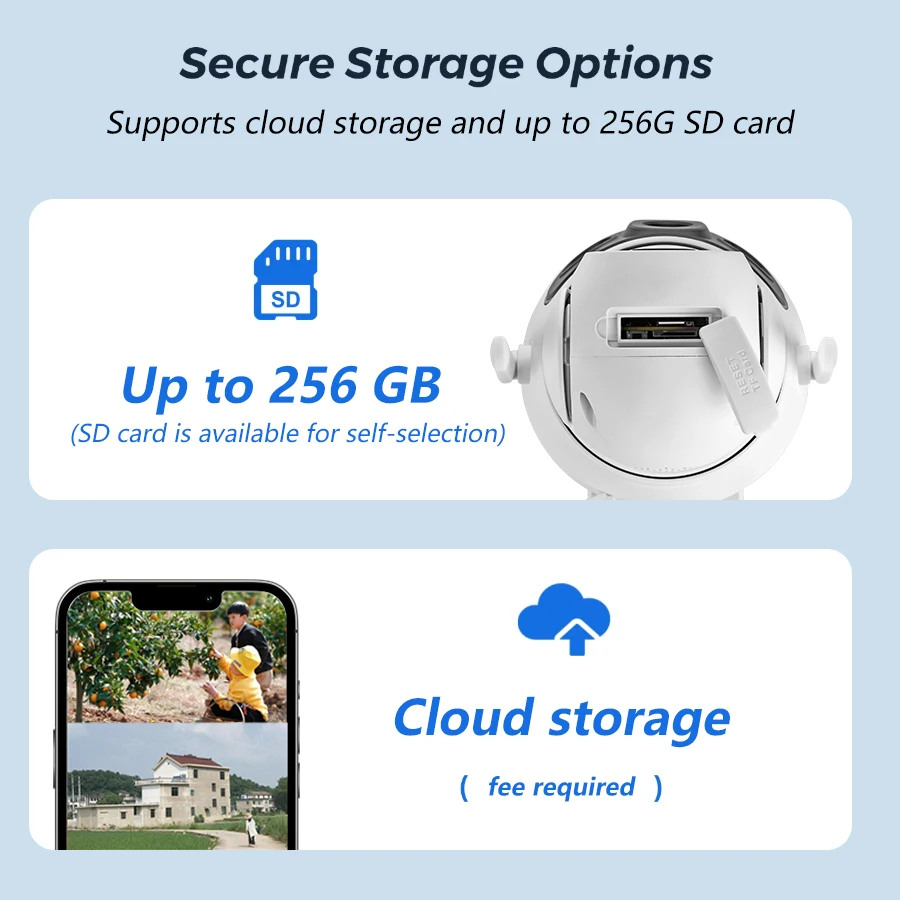
Camera storage supports SD cards and cloud services (requires payment)
Insert the largest 256GB TF card (you can choose TF as needed) to help you store video content
Cloud storage service, with secure and stable data
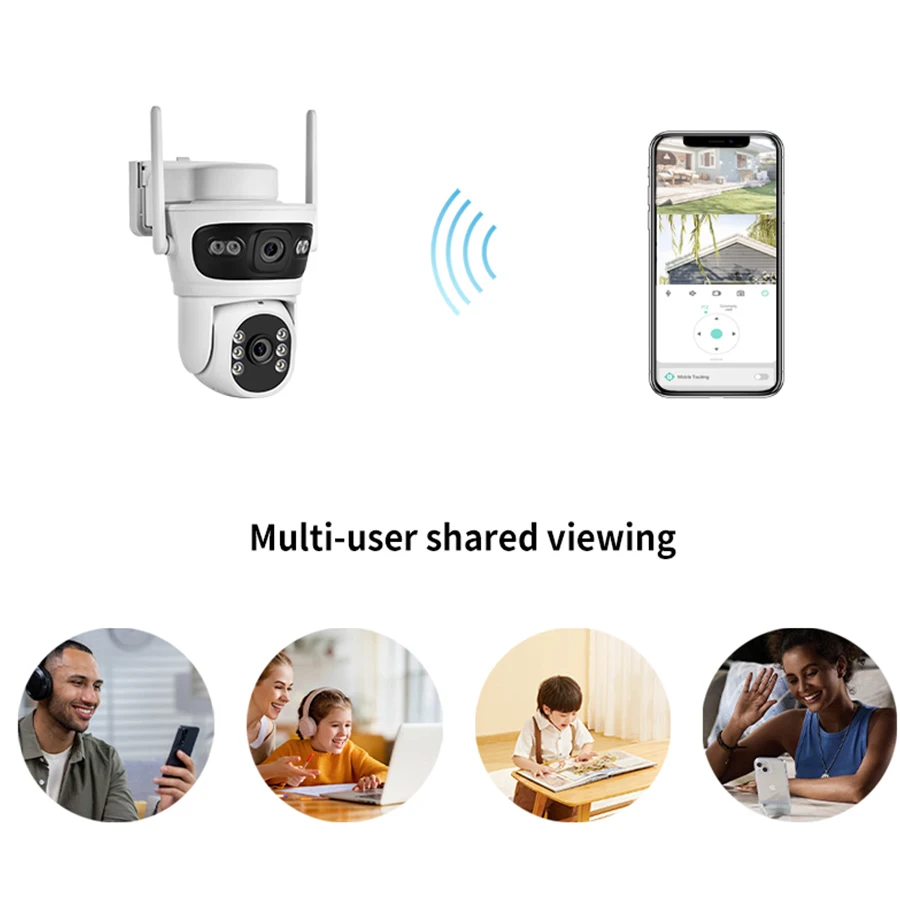
Share the camera for other APP users to view
You can share the WIFI camera with your family or friends via the QR code or account, and ask them to register an account to obtain the permission to use the shared camera. Multiple users can watch the live video simultaneously through the mobile APP
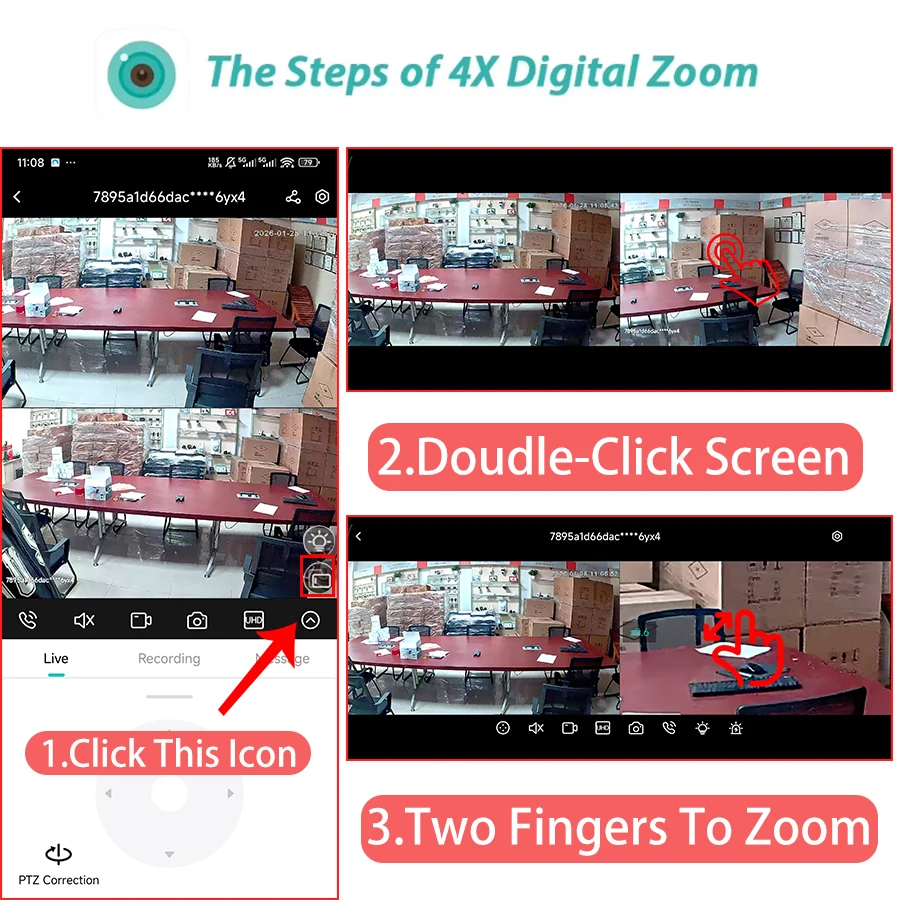
The Steps of Digital Zoom
① Please switch the video to landscape mode in the ICSEE app,
② Tap the video on the left or right with both hands to enter one screen,
③ Use two fingers to zoom in / out.
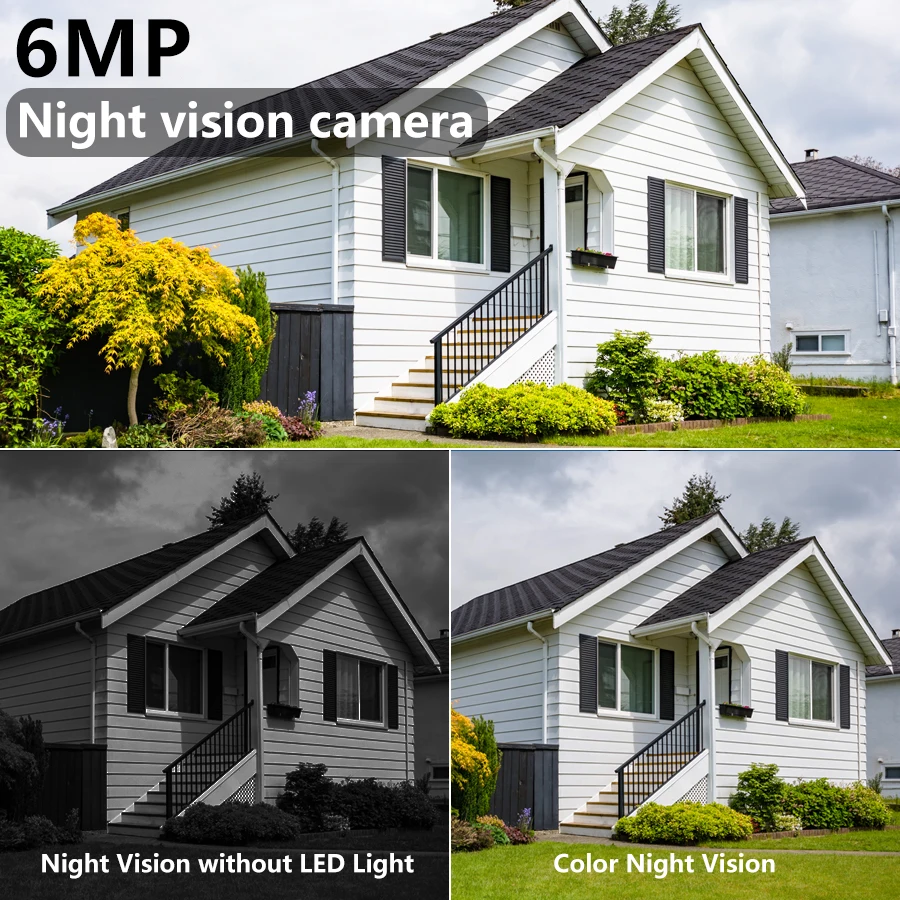
Dual-lens intelligent night vision mode
It is equipped with white LED and infrared LED. The infrared range exceeds 10 meters. With 24-hour monitoring, the network camera can provide vivid and high-definition image effects, whether it is during the day or at night
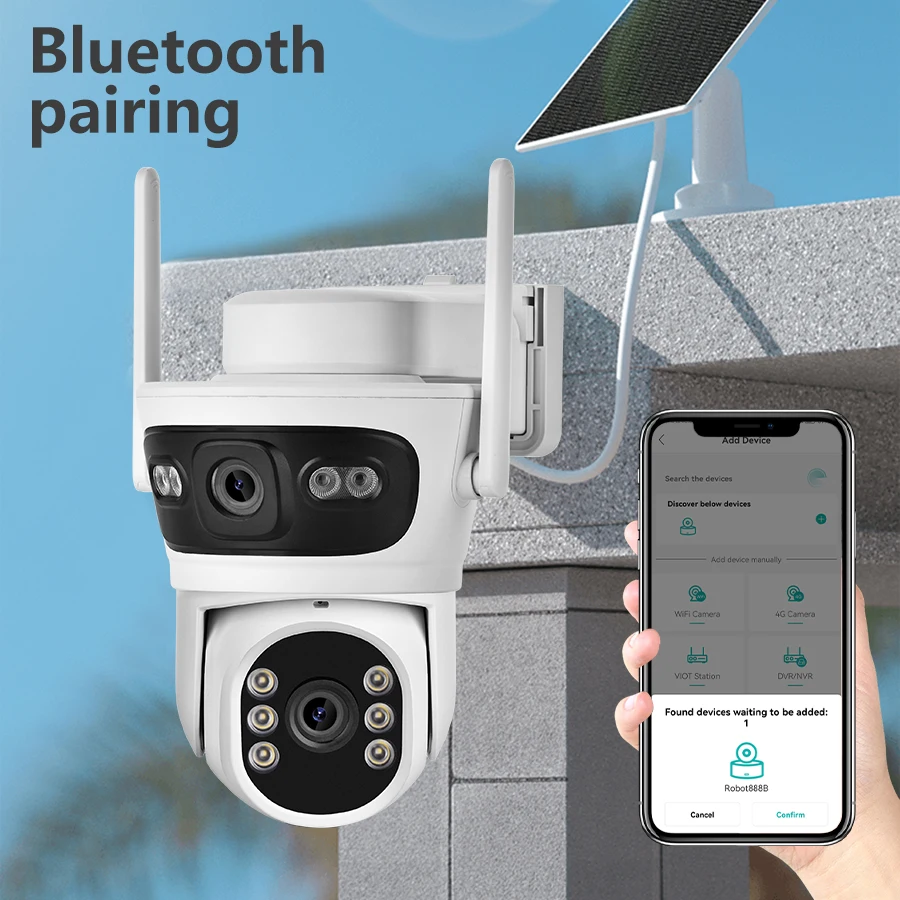
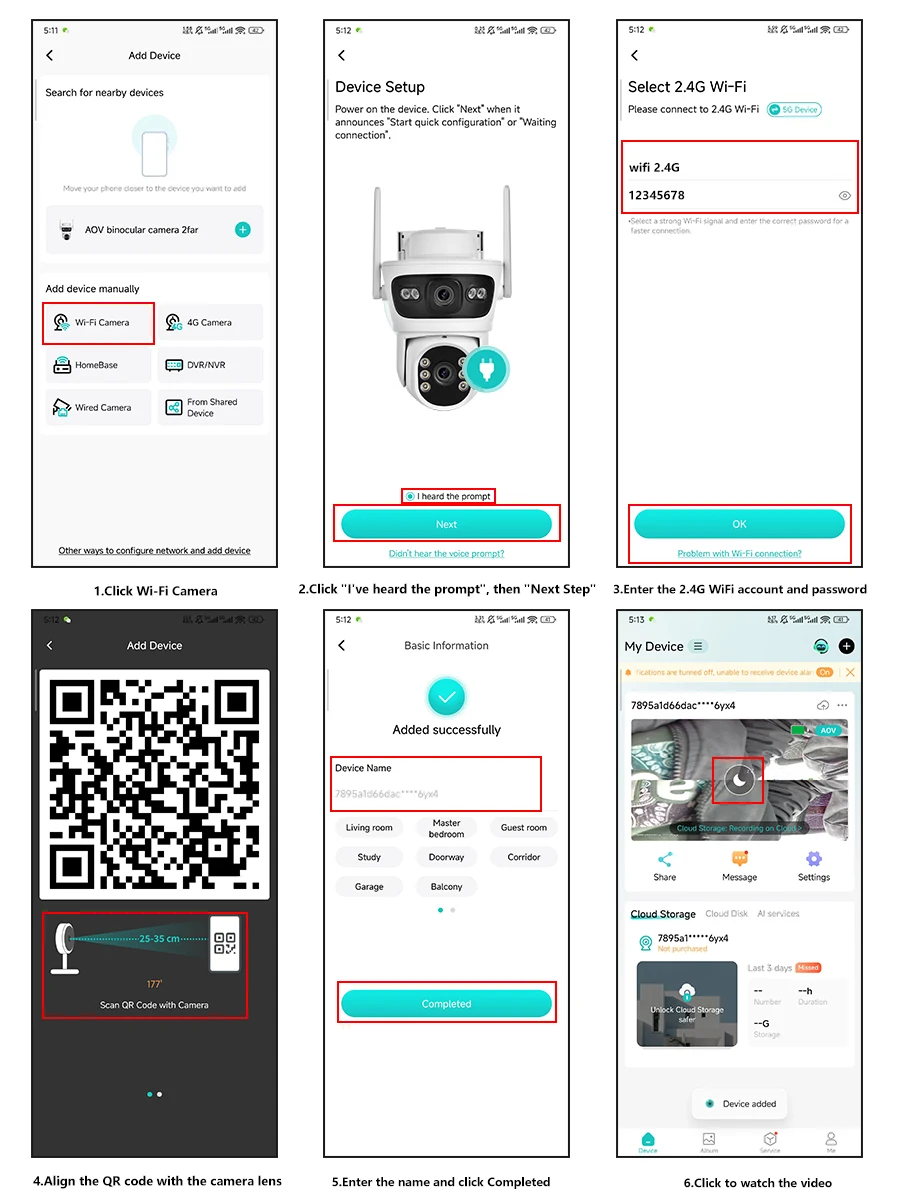
Two connection methods: Bluetooth scanning and WIFI scanning
Our WIFI camera supports both Bluetooth network connection and WIFI scanning connection methods, ensuring that you won't be troubled by the connection process. The connection is faster and more convenient
How to configure the camera in the iCSee application
① Download the icsee application from the mobile app store
② There is a reset button at the bottom of the camera. Press and hold this reset button for 10 seconds. When you hear the sound indicating a successful reset, the camera has been successfully reset.
③ Connect the camera to the 2.4G Wi-Fi network. Follow the 6 steps in the figure to complete the connection successfully and complete the configuration.
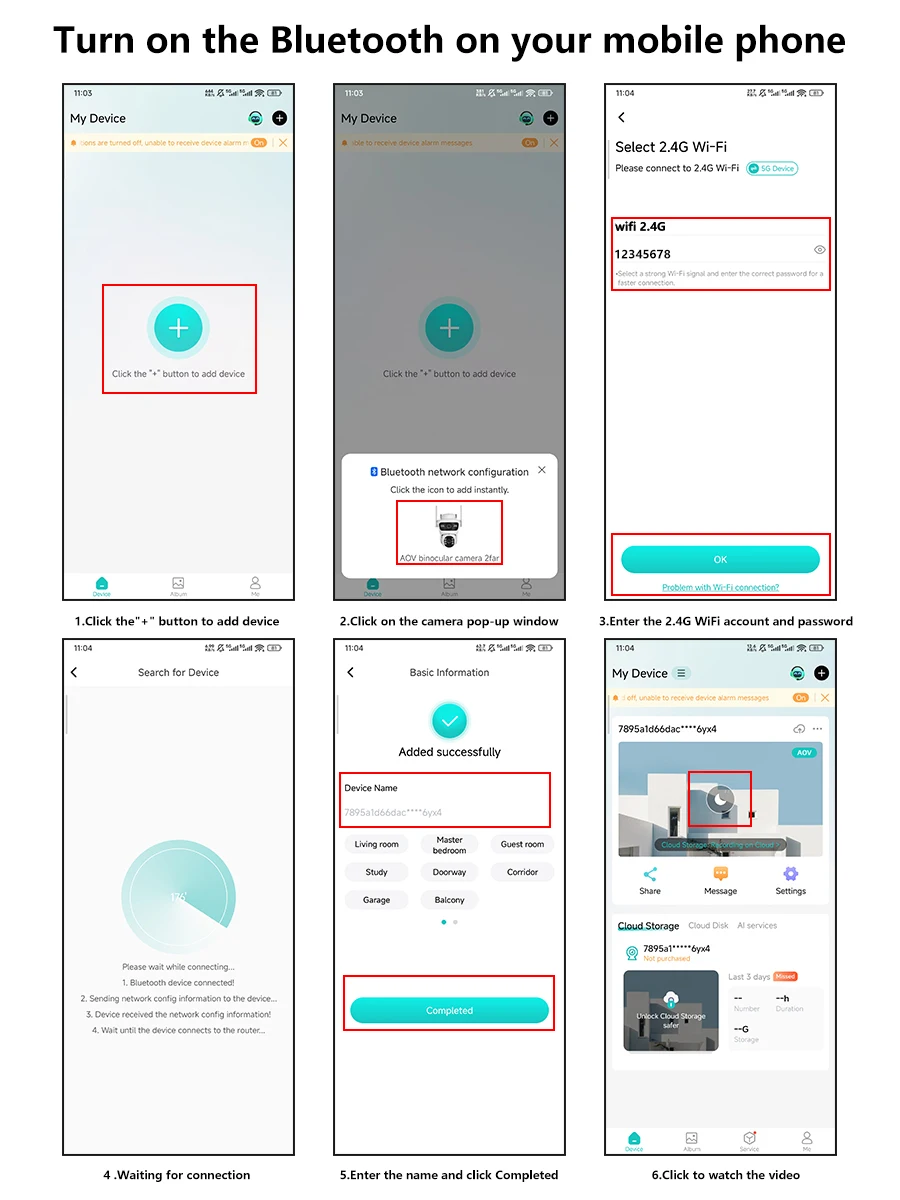
Camera WIFI Connection Operating Manual
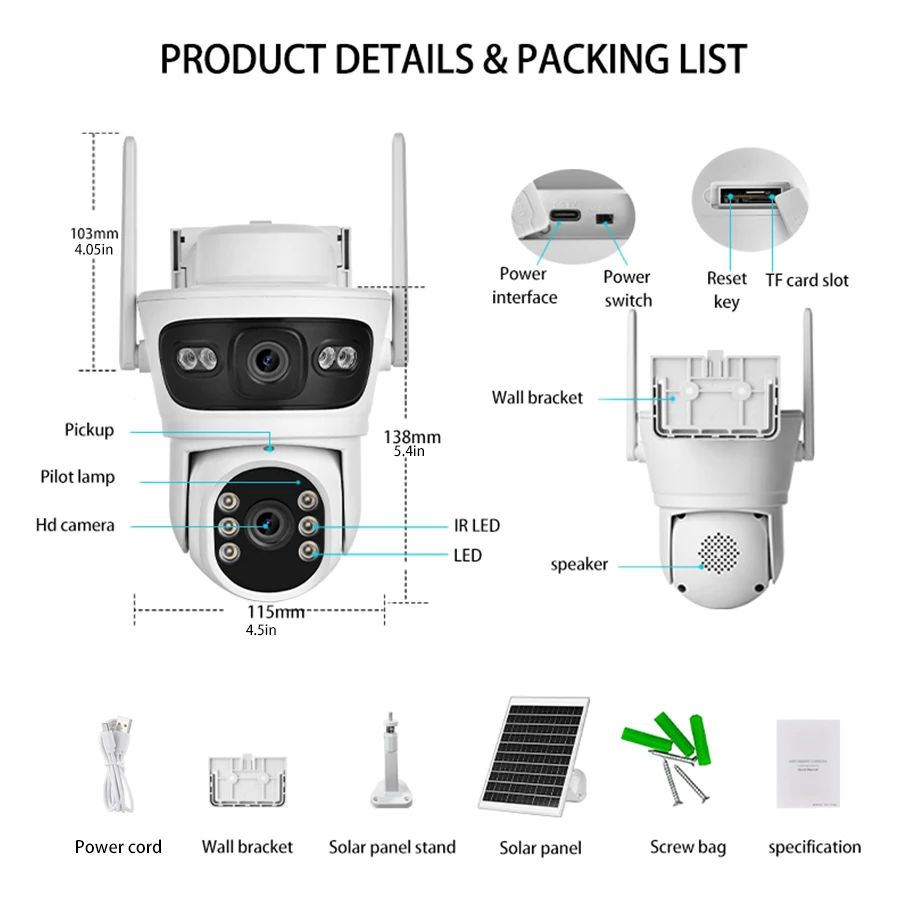
Packaging List
1* WIFI camera
2* screw case
1* Instruction Manual
1* Solar panel
1* Solar panel bracket
1* Camera base
1* Power cord
Caution: SD card is optional
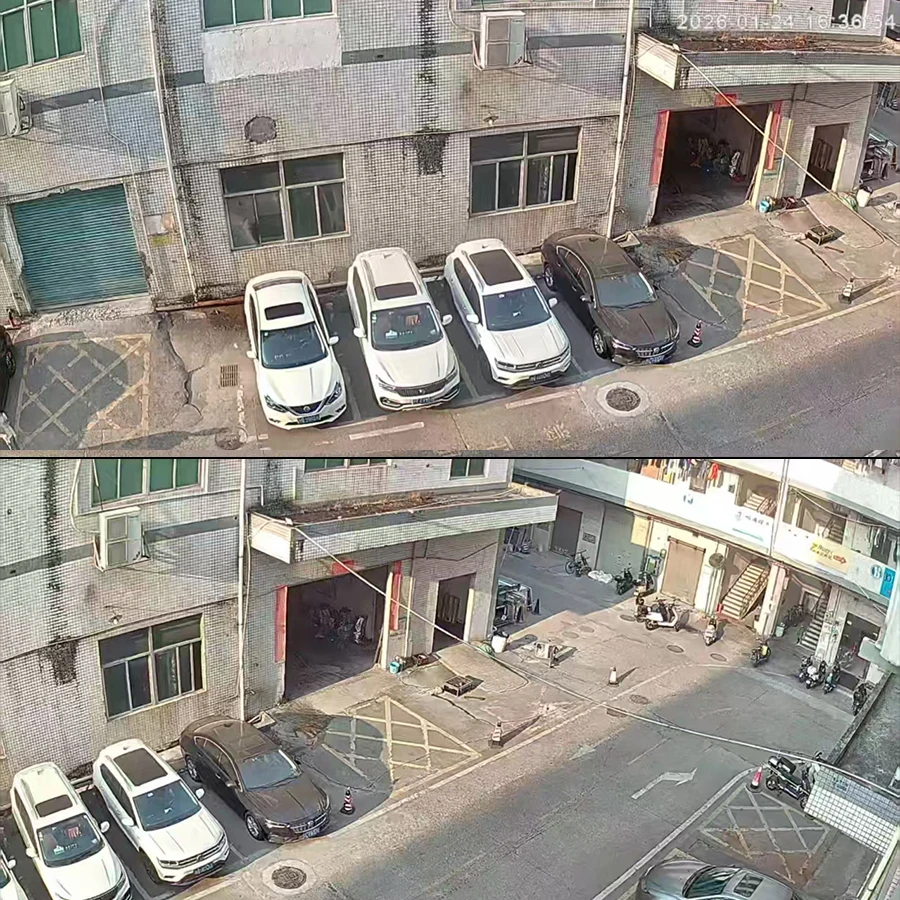
Physical picture of IP camera
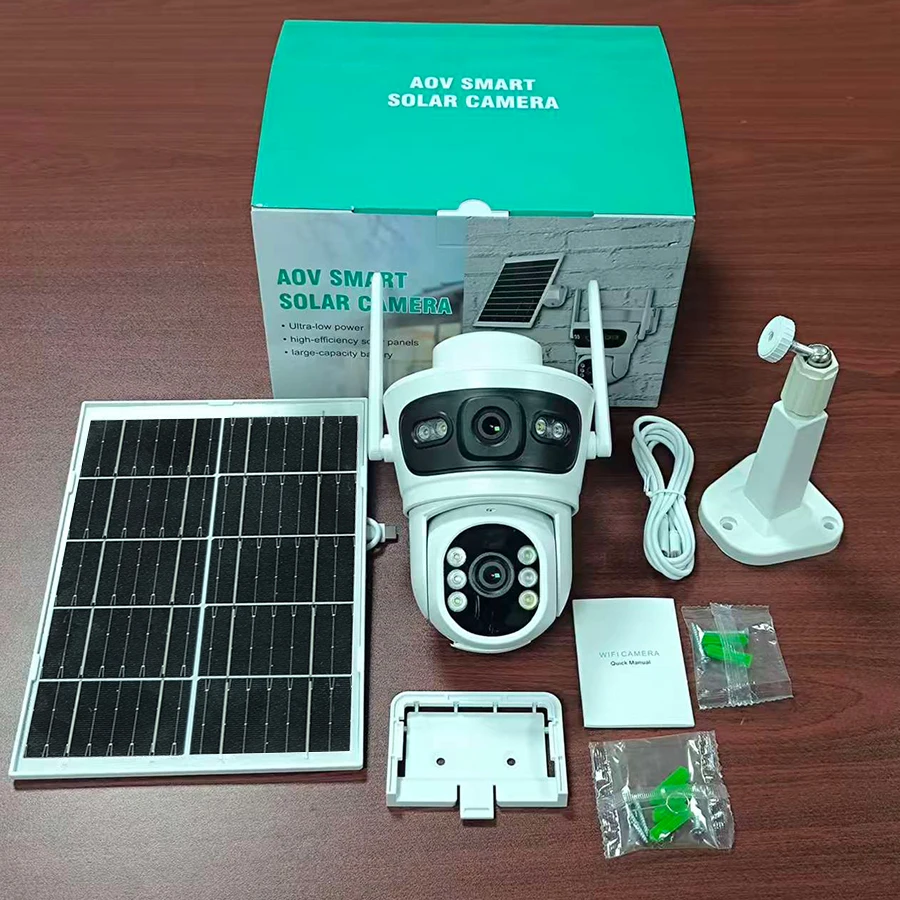
Wireless Internet monitoring camera effect illustration