Description
SPECIFICATIONS
Brand Name: NONE
Certification: CE,CCC,China certified (3C),Europe certified (CE)
Choice: yes
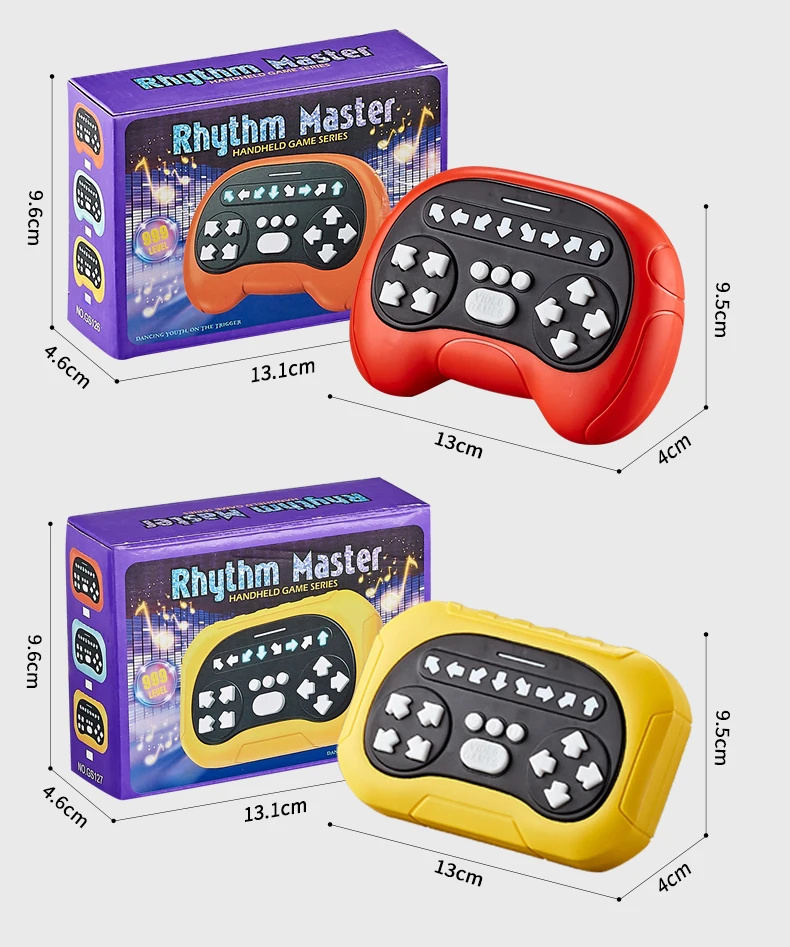
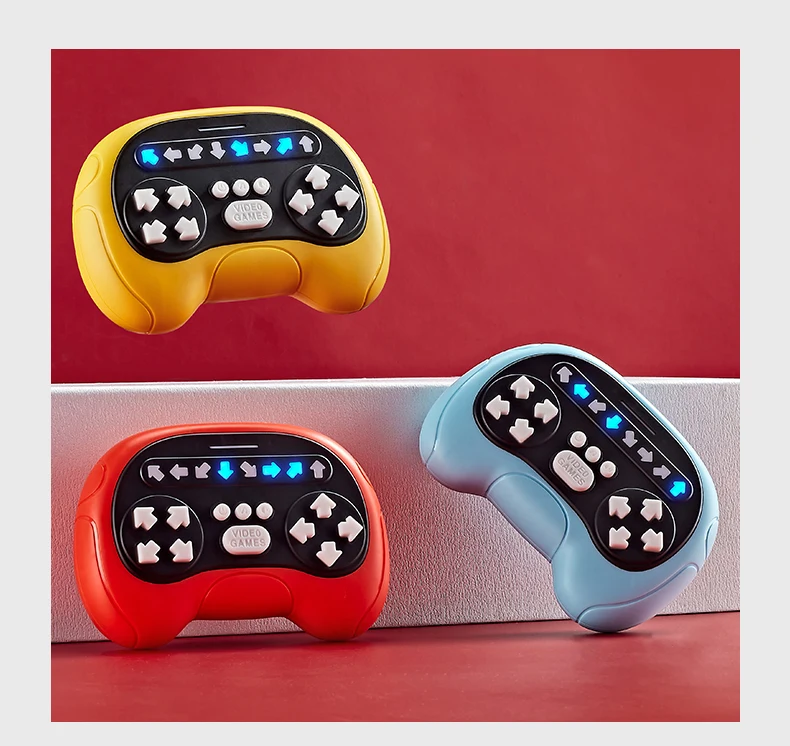
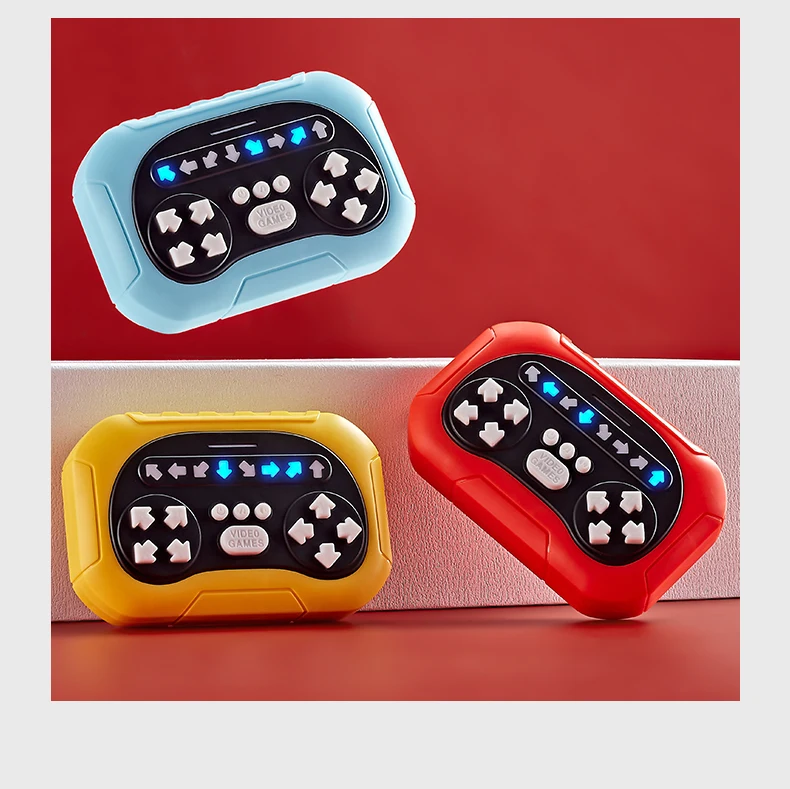
Color: Red Yellow Blue
High-concerned chemical: None
Is Electric: Yes
Material: ABS
Model Number: GS126 GS127
Origin: Mainland China,Mainland China
Recommend Age: 3-6Y
Theme: Sports,Music
Description
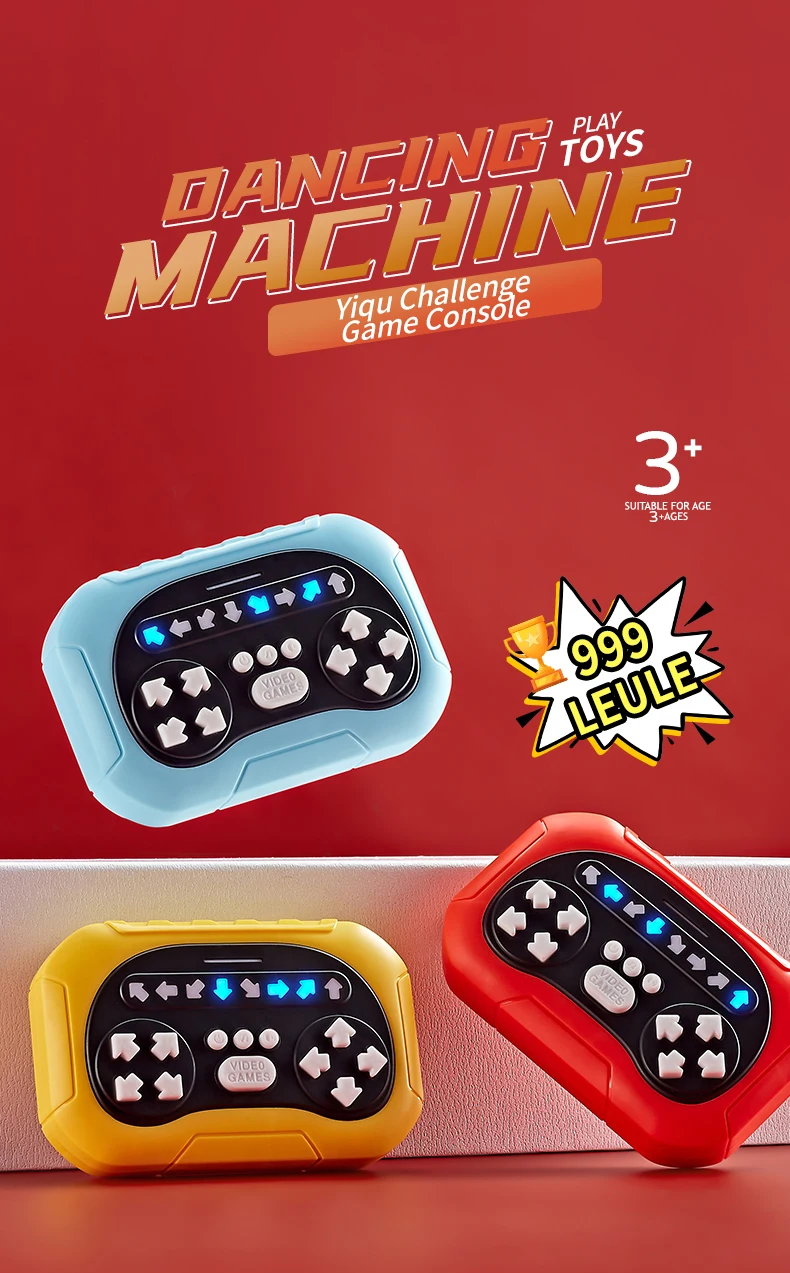
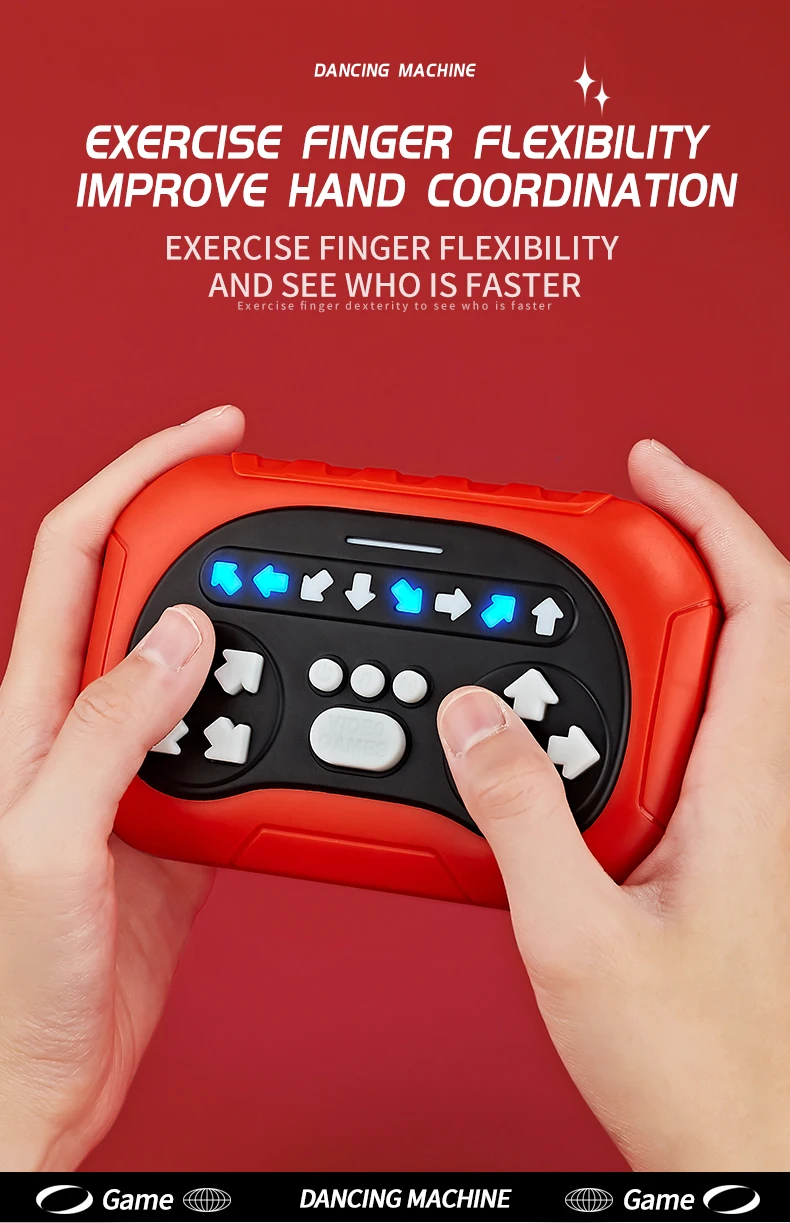
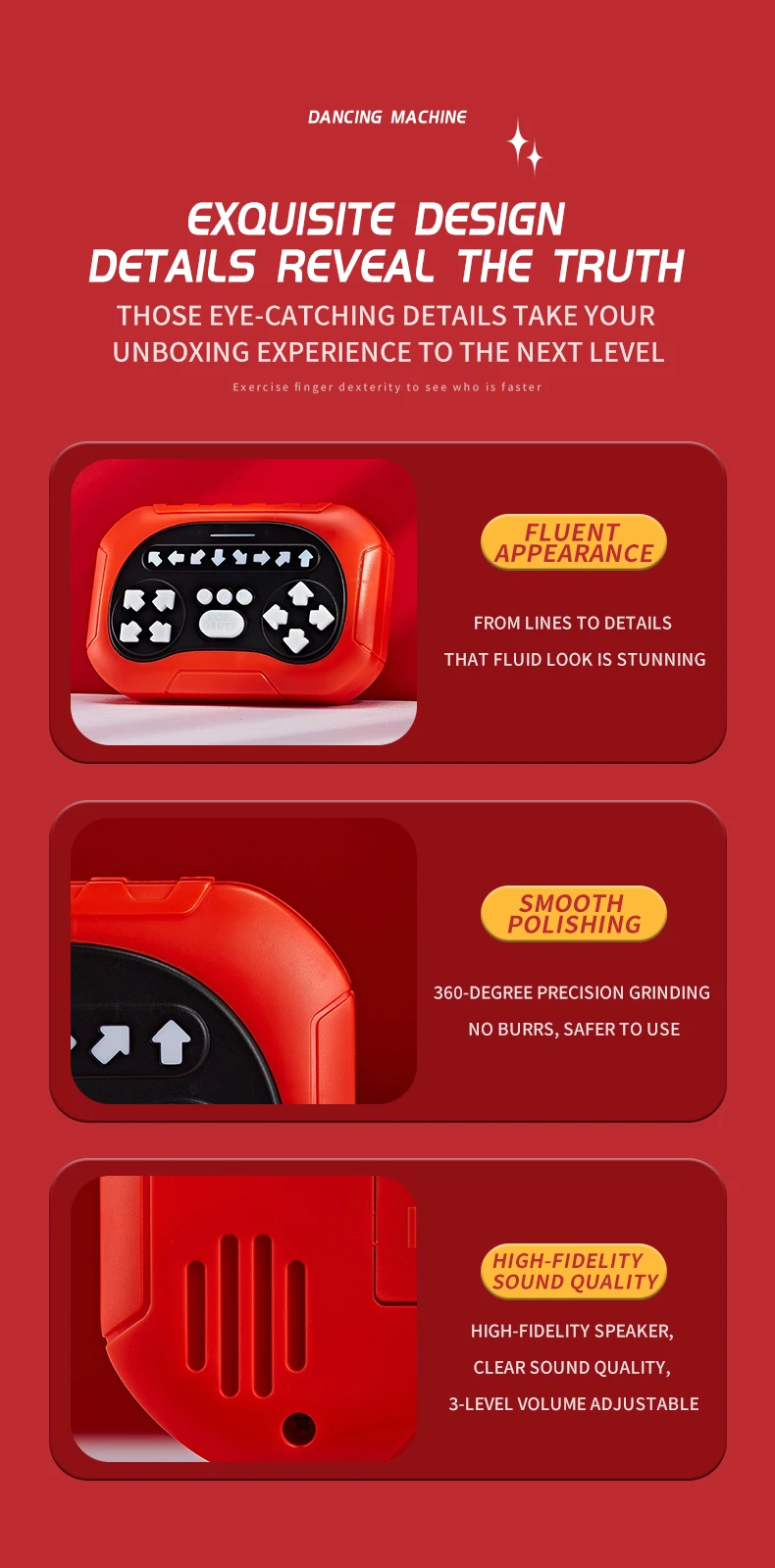
Music Rhythm Quick Push Game Kids Toys Electronic Finger Dance Handheld Game Machine Hand-eye Sensory Training Fidget Toys Gift
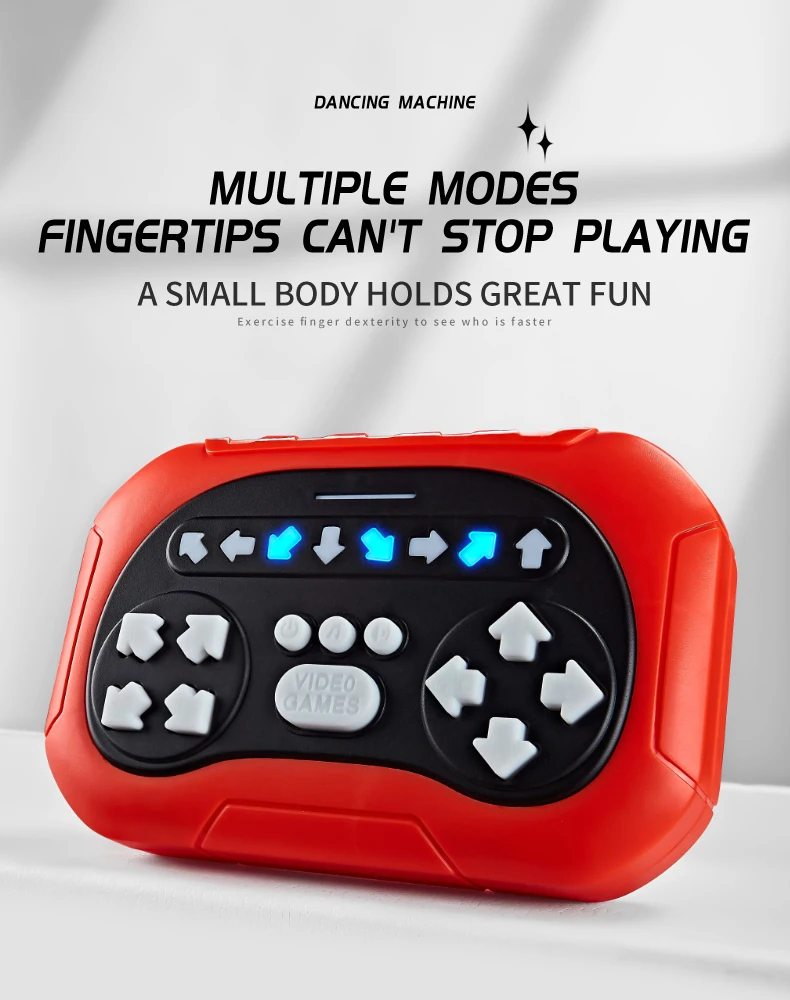
Button Instruction
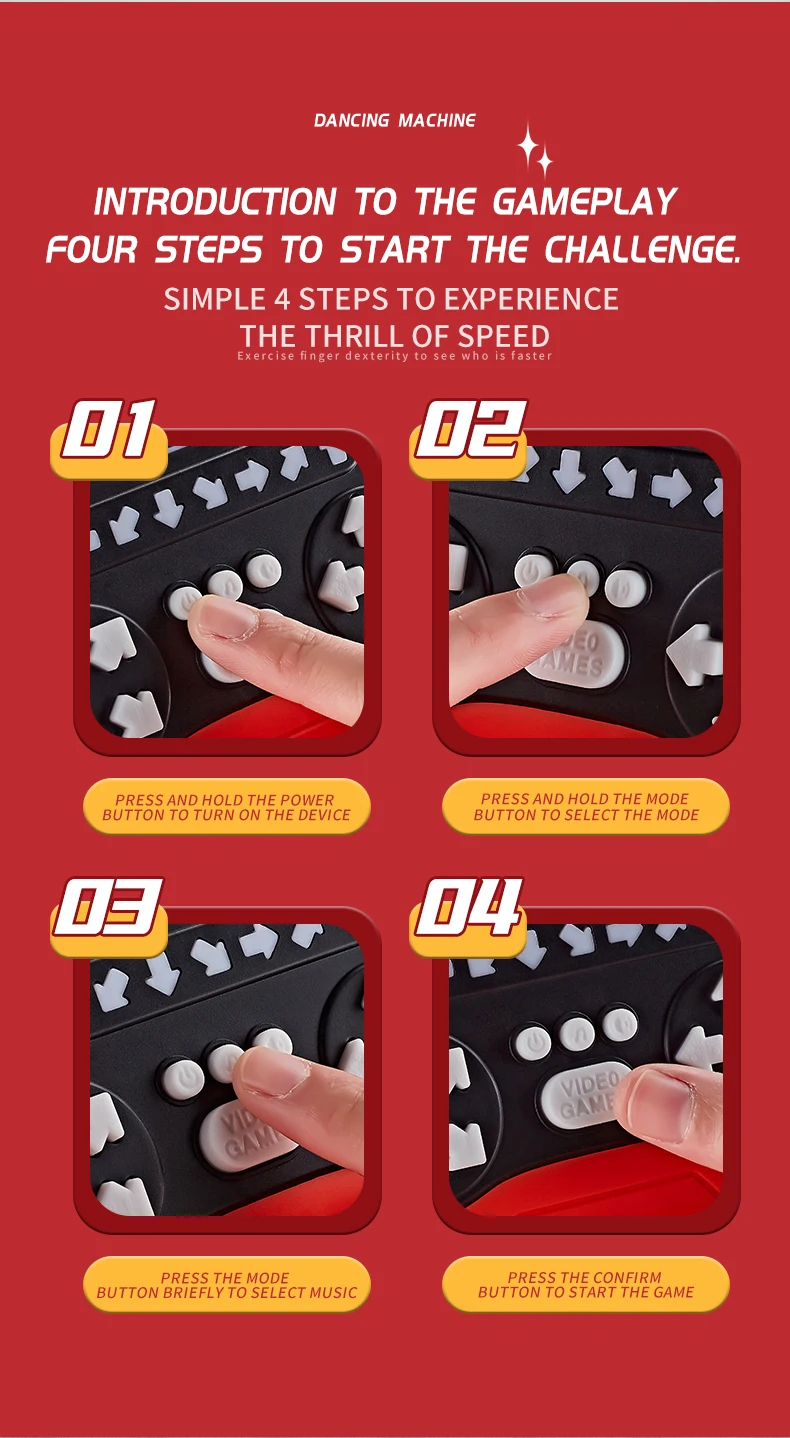
Power button: (Long press to turn on/off, short press to select level when thedevice is powered on)
Long press: Play power on/off sound effect (Default: mode 1); Short press:Select the level
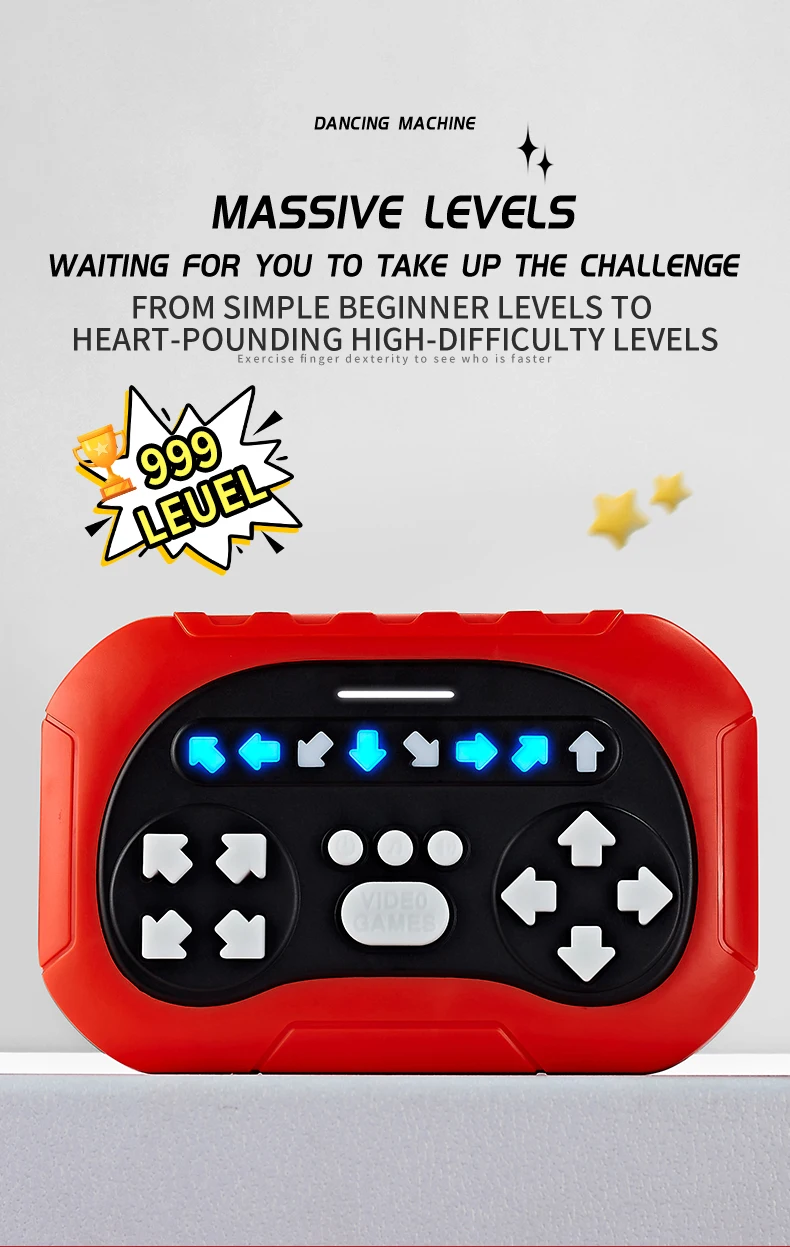
Mode 1:Select 1.999 levels
Mode 2:Select 1-7 levels
Mode 3:invalid
Mode 4: Invalid
music/Mode button: (Long press to select mode, short press to selectbackground music)
Long press: Select the game mode, a total of 4 modes
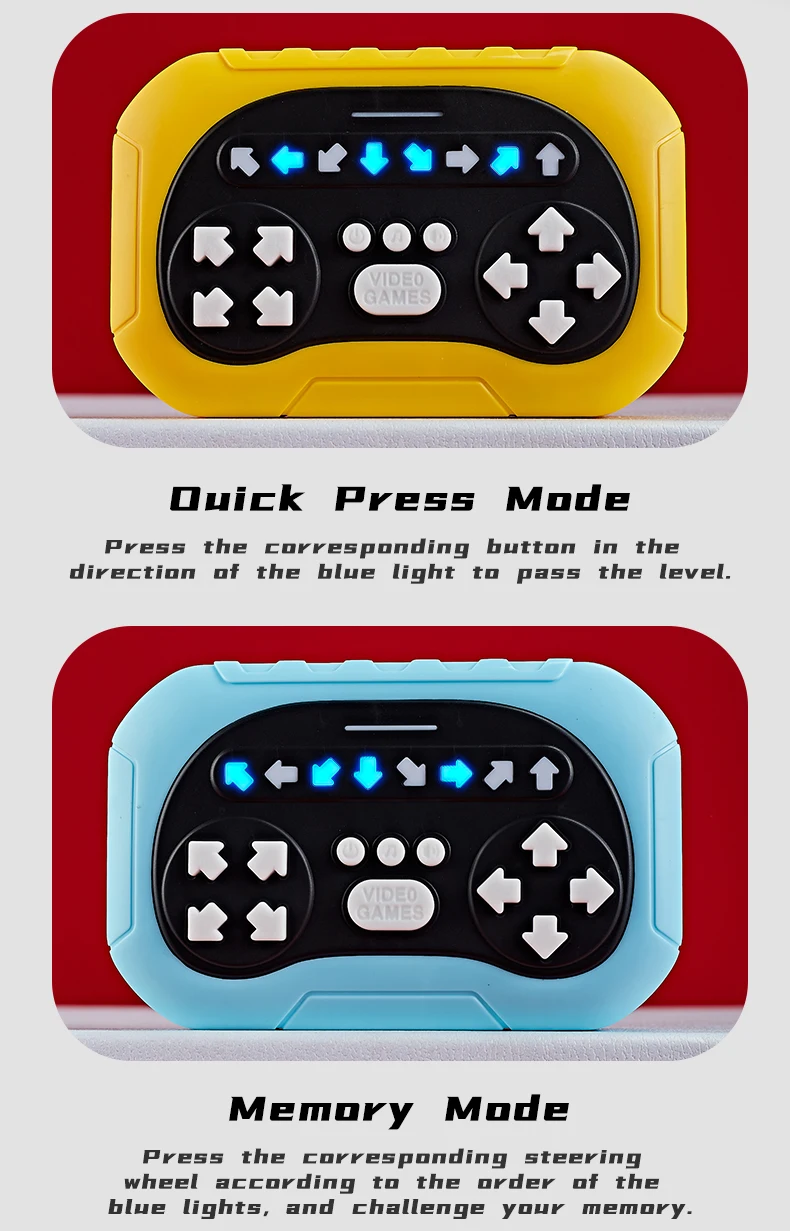
Mode 1: Quickly press mode
Mode 2: Memory Mode
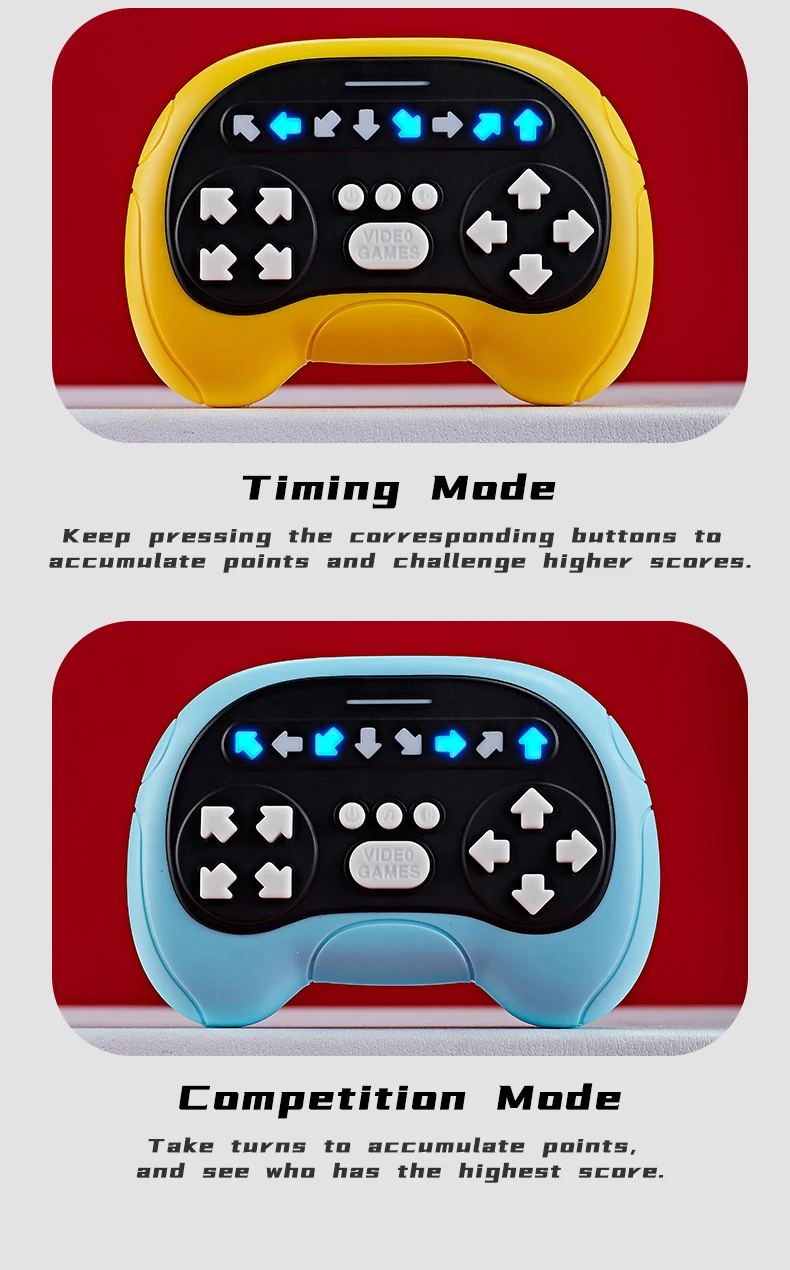
Mode 3:Timing Mode
Mode 4: Competition Mode
Short press: Select background music, a total of 25 songs
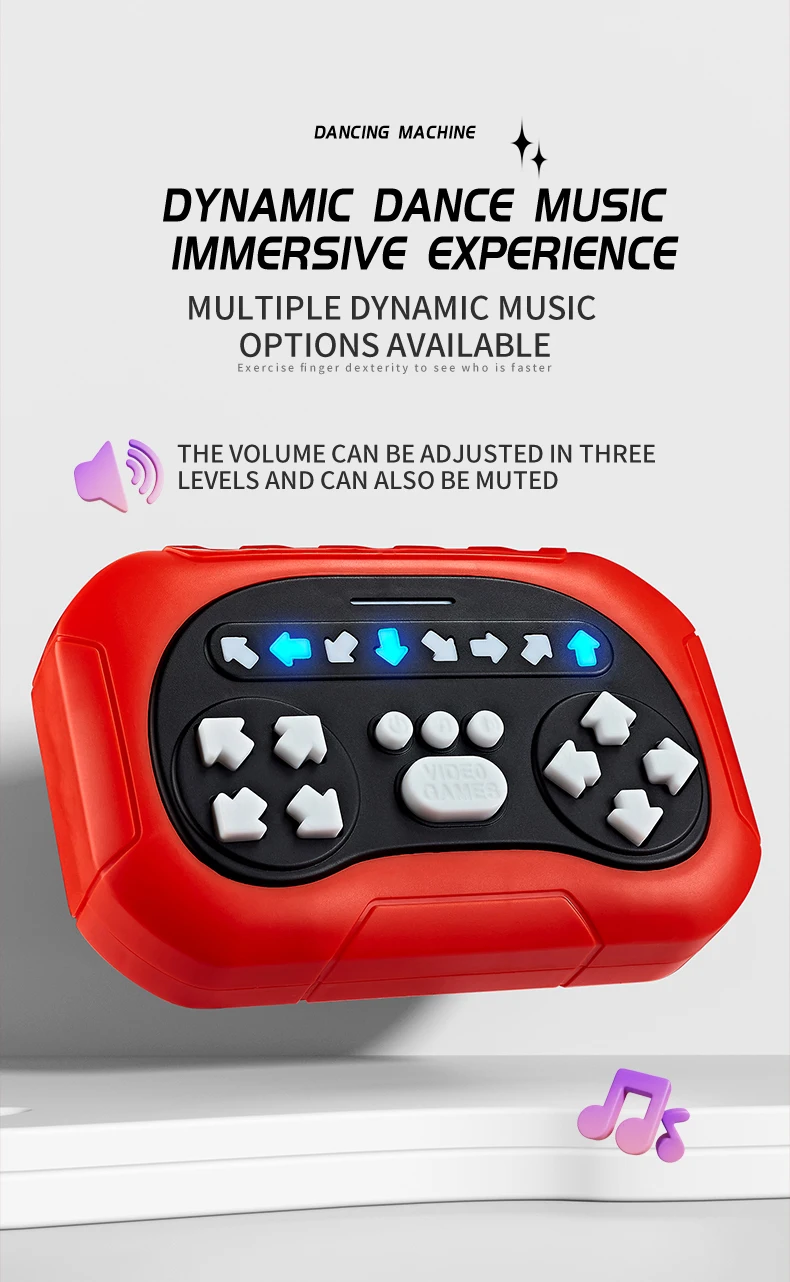
olume key: Change the volume, a total of 4 levels of volume, the fourth issilent (The default volume is the loudest when powered on)
Start button (confirm button): Start the game or enter the next level of the game
Game Description
Mode 1(Ouick Press Mode): 999 levels in total
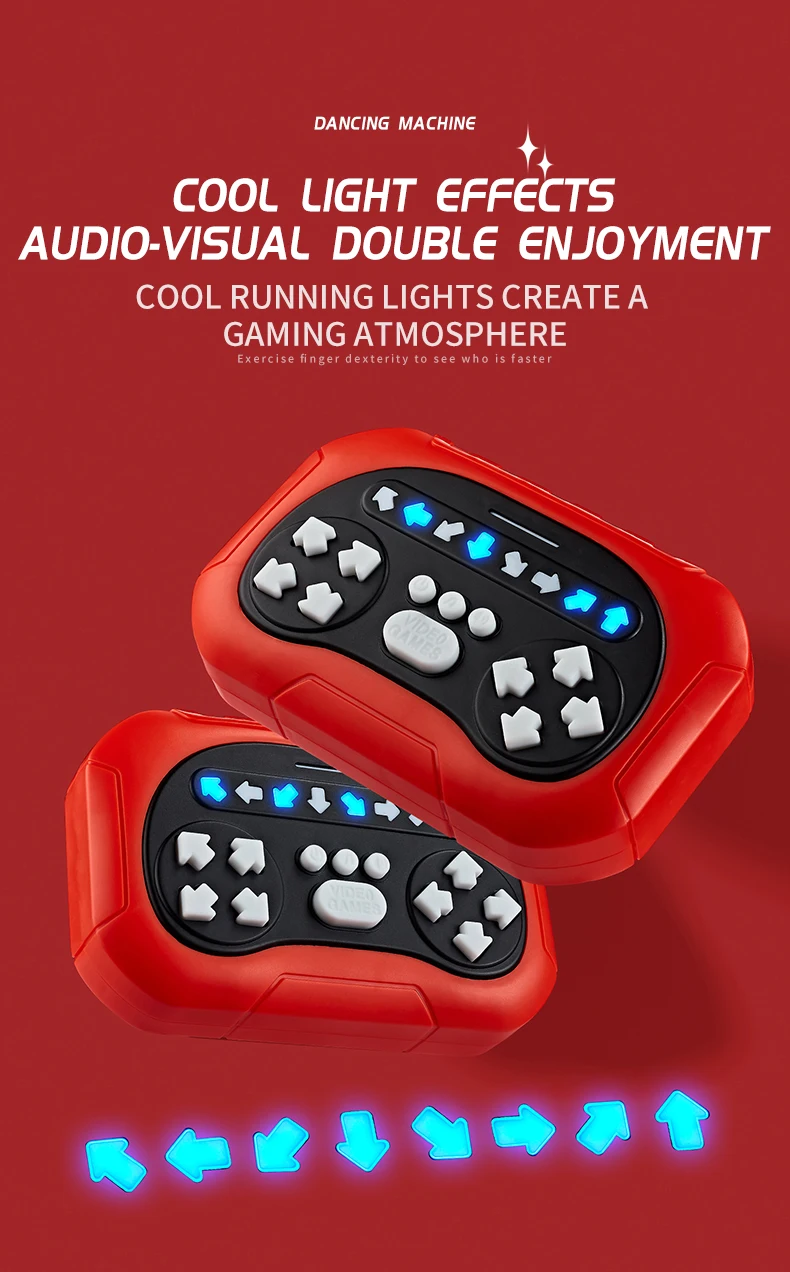
Game rules: Press the start button and play the game by pressing the blue light(The number of lights will increase with the level,and the waiting time will shorten to improve the difficulty)
Press wrong: Play a failed sound effect and exit the game (Return to level 1)
Timeout: When the progress bar lights are all on but the confirmation key has not been pressed,it will play the failure sound effect and exit the game (Return to level 1)
Press right:Press all the blue lights within the specified time,and then press the confirmation button to pass the level. After every 5 small levels, you will enter the next grade (Press the right light and it will display as a white light)
Mode 2(Memory Mode):7 levels in total
Game rules:According to the demonstration order of the blue lights, repeat the order of the blue lights in the demonstration within the specified time (The number of the game lights will increase with the level to improve the difficulty)
Wrong press: Play a failure sound effect (Return to level 1)
Timeout: When the progress bar lights are all on but the confirmation key has not been pressed, it will play the failure sound effect and exit the game (Return to level 1)
Press right: Complete the opeartion within the specified time and then press the confirmation button to pass the level, After every 5 small levels, you will enter thenext grade (Press the right light and it will display as a white light)
Mode 3 (Timing mode): All lights on the progress bar are on
Game rules: Countdown for 60 seconds, blue lights will light up randomly. After pressing all the lights,press the confirm button to enter the next round.
Wrong press: Play a failure sound effect (Exit the game)
Press correct: Each correct press get 1 point, The highest score is 999 points
Note: After 60 seconds, the total score of this round will be played (Press the right light and it will display as a white light)
Mode 4(Competition Mode): 999 levels in total
Game rules: Press the Start button and play the game by pressing the blue light(The number of lights will increase with the level, and the waiting time will shorten to improve the difficulty)
Press wrong: Play a failed sound effect (Return to level 1)
Timeout: When the progress bar lights are all on but the confirmation key has not been pressed, it will play the failure sound effect and exit the game (Returnto leyel 1)
Press right: Press all the blue lights within the specified time, and then press the confirmation button to pass the level. (Press the right light and it will display as a white light)
Note: Low voltage detection: When the battery reaches about 3V, it will prompt "Battery is low, please replace the battery" and then shut down.
Note: After 120 seconds of no operation in the game, a shutdown sound will be played and it will enter sleep mode, Pressing the power button to restart the game.
Precautions for battery use
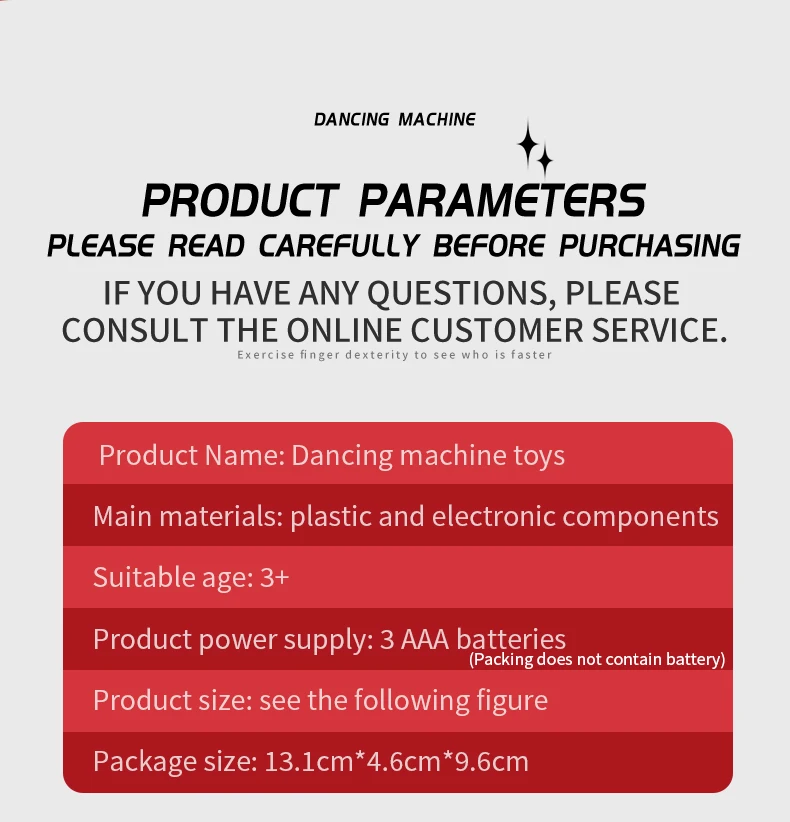
Toy battery type: 3 1.5V AAA non rechargeable batteries;
Non rechargeable batteries are not rechargeable;
How to remove and insert the battery: Use a screwdriver to loosen the screws remove the battery cover, and insert and remove the battery according to the correct polarity;
The removal and insertion of batteries should be carried out according to the markings on the toy battery room;
Only use batteries that are the same or identical to the recommended ones;
Do not mix old and new or different types of batteries;
The battery should be placed with the correct polarity;
The exhausted battery should be removed from the toy;
The power terminal should not be short circuited.
Maintenance: This product contains electronic components and should not be used in water or humid environments. Use a clean and soft cloth to wipe surface stains.