Description
SPECIFICATIONS
Active Noise-Cancellation: Yes
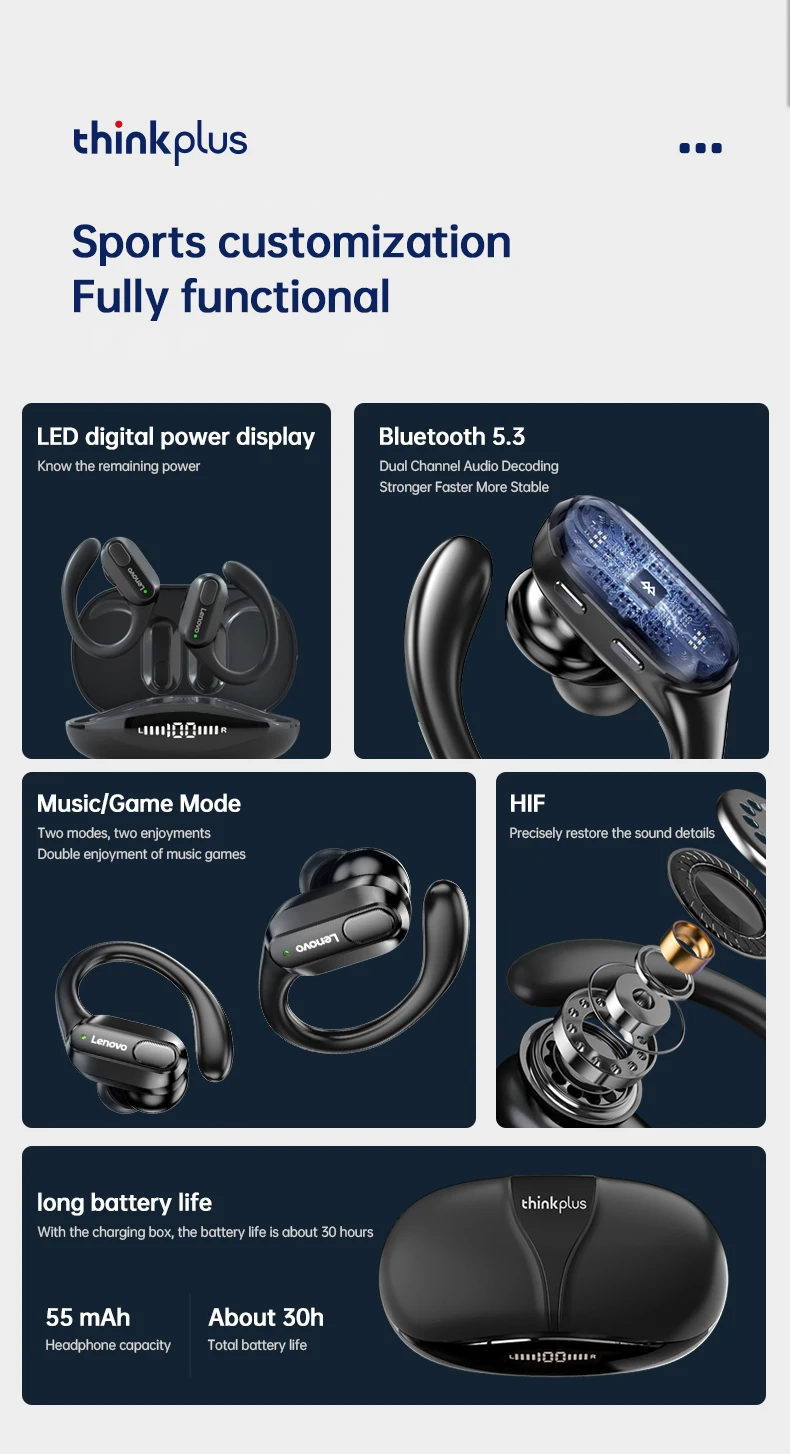
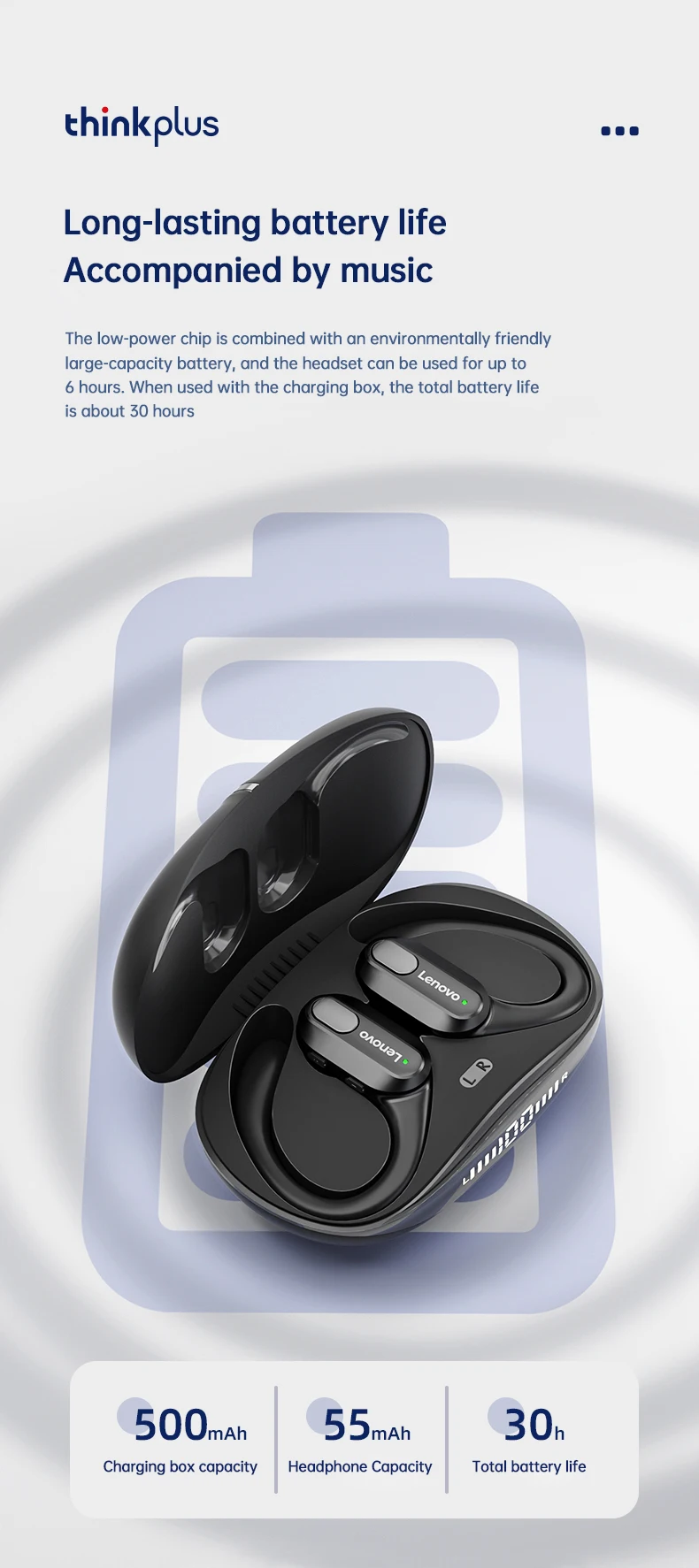
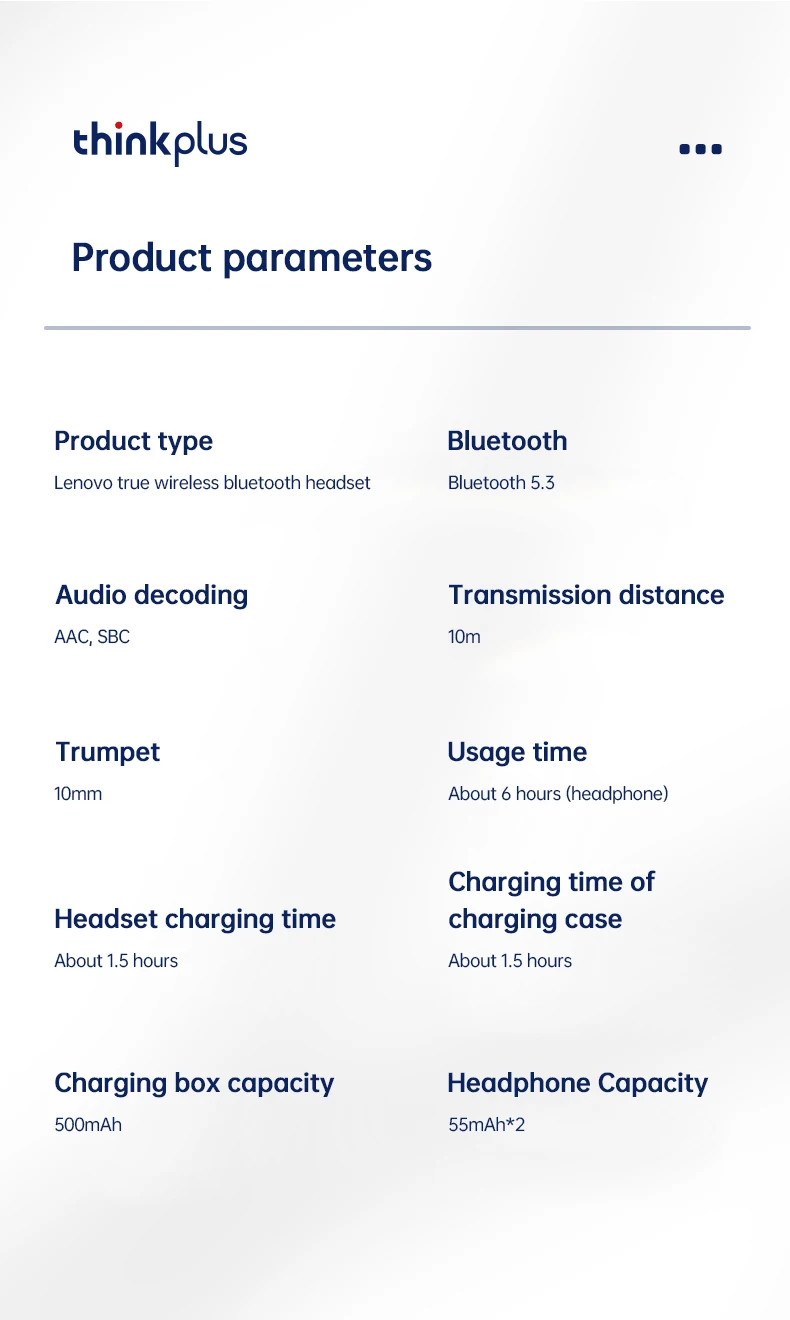
Battery Capacity[mAh]: 500
Battery life up to[hours]: 4
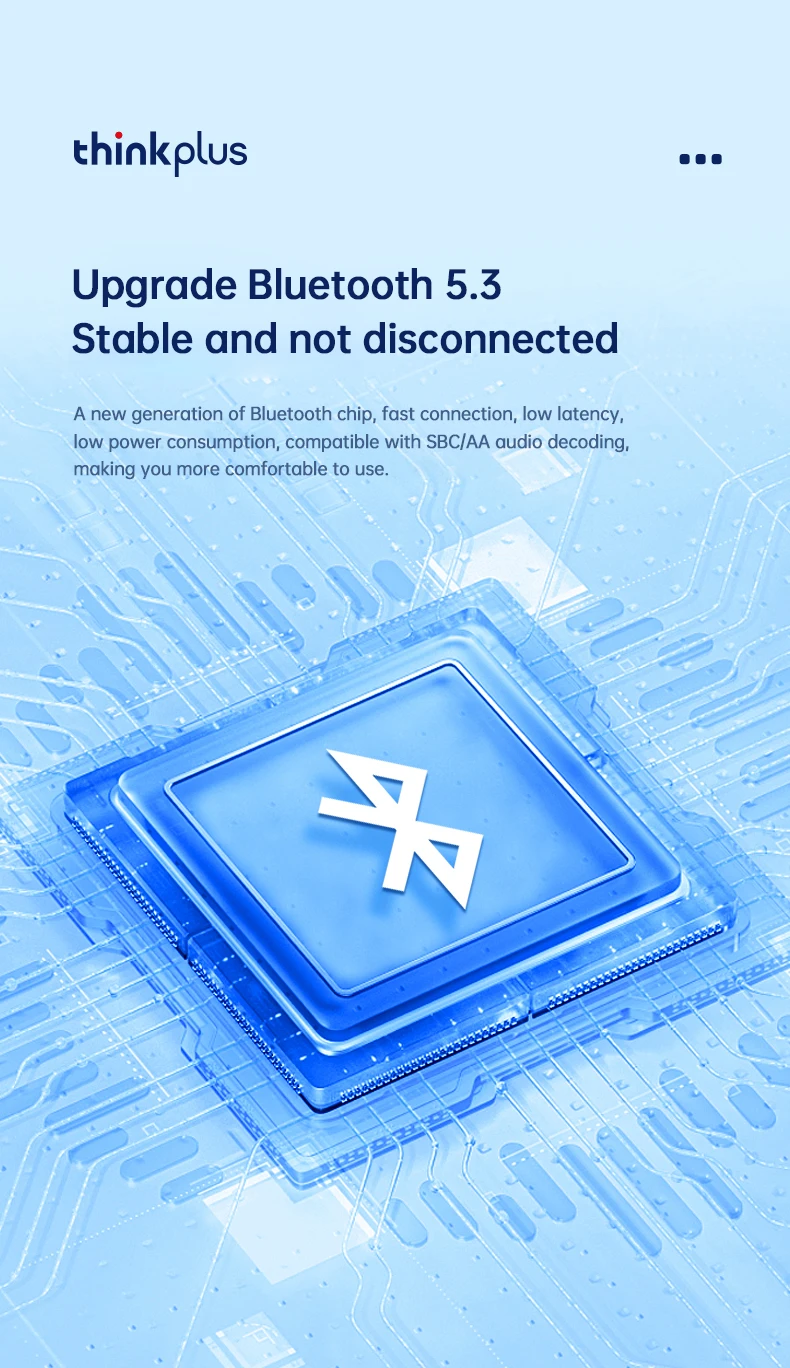
Bluetooth Version: 5.3
Brand Name: Lenovo
Category: Earphones & Headphones
Certification: CE,FCC
Charging Method: Charging case
Choice: yes
Codecs: sbc
Communication: True wireless
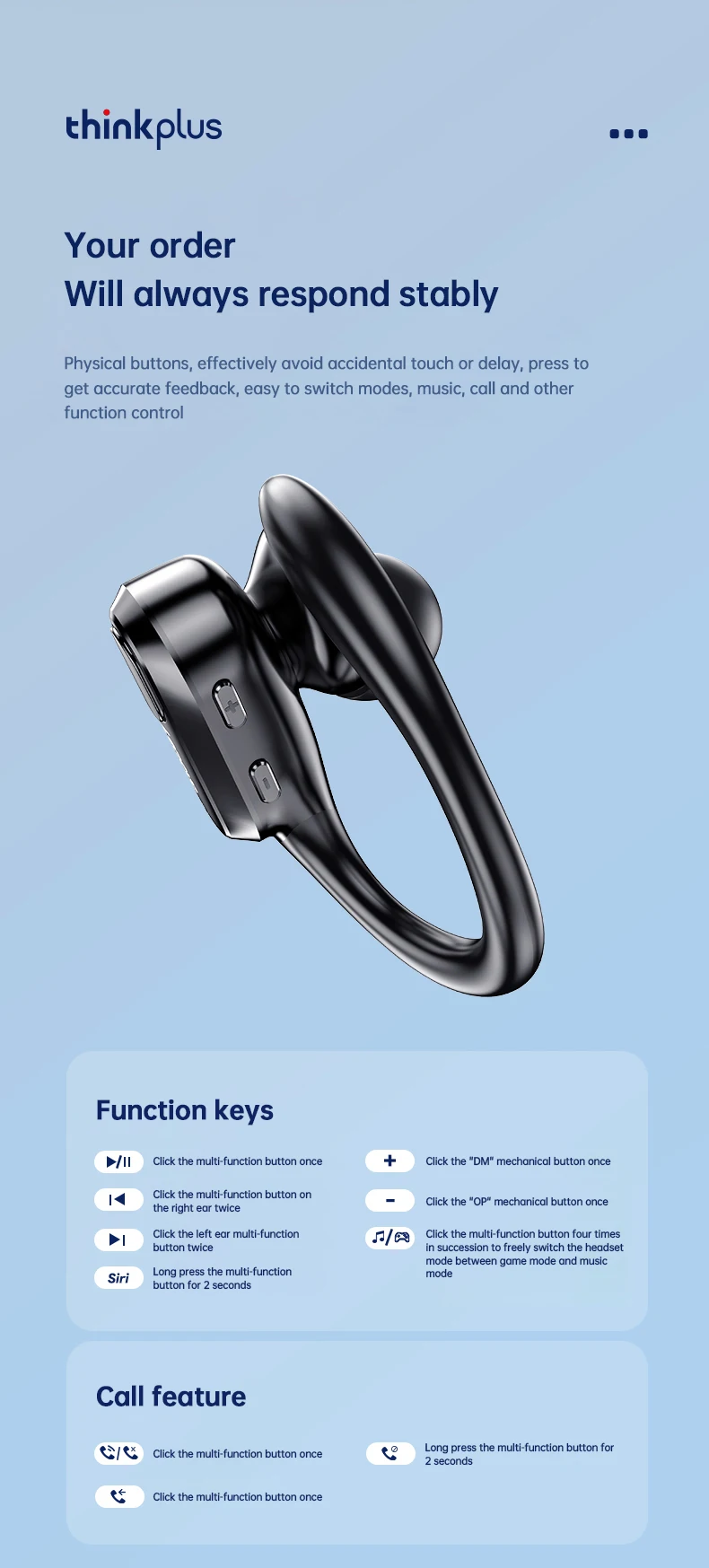
Control Button: Yes
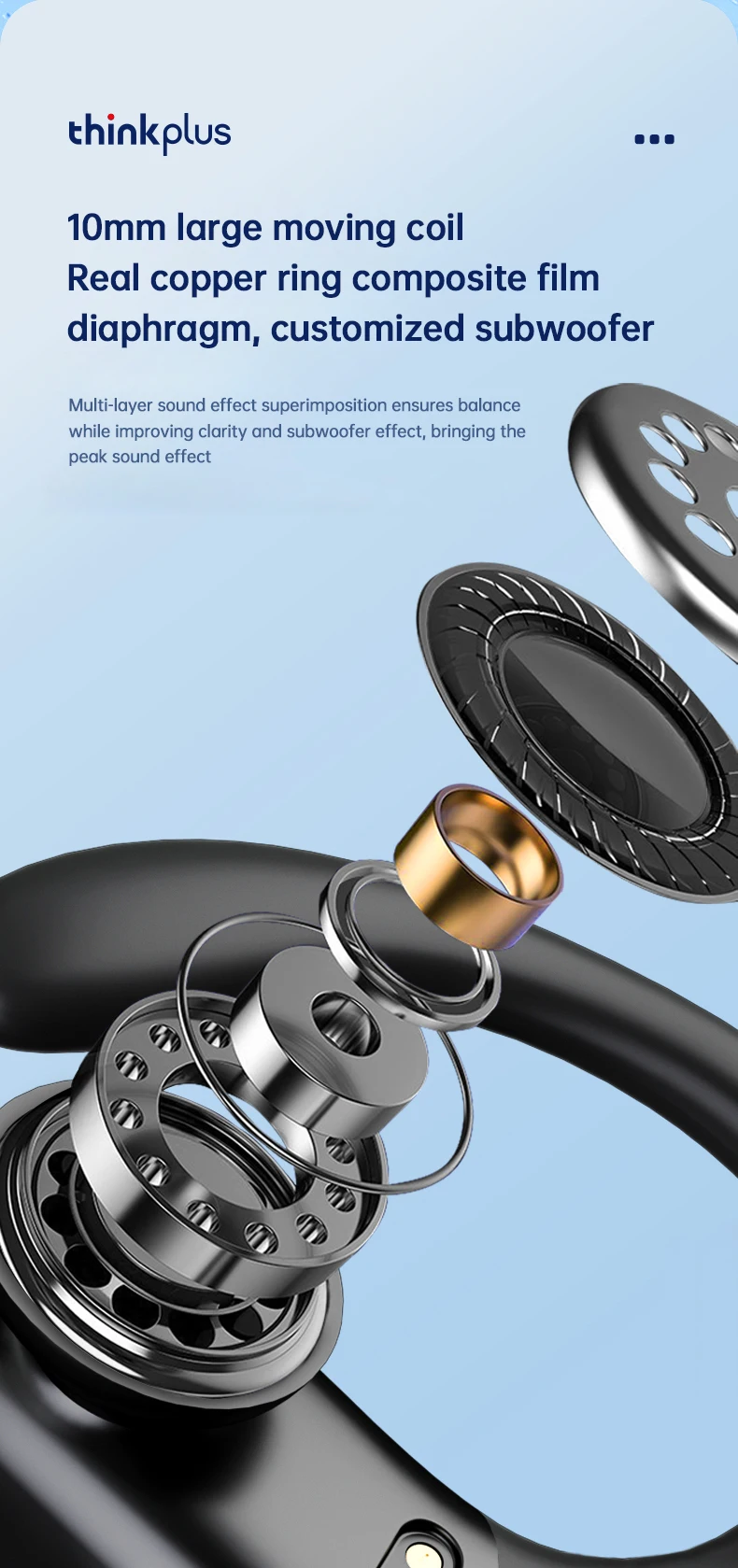
Driver Diameter: 10
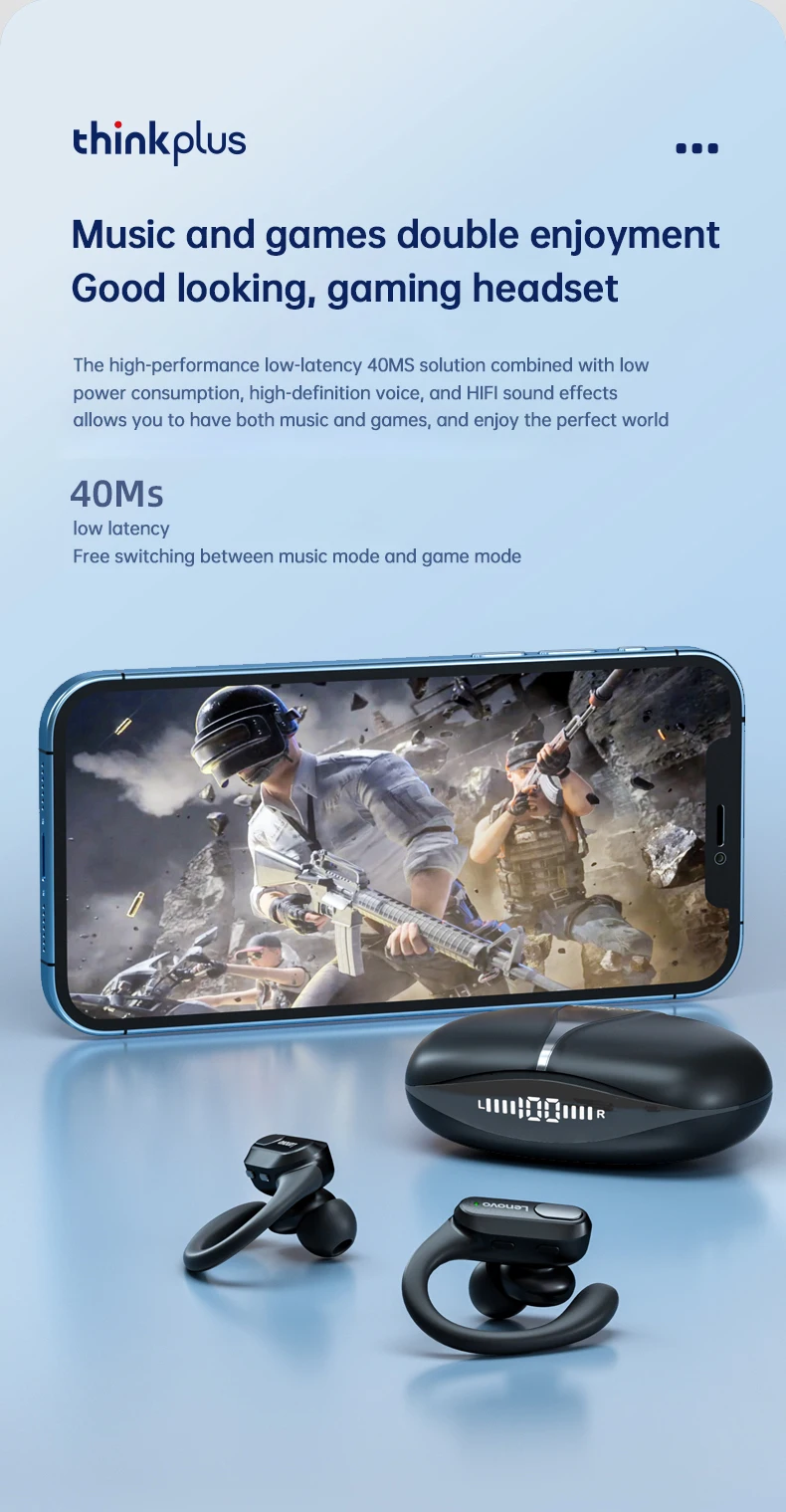
Features: Waterproof,With microphone,Apple Siri Support
Frequency Response Range: 20-20000
Function: for Video Game,Common Headphone,For Mobile Phone,for Powersports,HiFi Headphone,Sport,For Outdoor
Headphone Pads Material: Silicone
High-concerned chemical: None
Impedance Range: up to 32 Ω
Is wireless: Yes
Material: Plastic
Maximum wireless range[m]: <10m
NFC Technology: no
Origin: Mainland China
Package List: User Manual,Charging case,Charging Cable
Sound Isolating: Yes
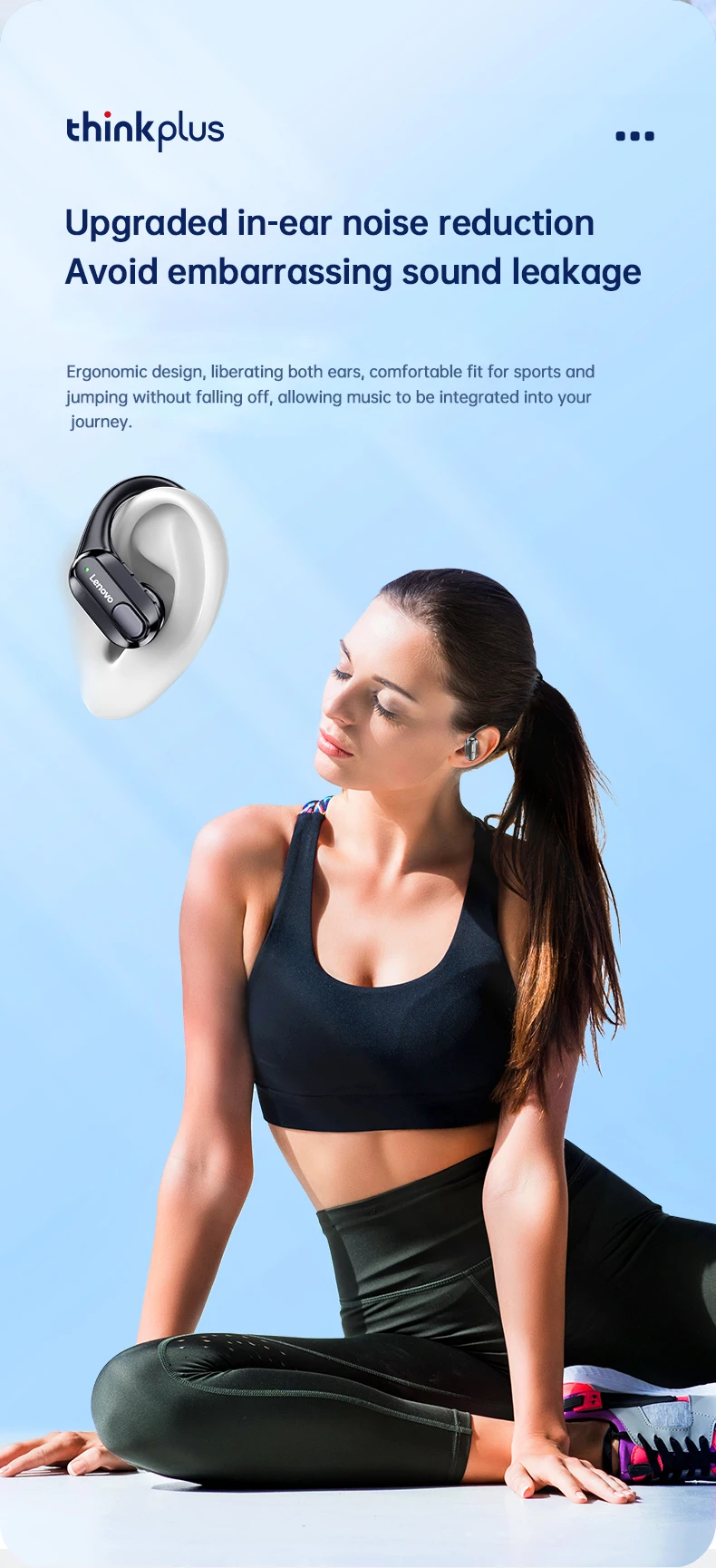
Style: Ows ear hook headphones
Support APP: No
Support Memory Card: No
Vocalism Principle: Dynamic
Voice assistant built-in: no
Volume Control: Yes
Waterproof: Yes
Wireless Type: Bluetooth
With Microphone: Yes
• Wireless Bluetooth 5.3 :
Enjoy seamless connectivity with the latest Bluetooth 5.3 technology for uninterrupted audio streaming.
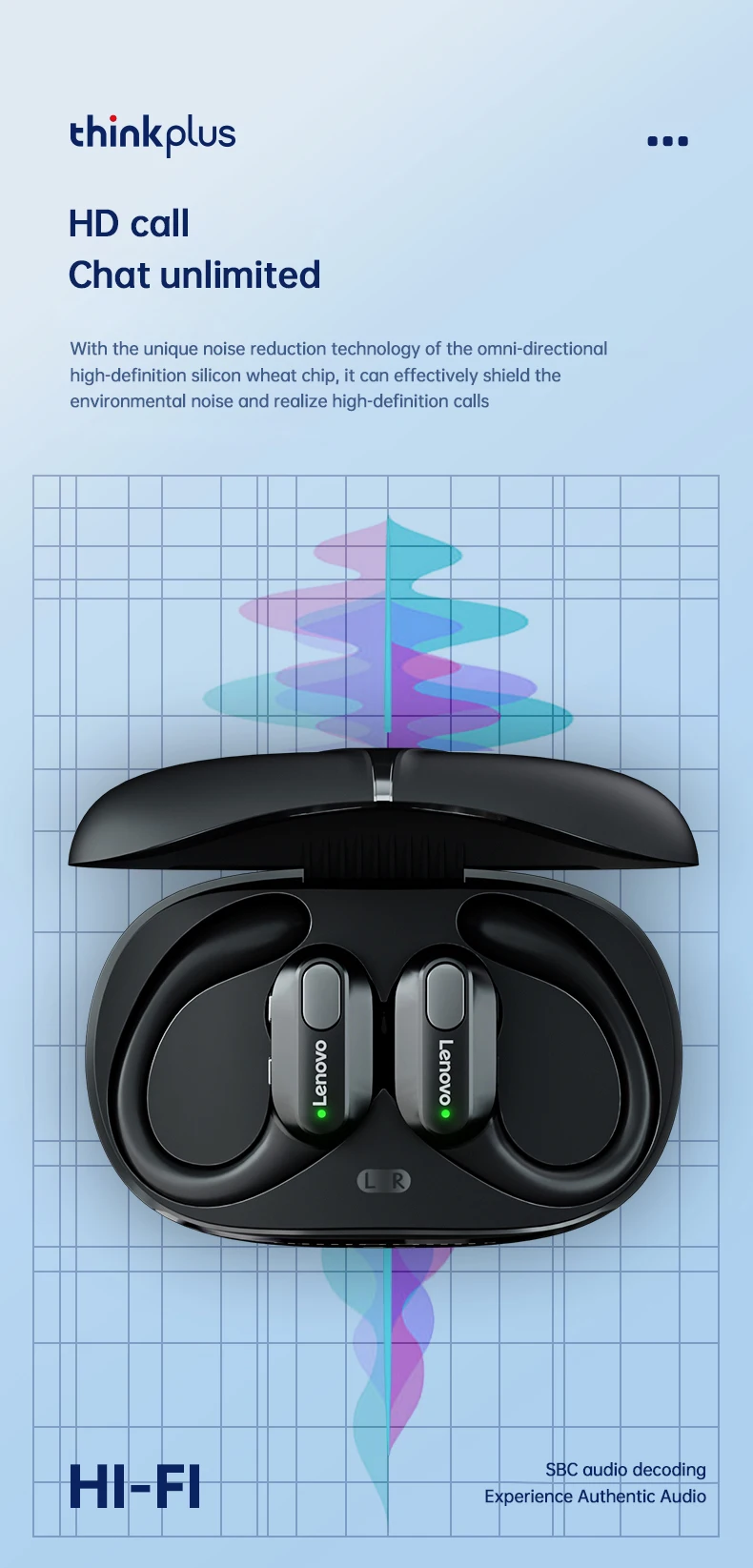
• Built-in Microphone :
Take calls on-the-go with ease thanks to the built-in microphone that allows for hands-free communication.
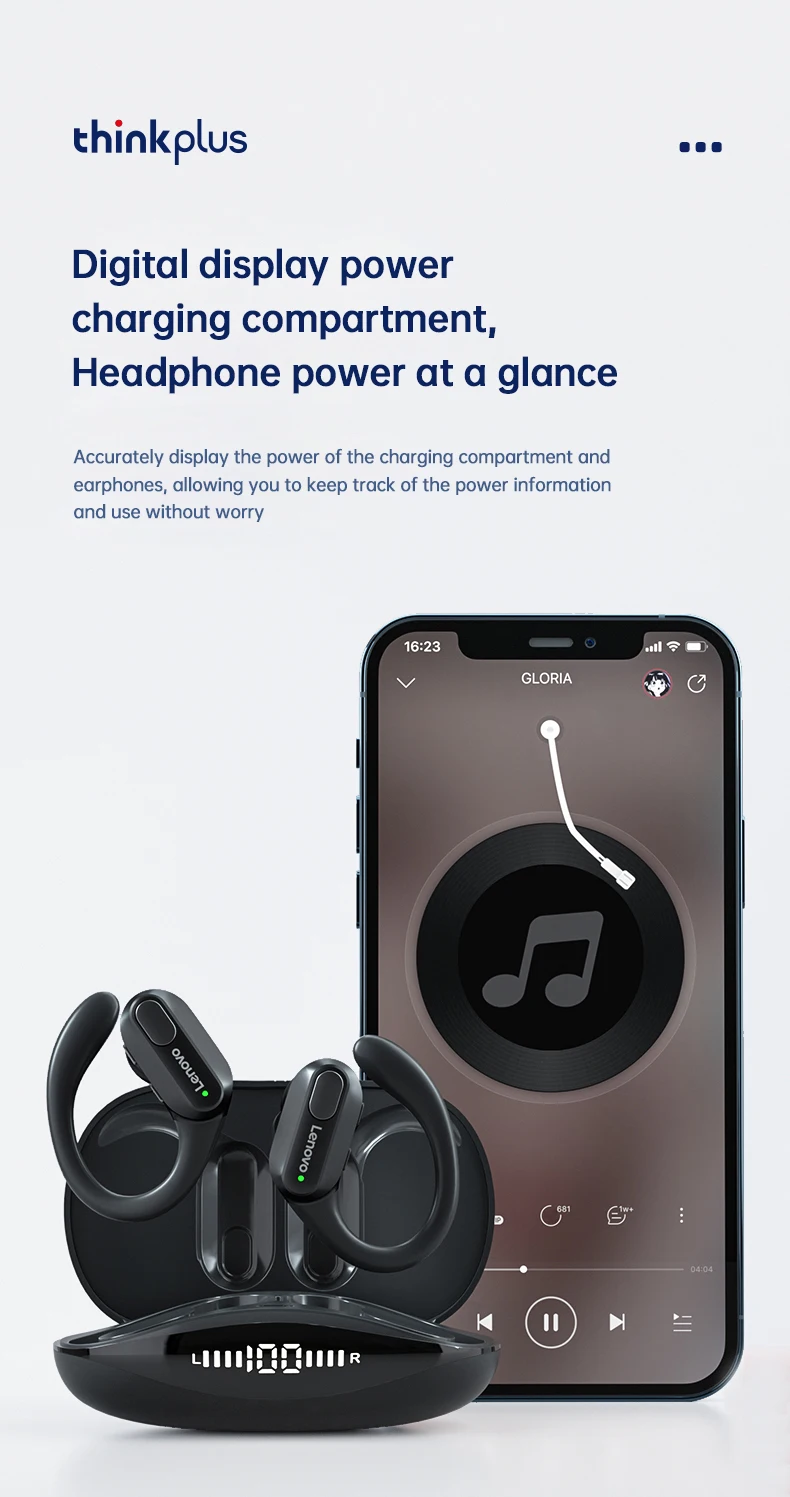
• LED Power Display :
Keep track of your headphones' battery life with the convenient LED power display that shows you how much charge is left.
• Volume Control :
Adjust the volume of your music or calls with ease using the convenient volume control feature.
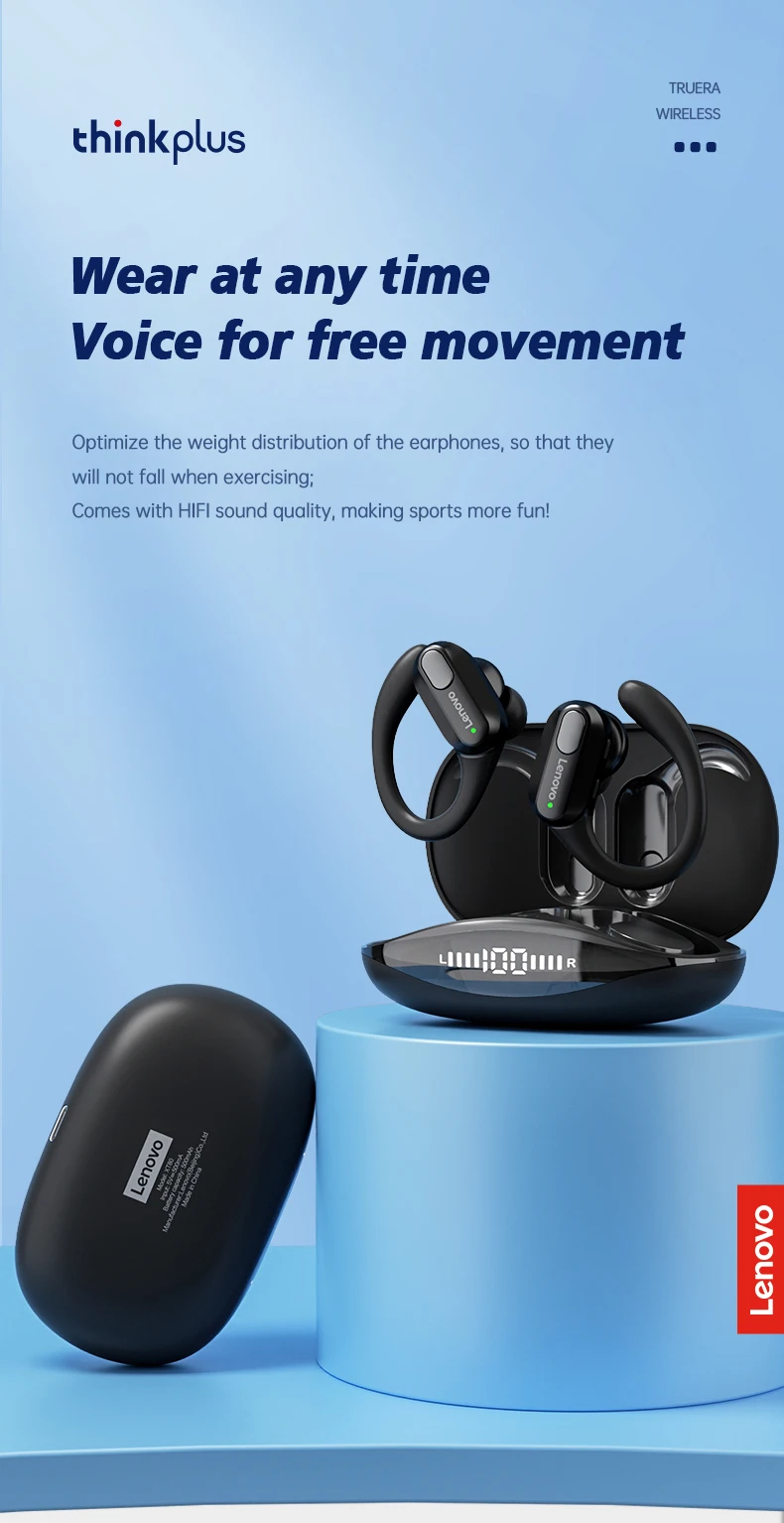
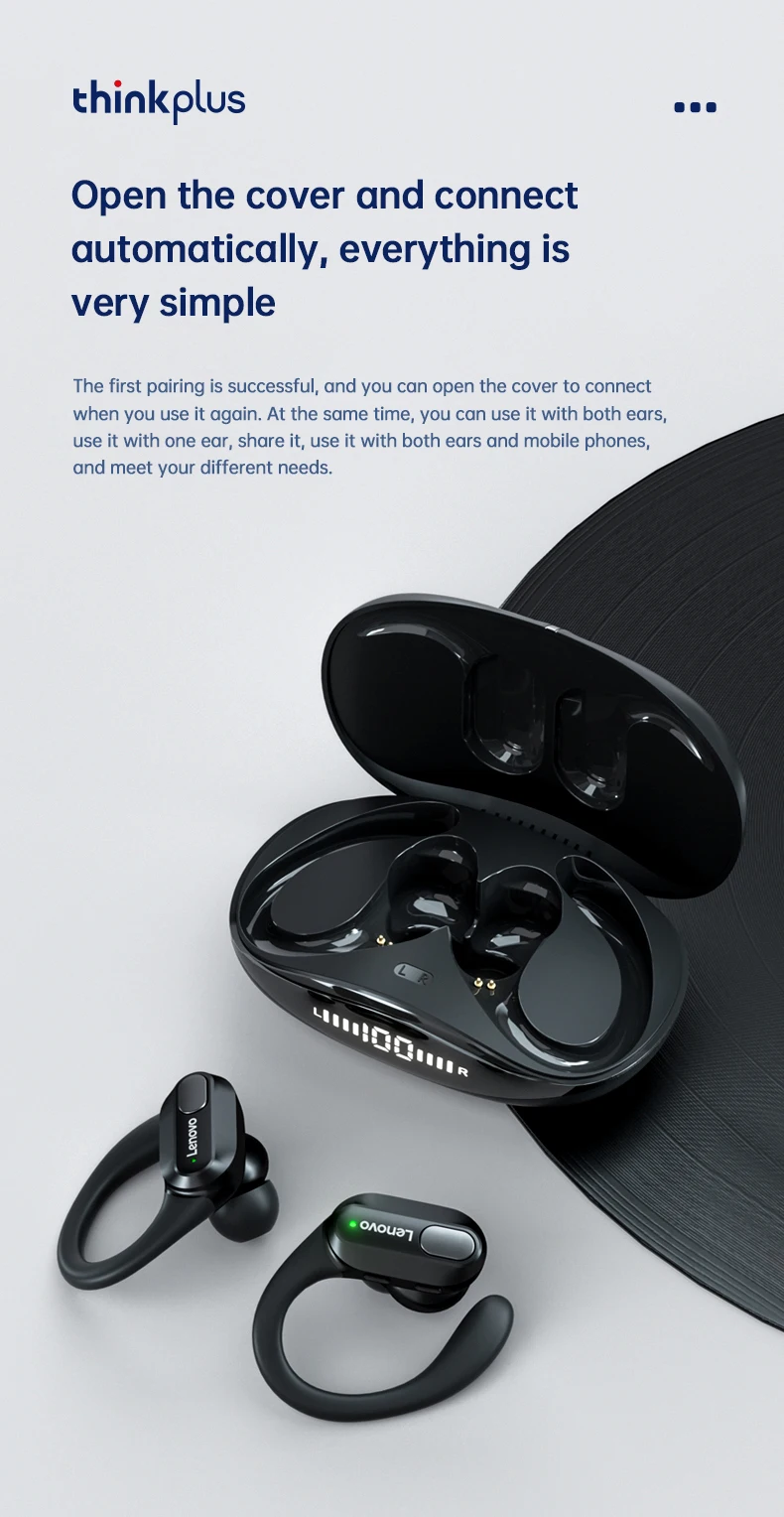
Lenovo XT80 Ear Hook Sports Wirless Headephone
What's in the box:
2 x[Bluetooth Earphones]
1 x [Charging Case]
1 x [User Manual]
1 x [Type-C Charging Cable]
3 x earphone cups (S,M,L size)

【FAQ】:
Q: What should I do if the headset received unable to turn on?
A: Confirm that the charging case has power left.If charging case power off, please put the earphones in charge case and charging for 1 hour and try again.
Q: What should I do if Sound comes from only one earphone?
A: Put both earphones back into the charging case and close the cover, then take them out again to check whether both ears have sound. If only one earphone still has sound, please restore the factory settings for both earphones.
Q: How to solve the problem that the mobile phone prompts that it cannot connect?
A: Delete the pairing record on the mobile phone, and then search for pairing and connect again.
Q: How to solve the problem that there is no sound when listening to music or calling?
A: There is a settings icon on the right side of the Bluetooth connection name on Android phones. Click to enter, turn off the mobile phone audio and media audio, and then turn them on again. If there is still no sound, please re-pair the earphones with the mobile phone.
Q: How to pair two earphones.
A: Step 1: Delete the Bluetooth link of the corresponding earphone on the phone, and then turn off the phone's Bluetooth function. Step 2: Put both the left and right earphones back into the charging compartment. Step 3: Wait for 10 seconds, take out both left and right earphones from the charging compartment, and wait for the earphones to match. Step 4: Wait for 10 seconds, turn on the Bluetooth function of the phone, search and connect the headphones to use.
【Other Tips】:
1. Before using the earbuds, please read the manual carefully and keep it for future references.
2. The earbuds need to be fully charged prior to first-time use.
3. lf the earbuds are left unused for over two weeks, please recharge.
4. Please use the chargers made by qualified manufacturer.


