Warm tip:
Play2Video Ultra is supported for YouTuber , for Netflix, for IPTV Smaters PRO
��❌cannot download any other apps.
��❌cannot support for HUAWEI ,not for xiaomi redmi.
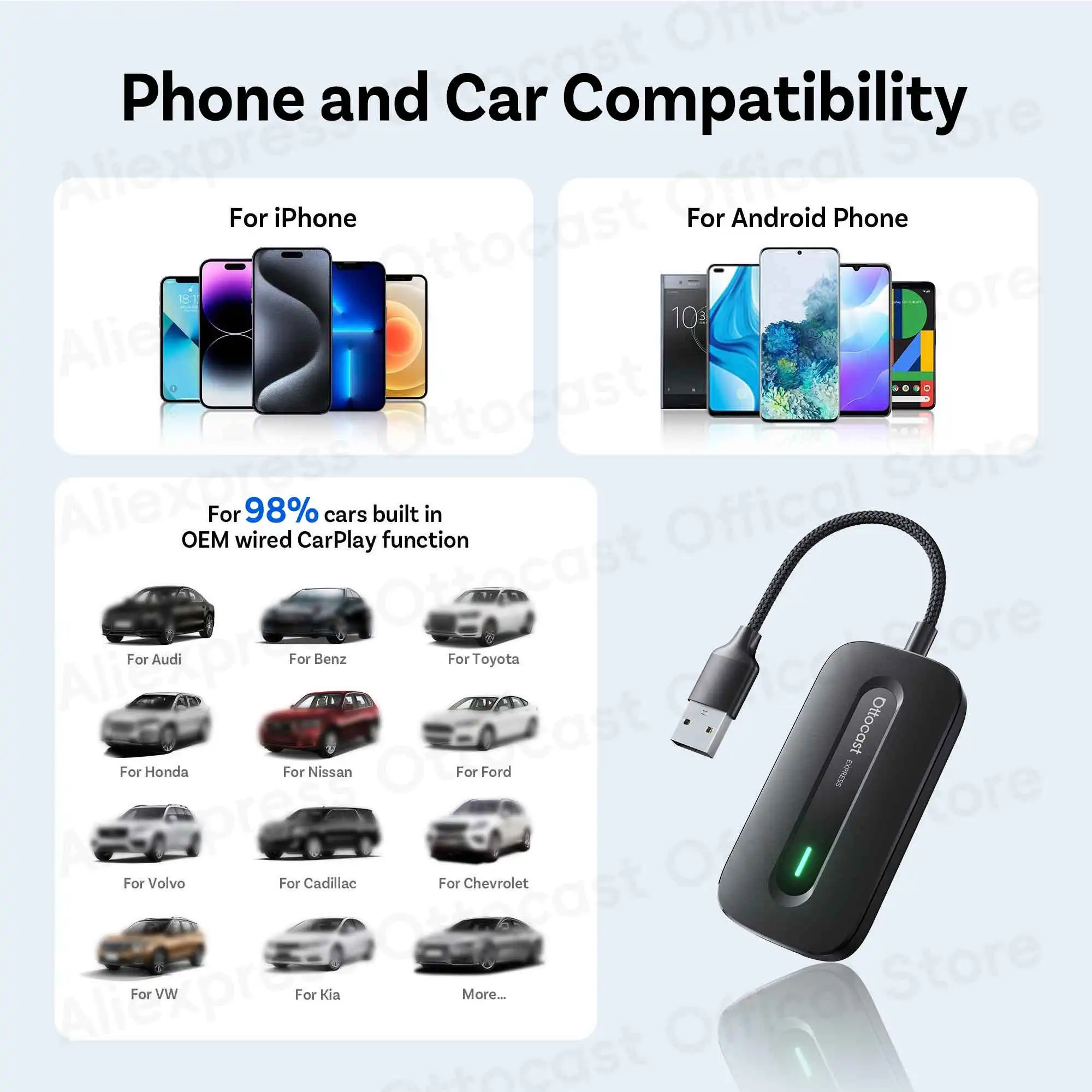
1.Play2Video Express/Ultra adapter only fit car with factory wired CarPlay .
2.If your car is non-touch screens ,please choose the option with air mouse.
3.If your car is made in Japan, its current will be relatively small, sometimes resulting in insufficient power supply. Before placing an order, please note your car model and contact us via message.We will provide a free bypass power cable with your package.
● The difference between Play2Video Express and Play2Video Ultra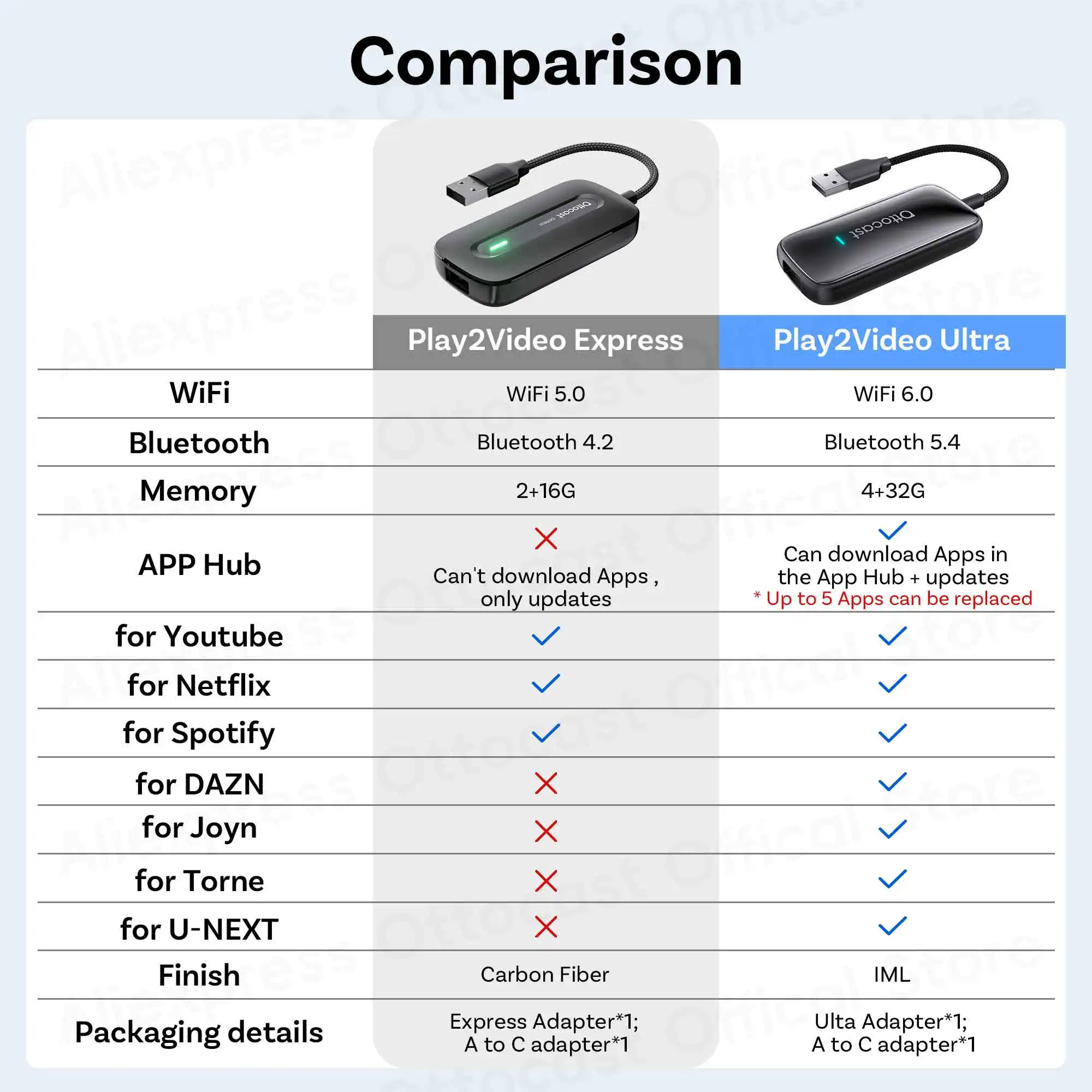
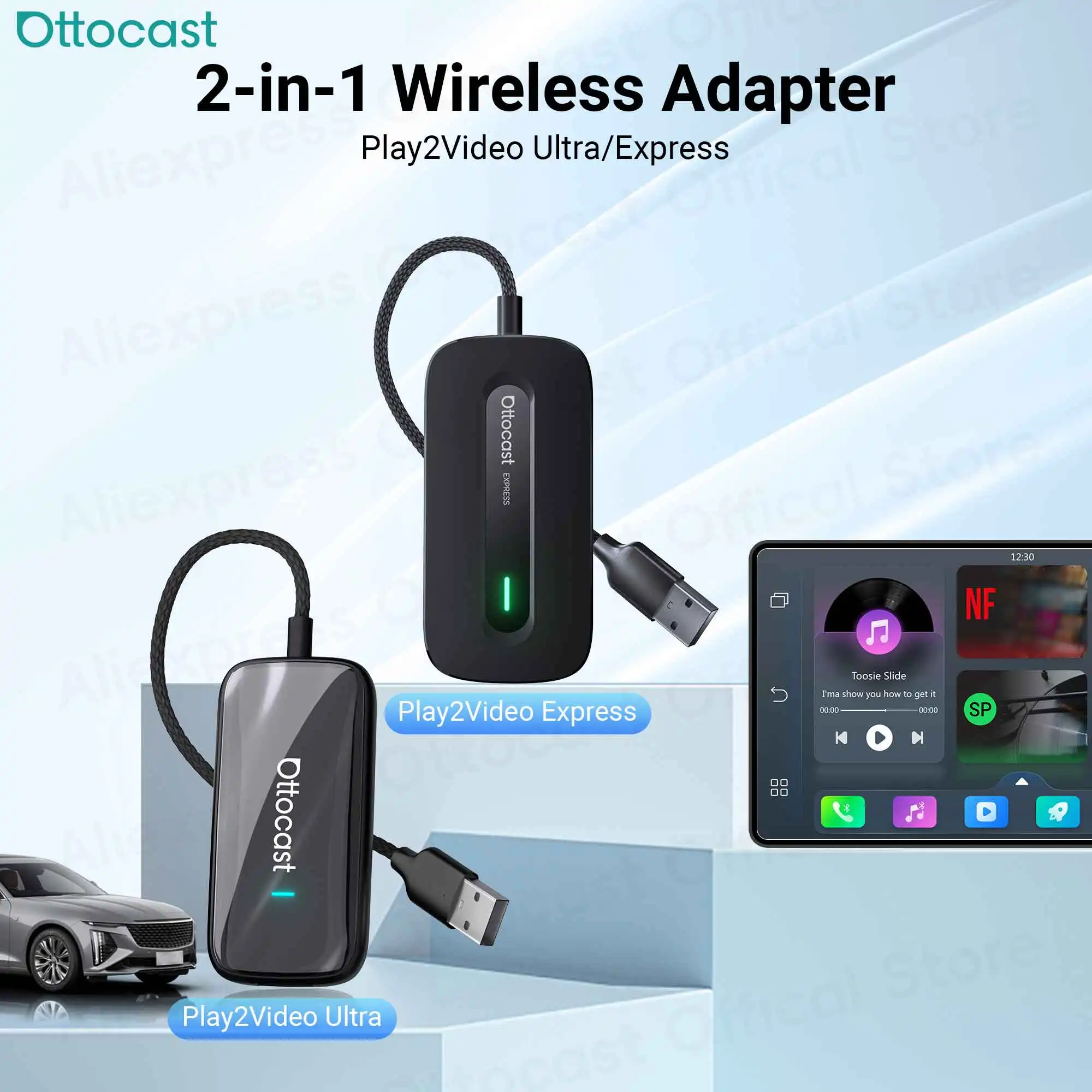
● All-in-One Car Entertainment Hub
Built-in Net flix, You Tube, and A mazon Video apps let you stream movies, shows, and live TV directly on your car display. Supports up to 128GB USB drive for offline playback, so you can enjoy your favorite videos anytime, even without internet. Perfect for family road trips, long commutes, or waiting in a parking lot.
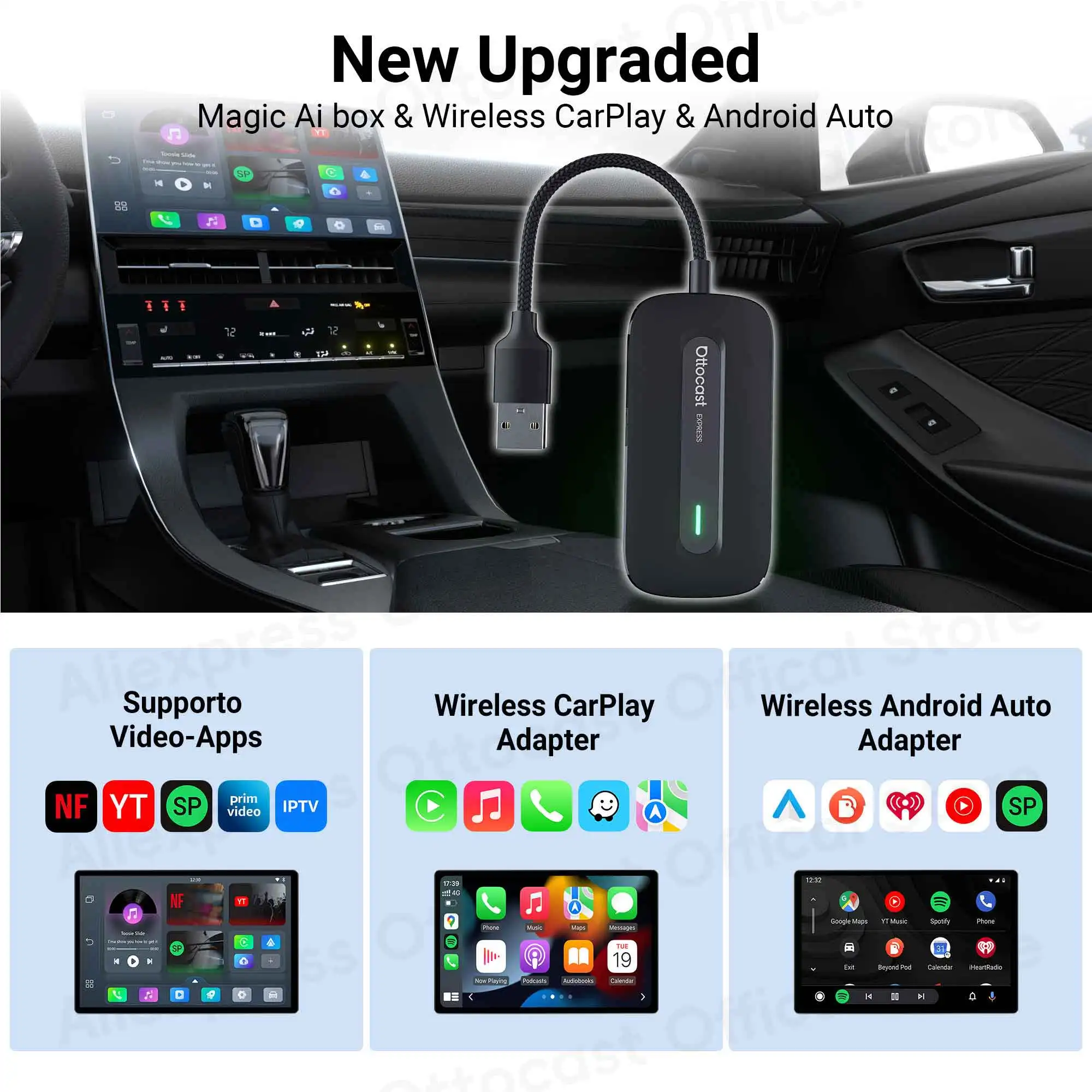
● Wireless CarPlay & Android Auto Upgrade
Instantly convert wired CarPlay to wireless, supporting both iOS and Android smartphones (Note: iOS 10.0+/Android 11.0+). Control via steering wheel, knobs, or voice commands. Equipped with WiFi 6 and Bluetooth 5.4, ensuring ultra-stable, lag-free connectivity. 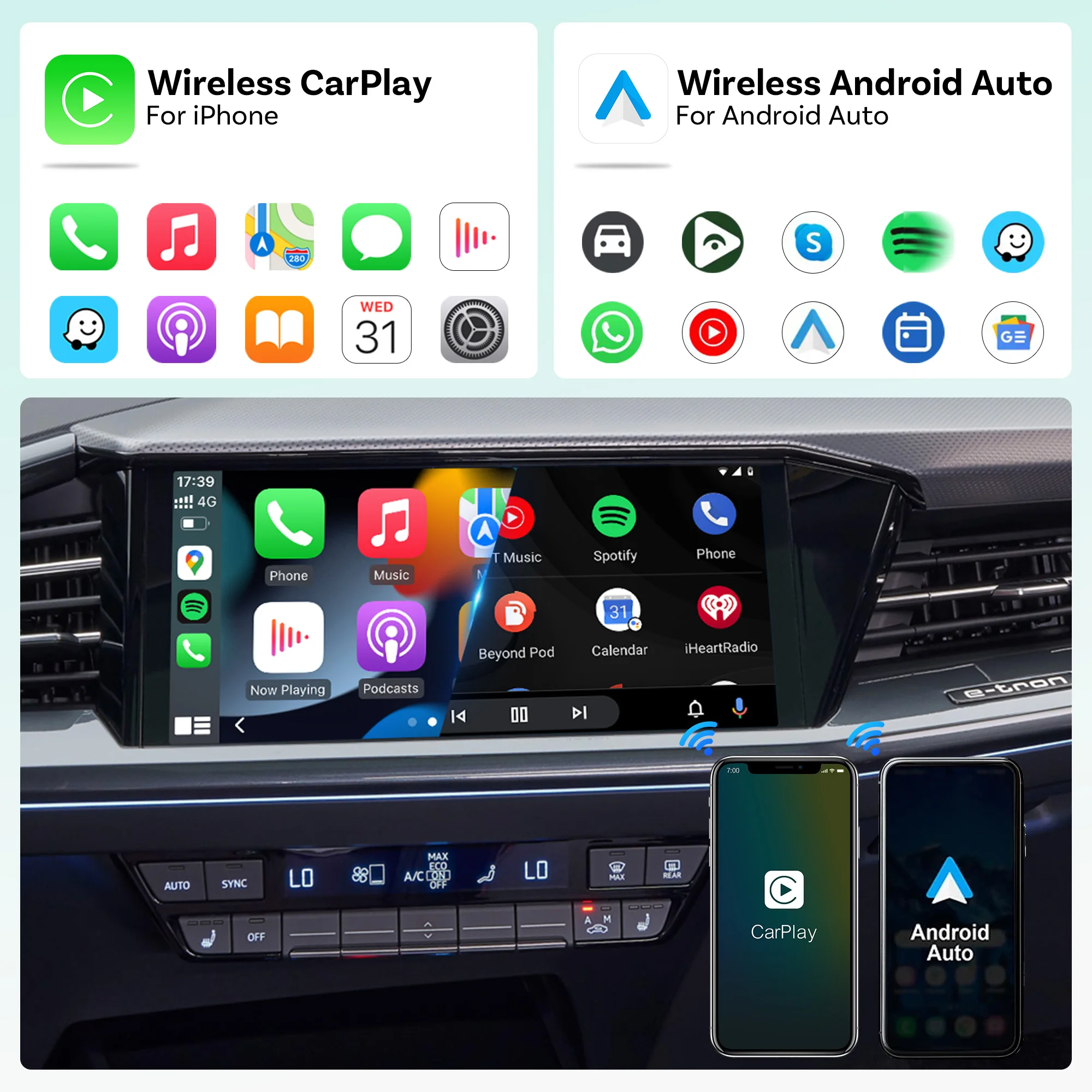
Custom minimalist Android UI designed for safe driving. Easy-to-use interface like your phone or tablet. APP Hub allows flexible app selection, and one-click switch between video streaming and CarPlay/Android Auto without distractions. Switch from watching YouTuber at a rest stop to navigating with CarPlay in seconds, keeping your drive smooth and safe.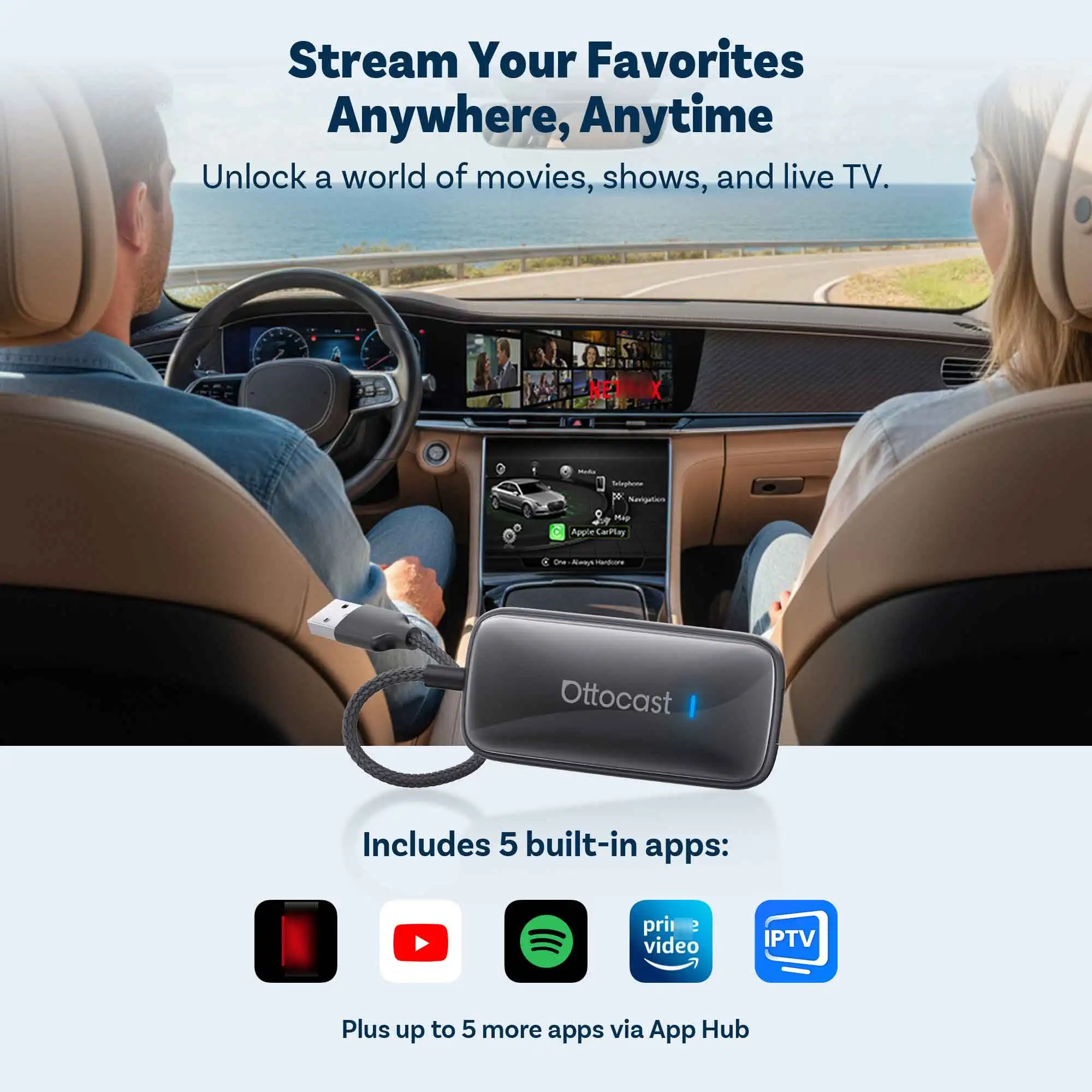
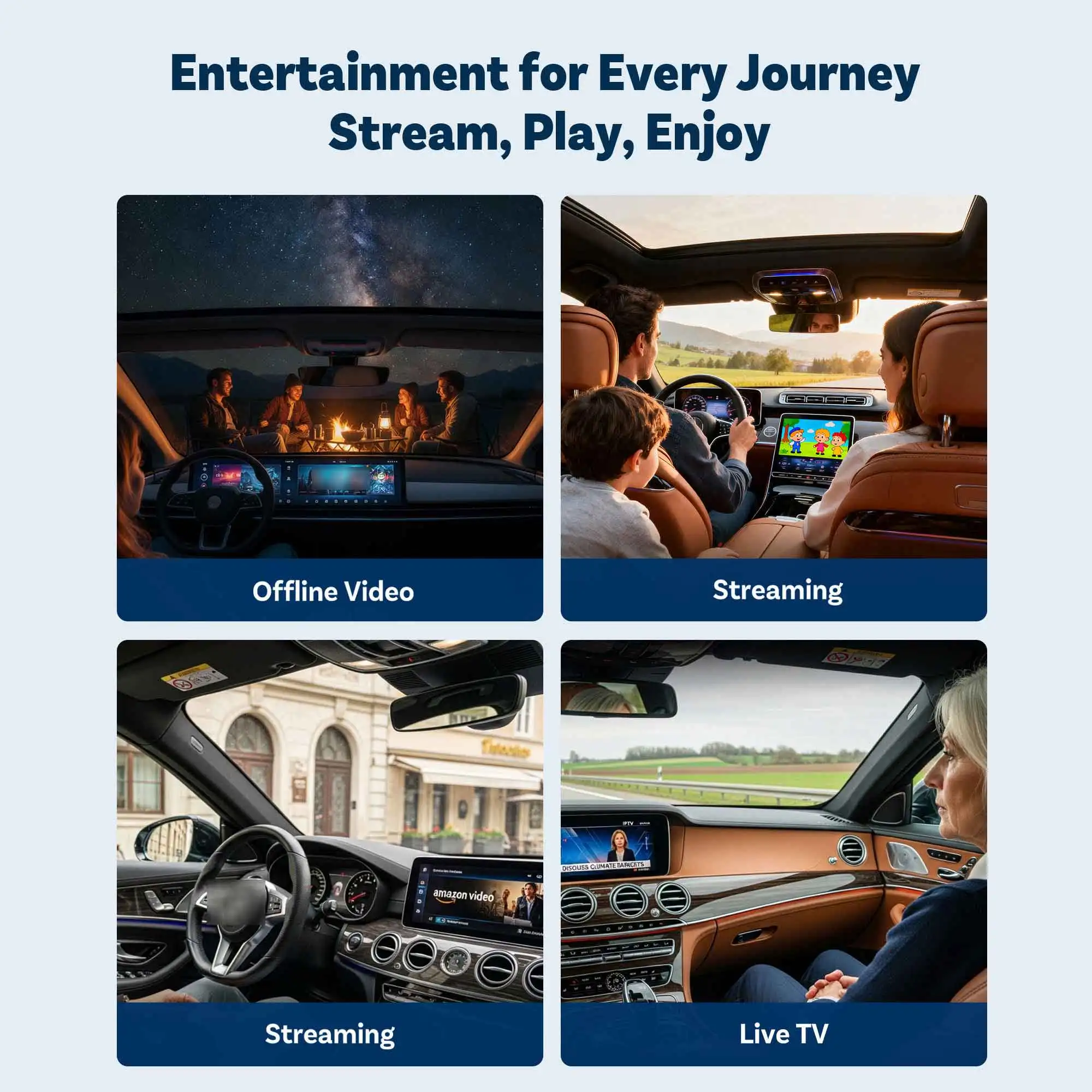
●Entertainment for Every Journey
Ideal for daily commutes, highway driving, or switching drivers during a weekend getaway.
● How to use wireless CarPlay/Android Auto
Please confirm whether your car has wired CarPlay turned on.
3- step simple pairing for quick start
① Plug the product into the car's USB port
② Turn on WiFi and Bluetooth, Pair the Play2Video-Express-xxxx"
③ Connect to use wireless Android Auto or wireless CarPlay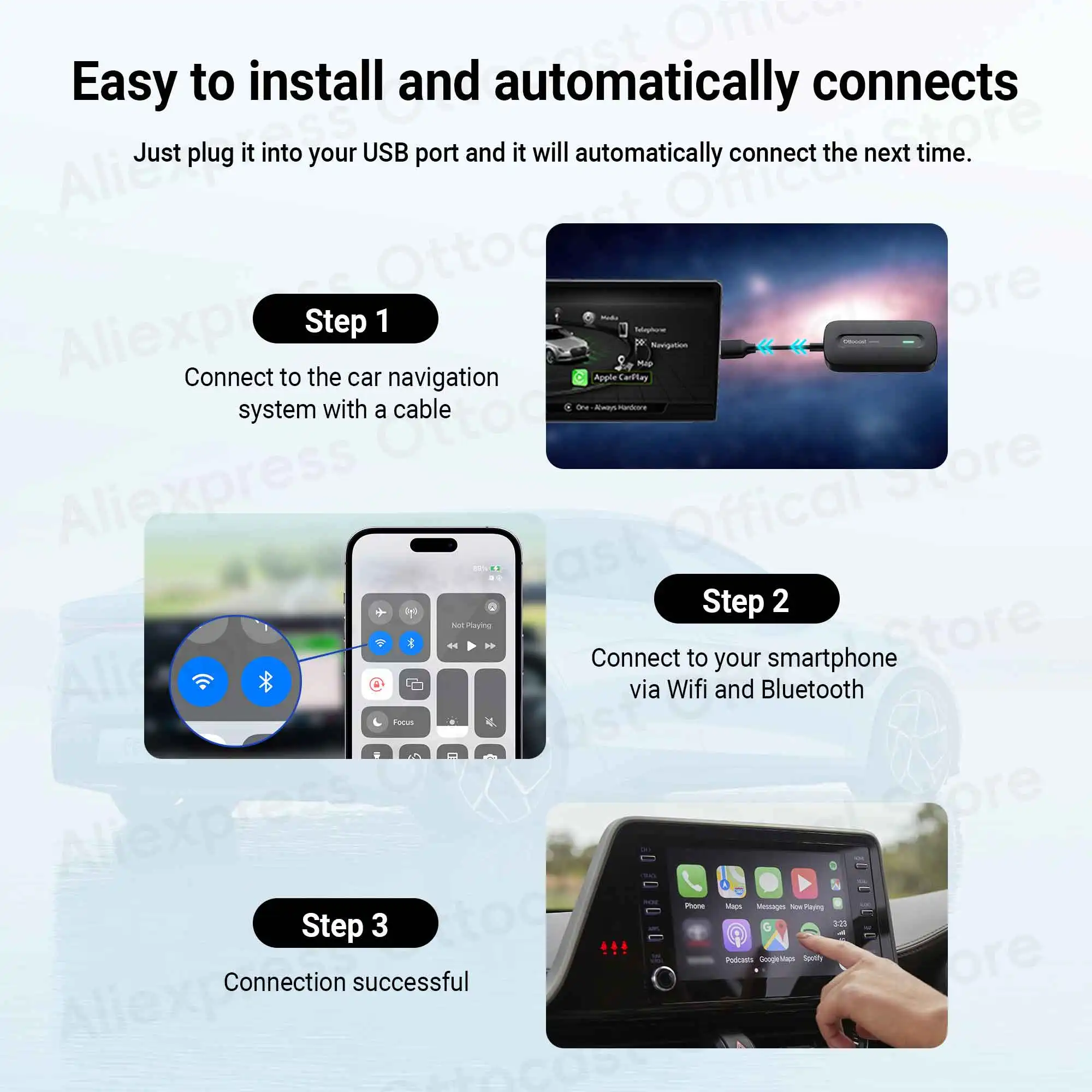
● How to connect to Wifi Network
① Click "Settings'
② Click "Network & Internet"
③ Find WiFi Name and connect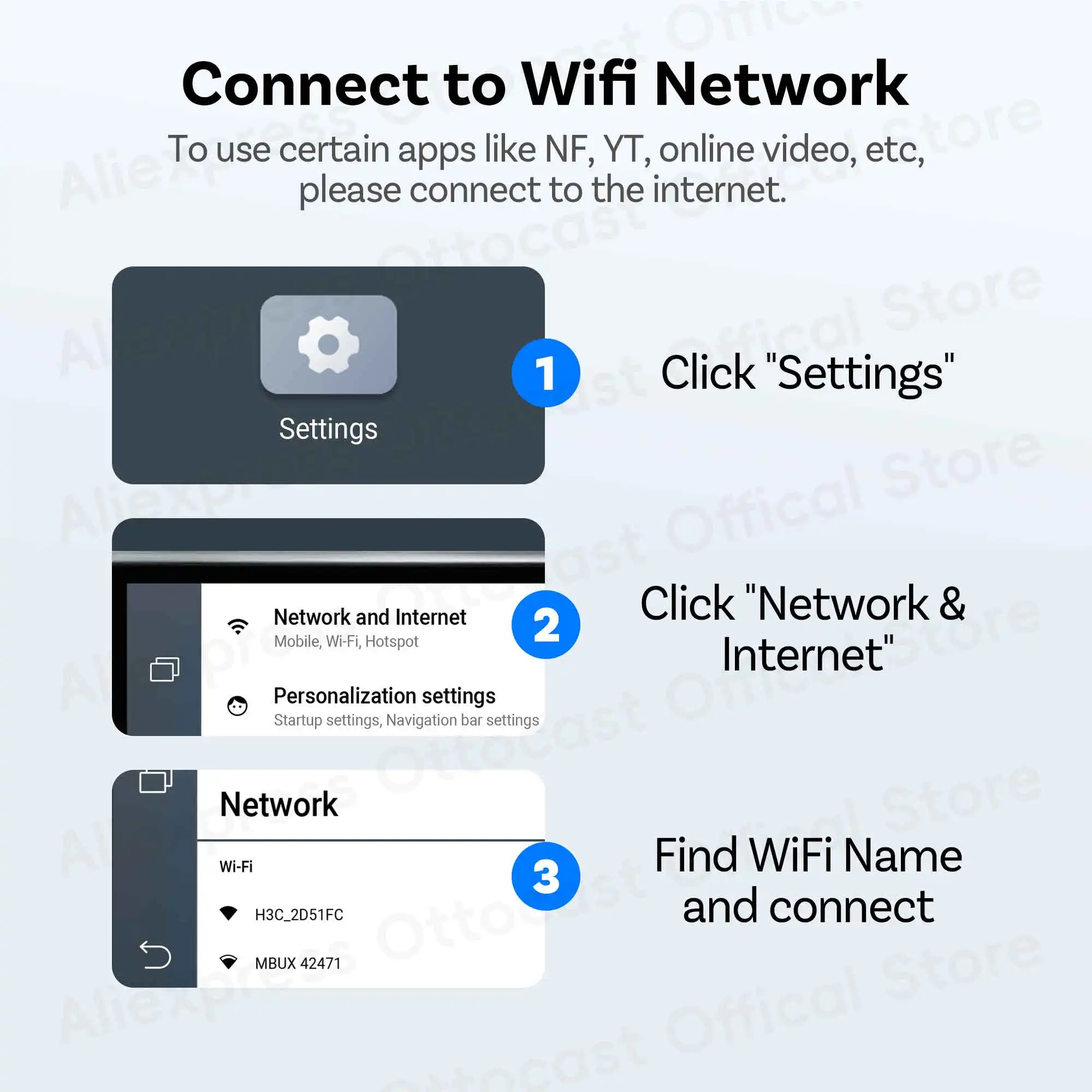
●Car & Phone compatibility
Warm tip: this adapter only fit car with factory wired CarPlay.
*It is suitable for various brands of different series of cars, such as: for Audi, for Mercedes-Benz, for Chevrolet,for Ford, for Porsche, for Volvo, for Volkswagen,for Kia,for Lexus, for Hyundai ,for Honda, for Toyota, for Mazda, for Land Rover,for Jeep, for Subaru etc.
��❌cannot for BMW,not for TSL
_____________________________________________________________
*For IOS10 / Android 11 or above and some Samsung, Google phones
��❌cannot for HUAWEI,not for xiaomi Redmi