Description
SPECIFICATIONS
Brand Name: YoufangSmart
Feature 1: Programmable control handle
Feature 10: Wireless Receiver
Feature 11: Ps2 Hnadle
Feature 12: For Ps2 Controller
Feature 13: Gamepad Joystick
Feature 14: 2.4g Wireless
Feature 2: Use to robot arm
Feature 3: Use to robot car
Feature 4: Use to robot
Feature 5: Raspberry Pi, Arduino, STM32
Feature 6: PS2 HANDLE
Feature 7: 2.4g wireless controller
Feature 8: for Arduino STM32 Robot
Feature 9: Dualshock Gaming Joy
High-concerned chemical: None
Is Electric: No Battery
Model Number: Ps2 Receiver
Origin: Mainland China
Power Source: Electric
Recommend Age: 14+y
Theme: Animals & Nature,Transportation,Fantasy & Sci-Fi,Occupations,Sports,Music
Warning: Can not water
Youfang Smart is smarter, tech, and healthier
We are the sales No.1 in the robot industry, specializing in the development of science and technology, technology, education and teaching enterprises. This programming 2.4g wireless handle is a new, very intelligent teaching programming 2.4g wireless handle designed by our institute, but also the enlightenment of children and engineers to learn education, we will release more technology, education, health new products from time to time, can be used as children's toy gifts, adult learning demoboard.I believe you will like our 2.4g wireless handle.
By the way, if you like our store, Please add our store to your Favorite Stores, You can getour New arrival and Discount information in time.
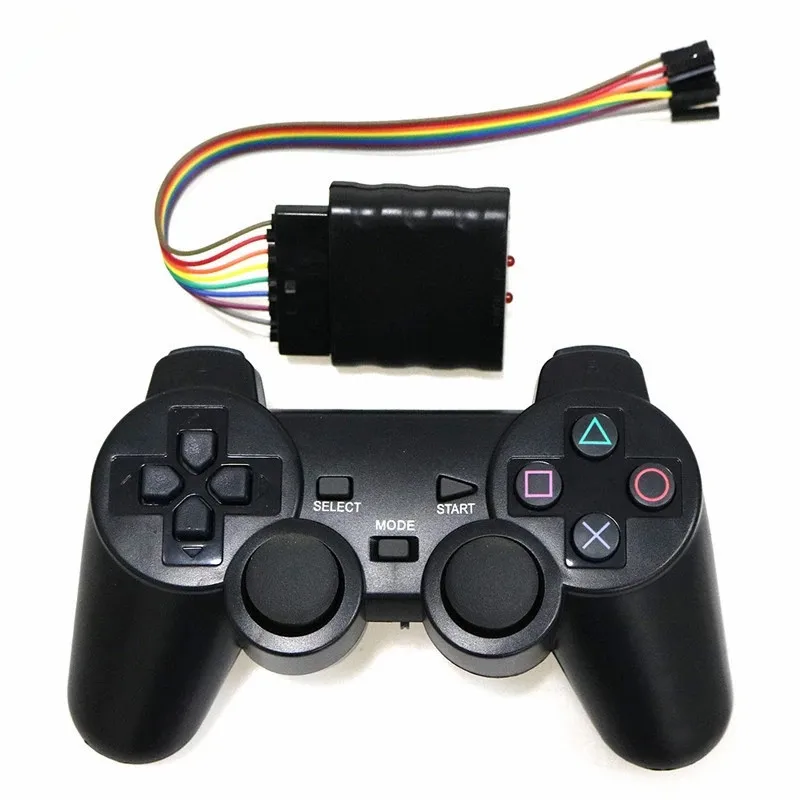
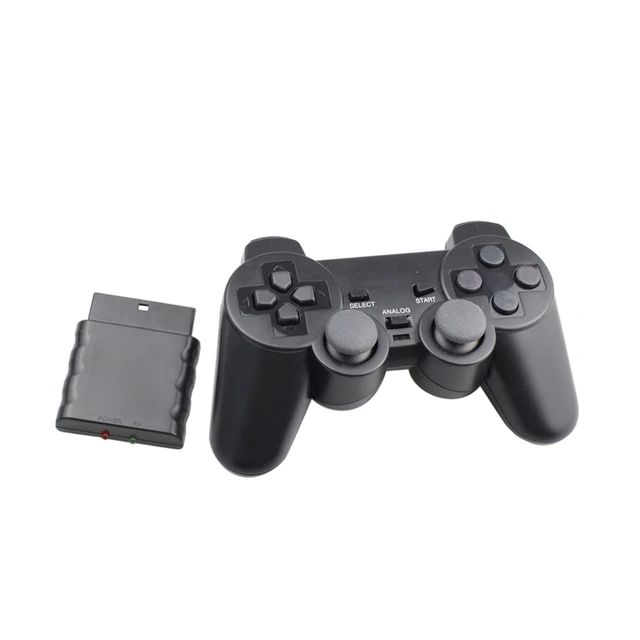
Receiver for Ps2 Handle 2.4g Wireless Gamepad Joystick For Controller with Wireless Dualshock Gaming Joy for Arduino STM32 Raspberry Pi, C51
Feature:
Free wireless remote control related information
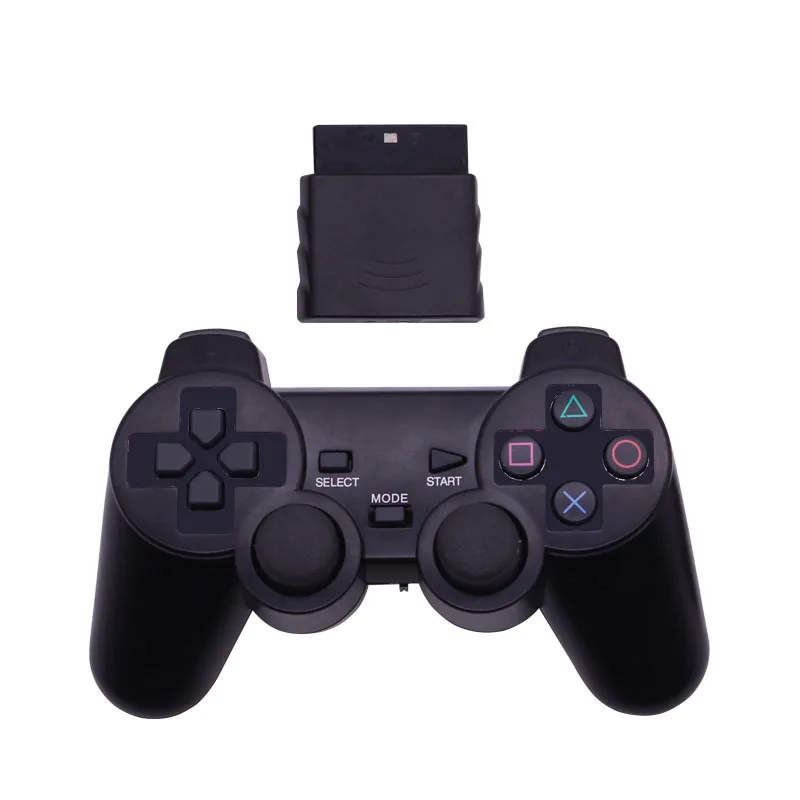
This handle is PS2 2.4G double vibrating handle with good quality and feel
Specification:
Remote control is about 12 meters away,
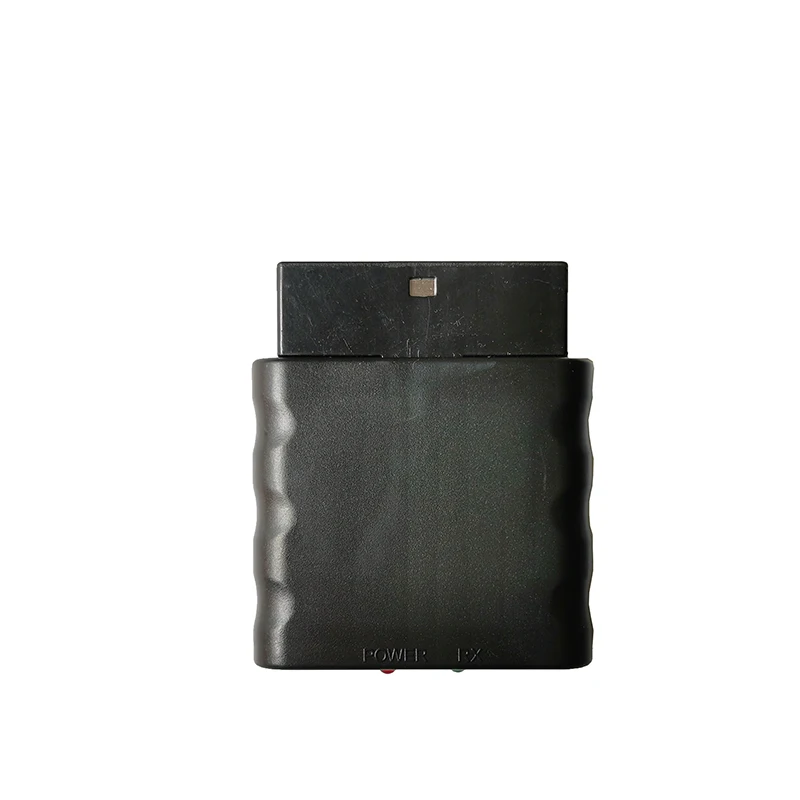
Equipped with 2.4G receiver,
Two AAA (No.7) batteries are required.
(shipping without battery)
How to use:
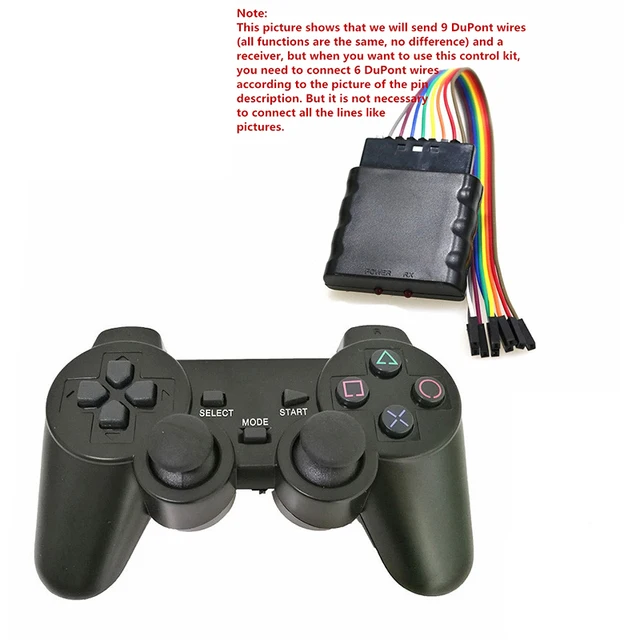
* Insert the transfer board and the receiving board together;
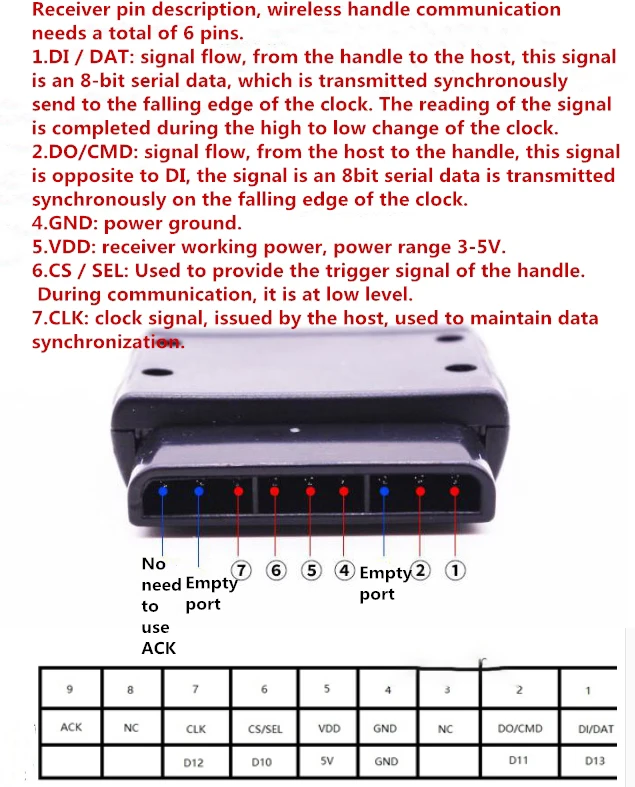
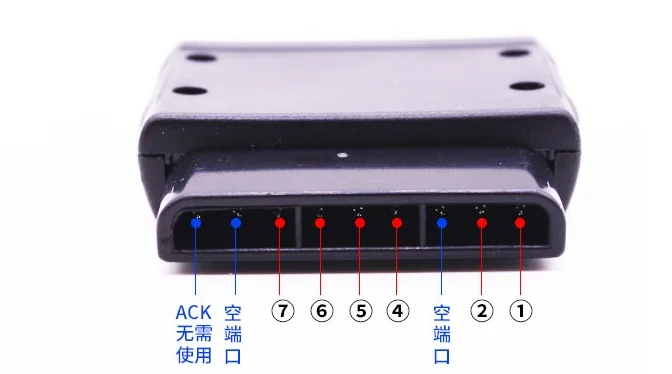
* Connect the conversion board to the main control board using a dupont cable according to the wiring instructions
* Open the power switch of the handle and butt the handle to operate
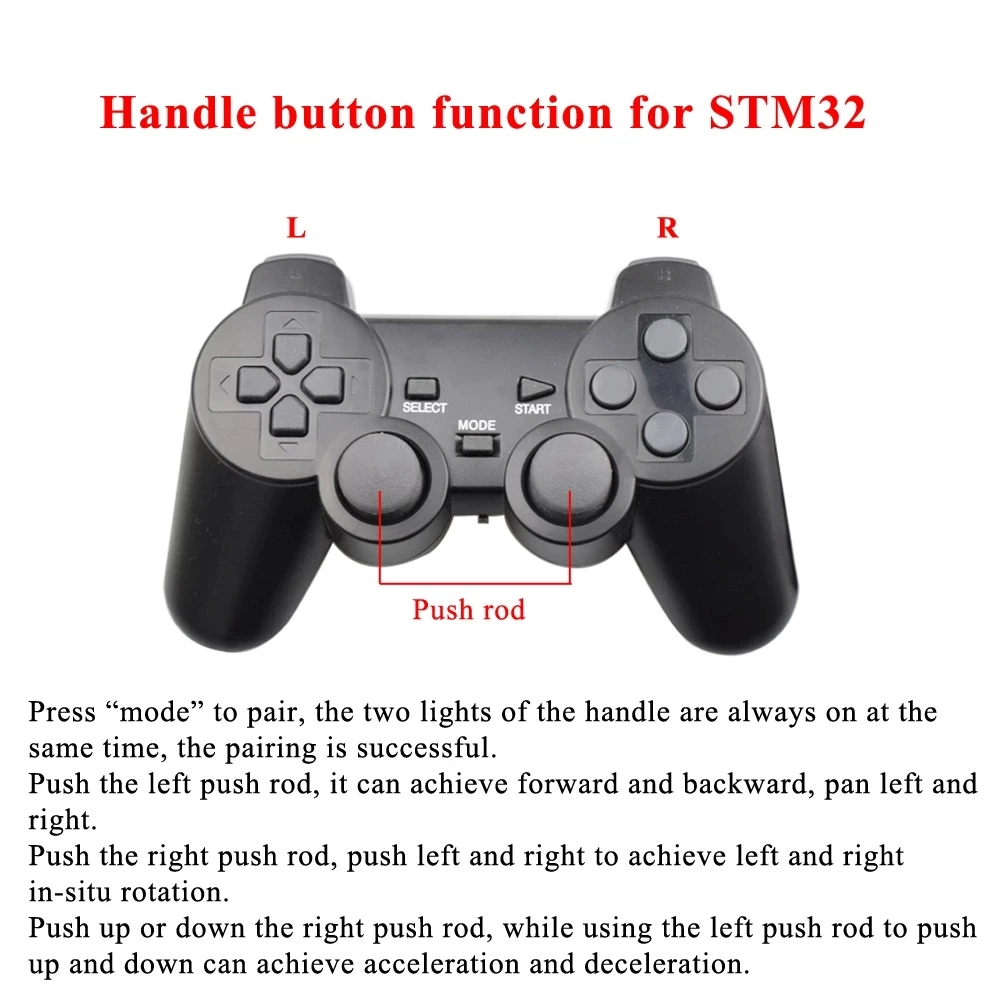
* If nothing happens, press the ANALOG button between the two sticks and try the sticks. This button is used to switch modes.
Note:Use foam box packaging, it can better protect the product.
Best Quality, Best Service !!!