Description
SPECIFICATIONS
Battery: Rechargeable Lithium Battery
Brand Name: NONE
Certification: CE,RoHS,UL
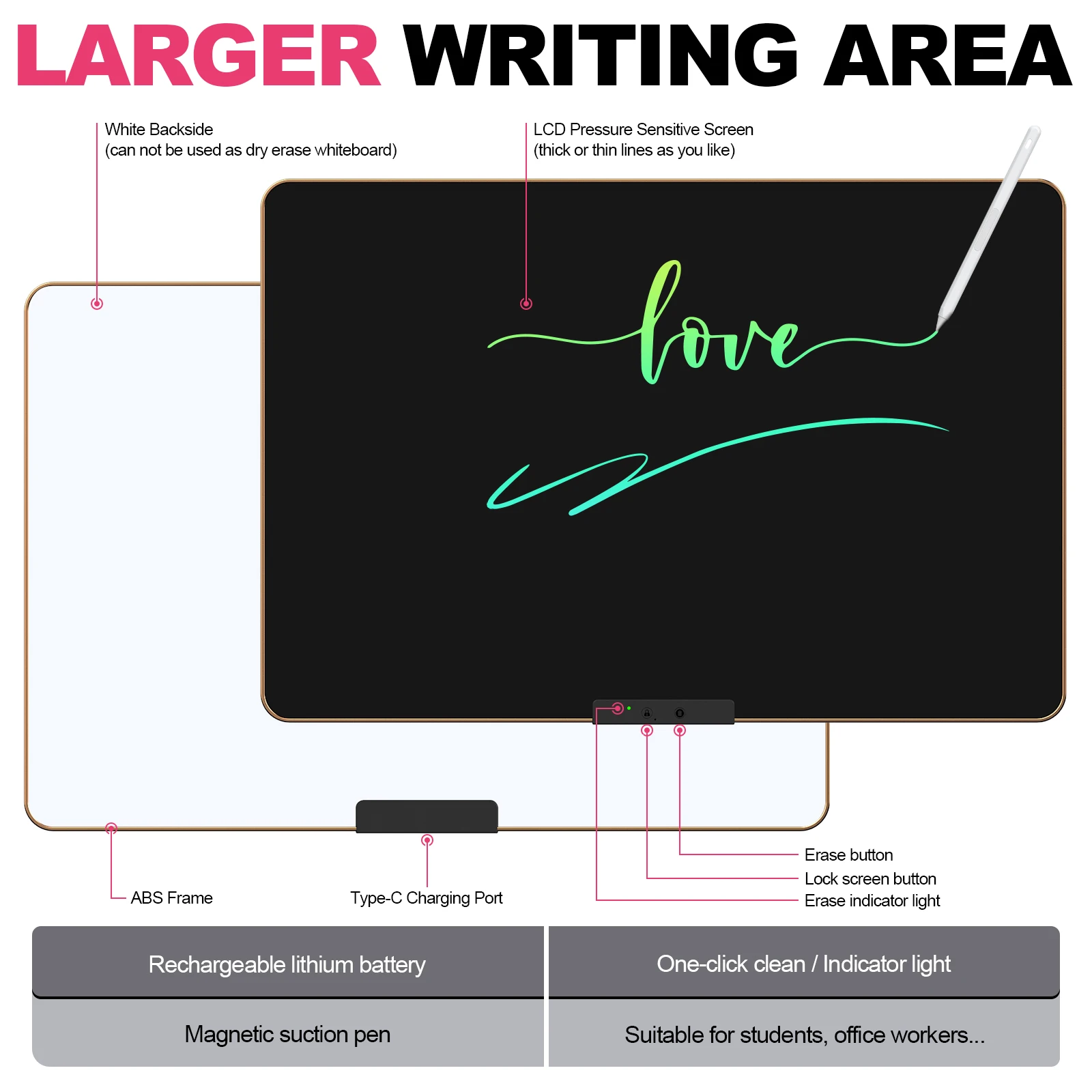
Charging: USB Type-C Charging Port
Choice: yes
Classification: Drawing Board
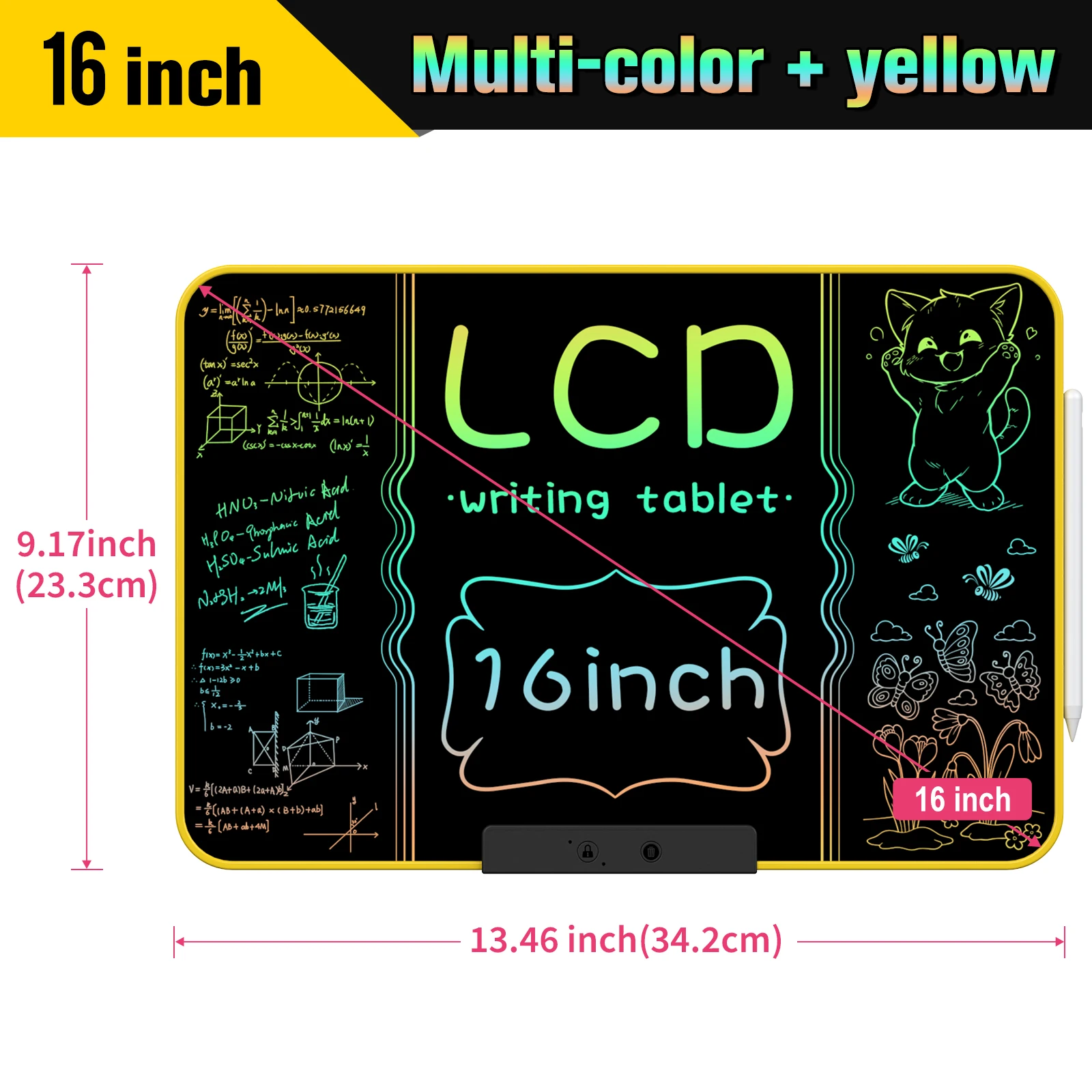
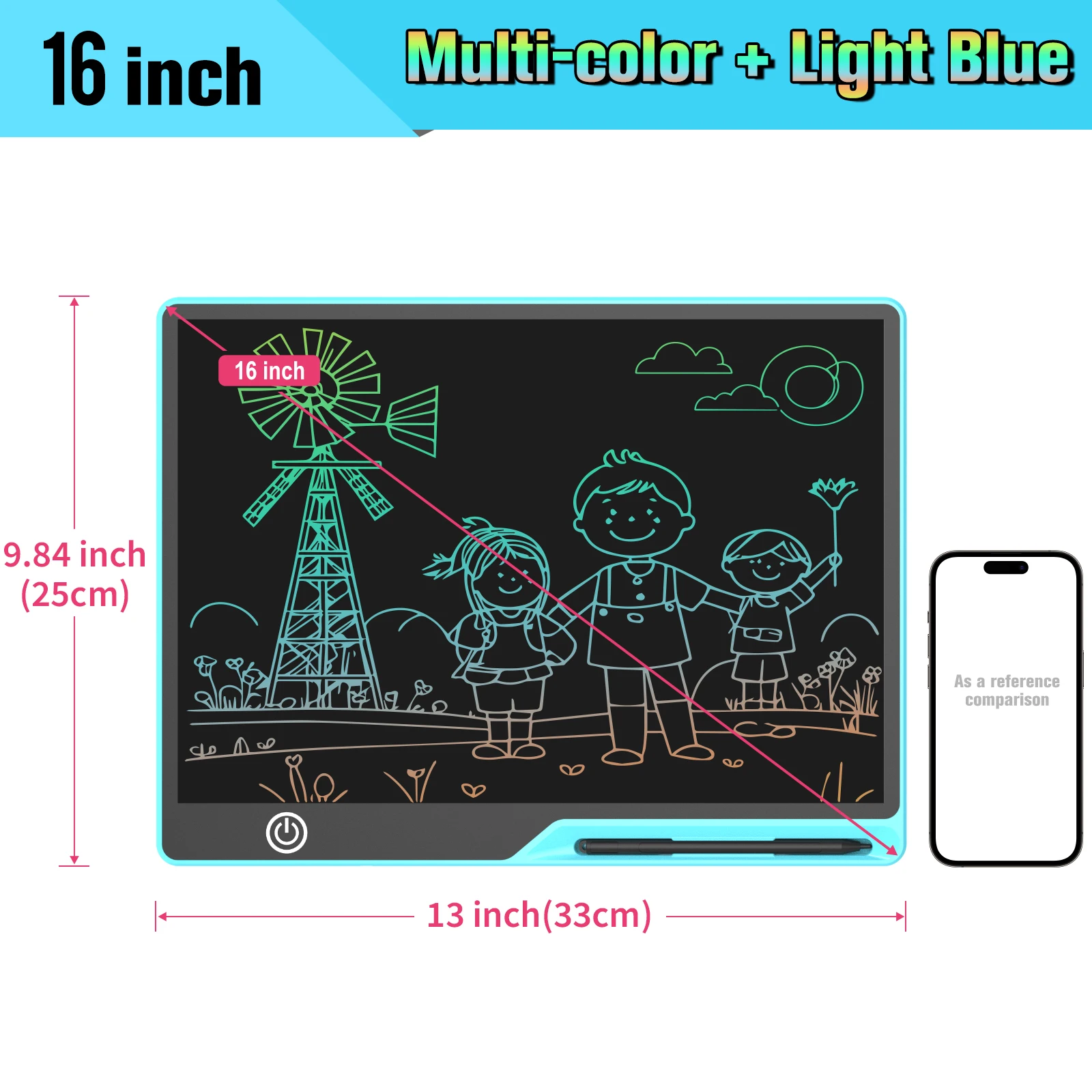
Color: Black, Pink , Yellow, Blue
Feature 1: Educational Learning Toys, This drawing board can be used as a children's drawing starter kid toy as well as an educational tool for parents
Feature 2: Protect Eyes and say Goodbye to the Mess,
Gender: Unisex
High-concerned chemical: None
Is Electric: Lithium battery
Material: Plastic
Model Number: MKD1616 , MKD1610
Origin: Mainland China
Plastic Type: ABS
Recommend Age: 3-6Y,6-12Y,14+y
Size: 16 Inch
Type: Drawing Board
Use For: Various Trips, Schools, Home, New Year and Birthday Gifts etc
Whether it Contains Paints: No
16 Inch Rechargeable Doodle Board
LCD Writing Tablet,16 Inch Colorful Screen Rechargeable Doodle Board Toddler Educational Toys for 3 to 12 Years Old Boys Girls Reusable Portable Drawing Tablet Christmas Toys Gifts for Kids
Feature:
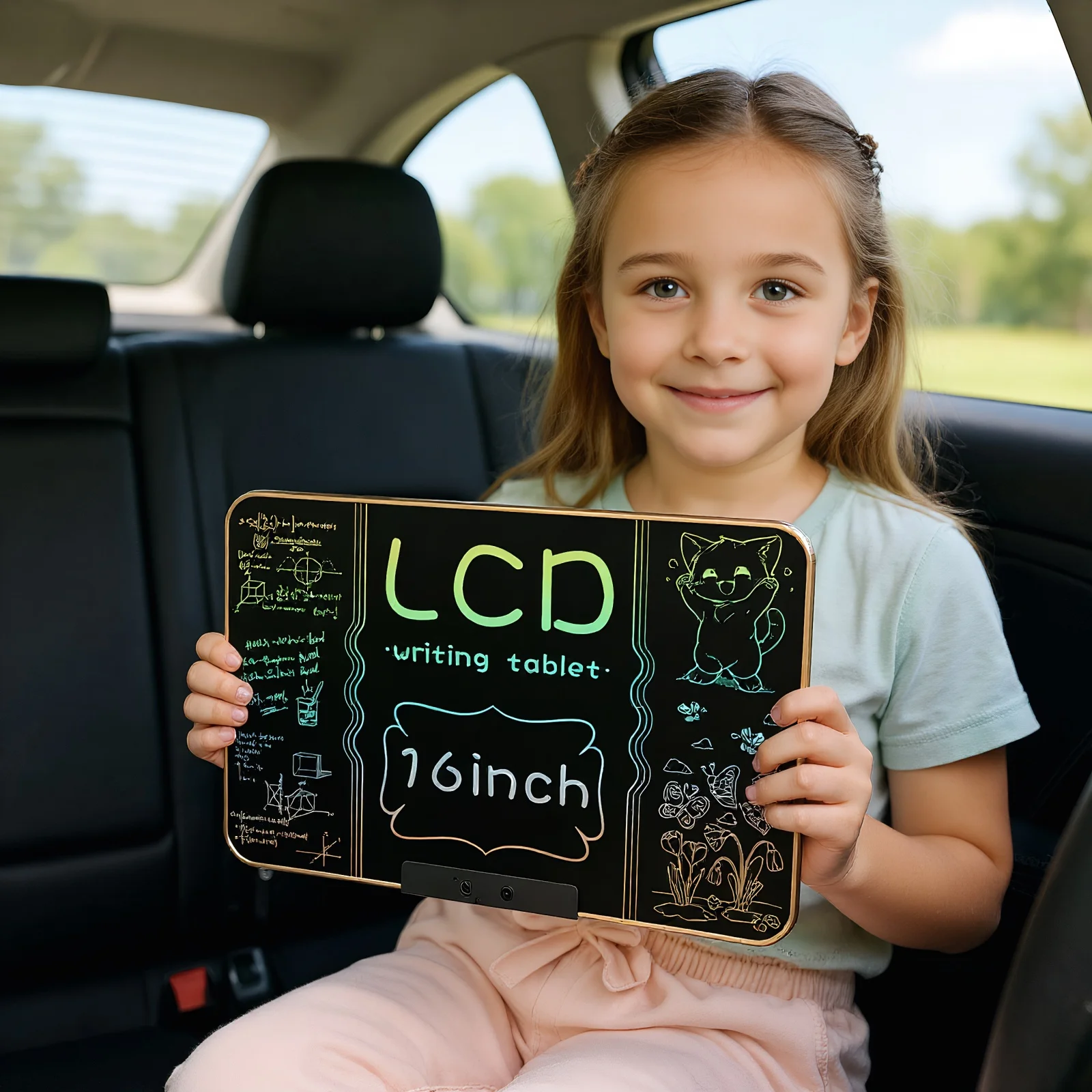
16 INCH EDUCATIONAL TOYS & TRAVEL TOYS KITS-As kids growing, they need to learn about color, space and shape through drawing, Kinayue’s LCD doodle board provides a ultra large 16 inch screen, offers enough space for graffiti and easy viewing, free kids imagination and record every moment of inspiration. Lightweight design with long-lasting battery lifespan makes it perfect travel essentials to draw out what's in mind When inspiration strikes on the journey.
UPGRADED USB CHARGING DESIGN- Built-in lithium polymer battery with a Micro-USB charging cable, this drawing pad for kids can work for as long as 6-9 months on a full charge. Rechargeable battery design helps reduce the use of disposable battery and protect environment.
EYE-PROTECTING LCD SCREEN- Back-lit LCD colorful screen, No radiation, no glare, safe and comfortable even use for a long time. Adopts the newest LCD screen and sensing tech. The colors on the screen are 60% brighter than other tablets on the market. Makes drawing more smoothly and lines more vivid. Brings a more comfortable writing experience.
Instructions for Use
1. Remove the writing pen.
2. Hold the screen lock button until the green light turns on, as the screen is locked by default.
3. Hit the erase button to wipe the screen clean.
4. Use the pen in the designated writing area.
5. Press the screen lock button until the red light is illuminated to save your written content.
Please noted that if the clear button keeps flashing red light without green light, It's the low battery warning, please charge before use.